Reading time approx. 11 min | Updated on 18 November 2026 | First published on 18 November 2026
Real estate websites are often at the centre of decisions that take weeks or even months. A visitor might be comparing neighbourhoods, weighing up property prices or preparing to sell their home. Along the way, they may visit dozens of websites, and each one has a brief opportunity to turn that interest into an inquiry.
Whether they take the next step can (surprisingly) depend on a lot of things like the layout of a page, the wording of a CTA, the information a form requests, how well the site works on mobile, etc.
The case studies below explore 10 real estate businesses that made specific changes to their websites and saw measurable improvements in conversions. Results range from a 1.6% increase in mobile leads to a sevenfold rise in mobile conversion rates. Each study breaks down what the team changed and the results they recorded, giving you practical ideas to test on your own website with A/B testing.
In short
- Real estate sites convert on inquiries, listing sign-ups, calls and tour requests, so every test needs one of those as its goal.
- Button wording, one swapped image, a simpler search and faster mobile pages each produced a measurable lift in the cases below.
- Chat tools raised qualification and lead counts in three cases, and those numbers come from before-and-after comparisons.
- One test won with only 1.6% because the change also brought in revenue.
What Counts as a Conversion on a Real Estate Website?
Conversion rate is the percentage of visitors who take the action you picked for a page. On a real estate site that action changes from page to page, so the goal you set for a test should match the page it runs on.
| Page | Main conversion |
|---|---|
| Property details page | Inquiry form submitted or agent contacted |
| Seller or lead generation page | Listing sign-up or valuation request |
| Search page | Visitor opens a listing |
| Homepage | Search started or form submitted |
A good visitor-to-lead conversion rate for a real estate website is 2% to 4%, while anything above 5% is considered strong.
10 Real-world CRO Case Studies That Boosted Real Estate Conversions
Let’s look at some real-world examples where conversion rate optimization strategies were applied to real estate websites in order to boost their conversions.
A. Case Studies That Changed the CTA on a Button
Button copy is the cheapest thing on a page to edit, which is why these two come first.
1. Locations Hawaii: “Inquire” Became “Contact Agent”
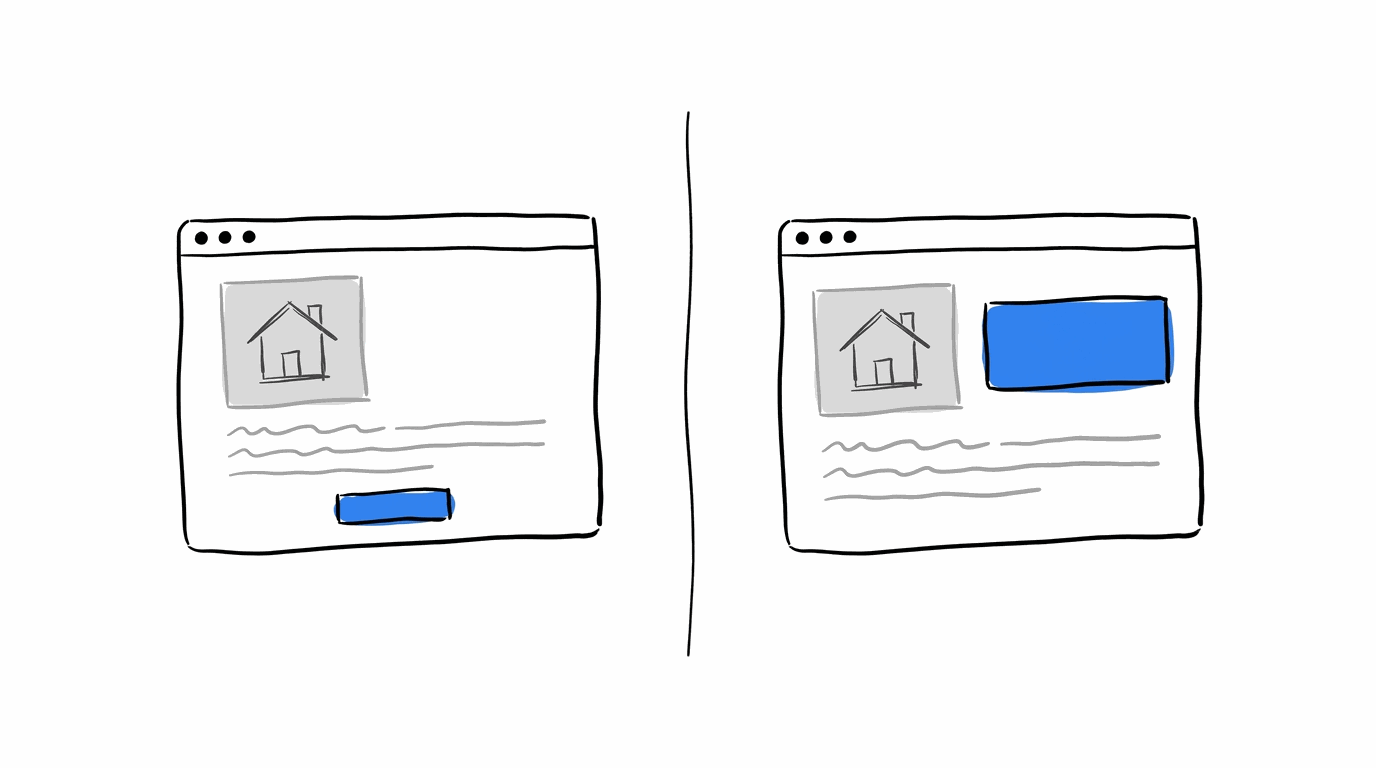
Locations Hawaii has been a real estate guide since 1969, and property inquiries are what drive its business. The team picked its property details pages for a 3-variation test and sent all of that page’s traffic into it. The variations played with the button wording (the original said “Inquire” and one version said “Contact Agent”), the size of the text and whether the button sat above the fold, according to a summary of the case study.
- The change: button label, font size and button position on property pages
- The result: 22.97% more inquiries from the winning variation, after about 37,000 visitors over 26 days
Try this on your site: Using CROLabs’ Visual Editor, take your busiest listing template and a/b test the current button label against one that names who the visitor will hear from.
2. Morningstar Properties: Two Button Labels Against “Contact Us”
Morningstar Properties develops and runs self-storage sites and marinas in North Carolina. Its mobile site had a “Contact Us” button above the navigation bar, and the team wanted more inquiries coming through the form behind it. They tested “Inquire Now” and “Store Your Boat” against the original. Clicks on the button went up 44.11%, and “Inquire Now” also finished first on form submissions with a 15.43% uplift over the original.
Button copy deserves a test slot on lead pages in particular. A benchmark of A/B tests found that copy tests win 21% of the time on lead capture pages, against 12% across all page types.
Try this on your site: Track form submissions as a second goal in the same test, since a click on a button only shows interest.
Case Studies That Changed What Visitors See
3. Makelaarsland: A Sold Sticker Replaced a Staff Photo
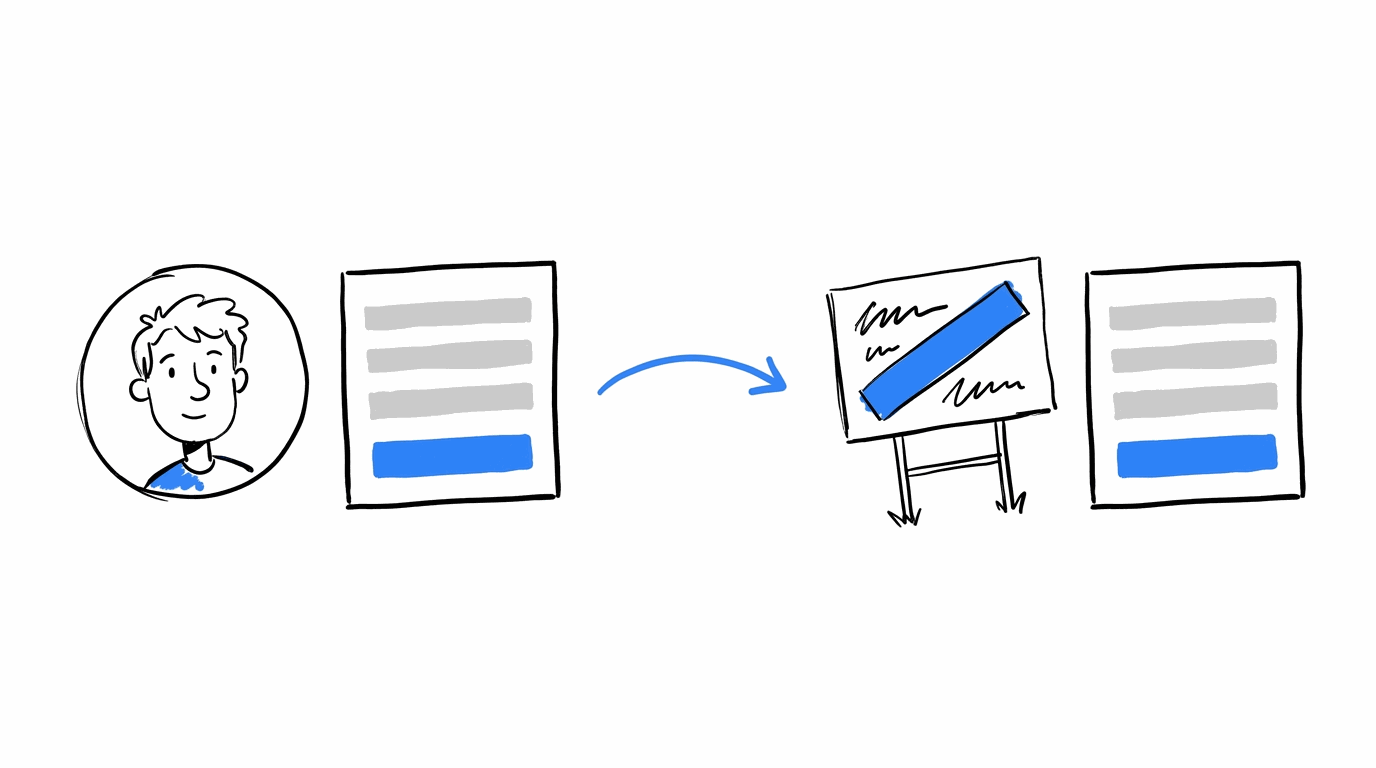
Makelaarsland is a brokerage in Alkmaar, in the Netherlands, where homeowners sign up to have the company sell their home. The sign-up page had a “Need Help?” section with a phone number and email address, and a photo of an employee sat below it. Traffic Builders, the online marketing firm working with the brokerage, swapped that photo for an image of a For Sale sign getting a Sold sticker.
The test ran for 20 days at 95% statistical confidence, and sign-ups went up 89%.
The consultant behind it, Eva Louwen, picked the image because of a persuasion technique called response efficacy, which means showing that the action a person takes leads to the result they want. A seller who signs up wants the house sold, so the picture showed a sold the house.
Try this on your site: Look at the image beside your seller or valuation form and ask what outcome it shows.
4. Buildium: Testimonials Matched to Portfolio Size
Buildium sells property management software out of Boston, so its visitors run anything from a few units to very large portfolios.
The homepage test put testimonials from property managers of different sizes in front of visitors, to show that the software works whatever the number of units. Every variation beat the control, and the winner raised CTA clicks and trial form submissions combined by 22%, according to the Buildium success story.
Try this on your site: If first-time buyers and investors both land on the same page, show each group a testimonial from someone like them. You can do this using Audience Personalization in CROLabs to swap blocks like that by audience and place your social proof in the best position to drive conversions.
Show the right proof to the right property buyer
A first-time homebuyer and a property investor may need very different things from your website. With CROLabs, you can personalize page content, testimonials and CTAs based on who you're targeting, then test which version gets more visitors to take action.
Case Studies That Changed How Visitors Search and Load
5. Casa Mineira: A Simpler Way to Search
Casa Mineira has 8 offices in Belo Horizonte, Brazil, and also collects leads through its website. It brought in the conversion consultancy Supersonic, and together they ran a split URL test of a simpler search against the original page.
The thinking was that clearer search options would give visitors closer matches, and closer matches would bring better-qualified leads. Form submissions rose 57.25%, per the case study.
Try this on your site: Open the analytics and heatmaps for your search section and look at where clicks stop. A control that visitors abandon halfway is a good candidate for a split URL test.
6. Zingat: Faster Pages and Clearer Filters on Mobile
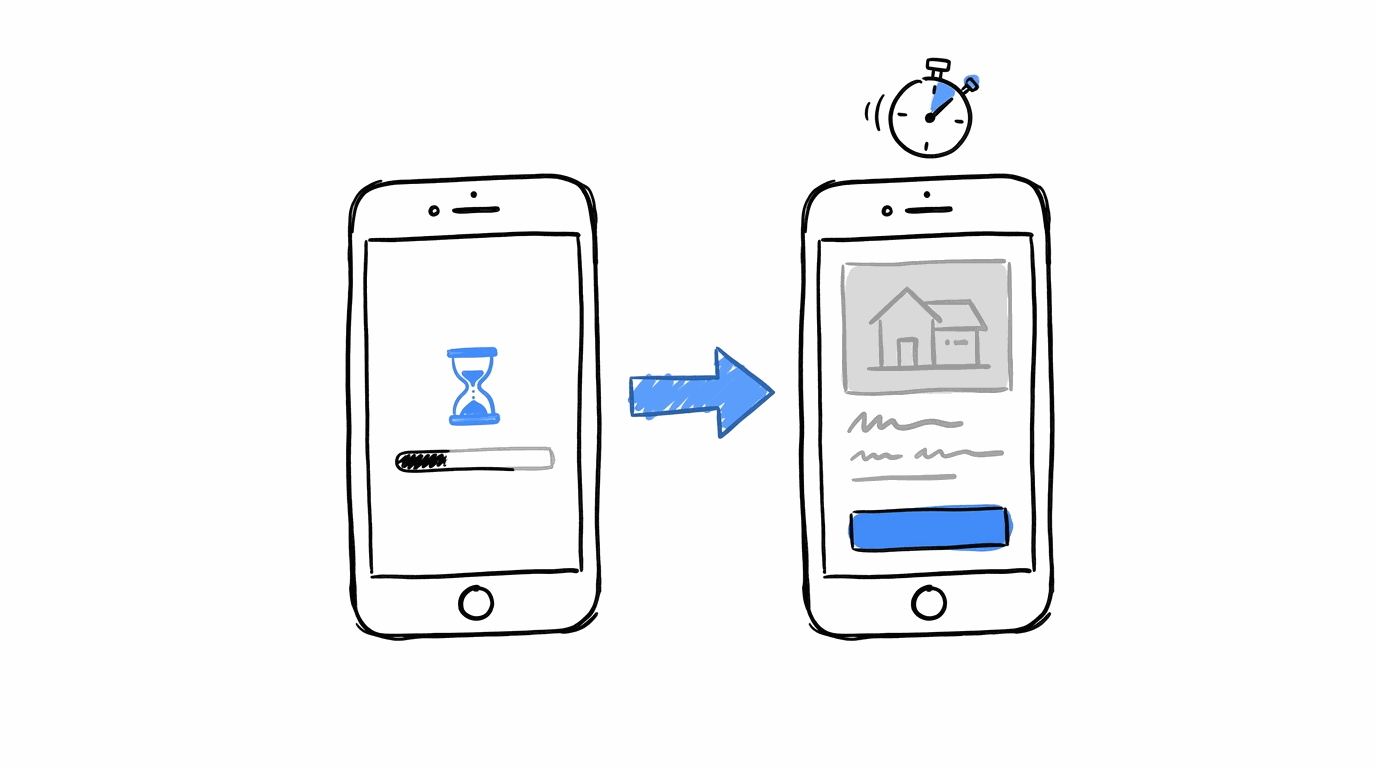
Zingat, a property portal in Turkey, worked with the agency adXclusive on its mobile site. Google’s real estate playbook lists the changes as a noticeable filter function, improved CTAs, better image display and faster pages. The results, per Google’s real estate UX playbook:
- Speed index dropped from 9 seconds to 3 seconds
- Bounce rate fell by 25%
- Mobile conversion rate went up 7x
- Mobile cost per conversion dropped by 85%
Try this on your site: There are two ways you can do this.
You can automatically find out what’s slowing down your site and affecting conversion rate using CROLabs AI Advisor. On the manual side, load your listing page on a phone before you write a single new headline. Slow pages push up your bounce rate, and a copy test has little to work with when the visitor has already left.
Case Studies Where a Chat Window Did the Asking
These three come from the vendors who sell the tools, so the numbers are before-and-after results and fall short of controlled tests. They still show where chat fits in a real estate funnel.
7. Realtor.com: Bots for Seller Qualification
Realtor.com qualified seller leads by cold calls and emails, and that gave it an 18% seller qualification rate. It added custom bots to its lead qualification process and connected them to its CRM within a week, according to Sonar’s write-up. The aim was about 35%, and Marchex reports 45% seller qualification with 60% of leads qualified by the bot.
8. Respage: Lead-to-Lease With and Without a Chatbot
Respage builds chatbots for apartment communities. Since launch it has compared leads who used the chatbot with leads who did not. Lead-to-lease conversion came to 2.8% with the chatbot and 1.7% without, which Respage calls a 65% improvement.
Visitors decide for themselves whether to open the chat, so the two groups differ before the chatbot says a word. Read the 65% as a sign of where to test, and run a split on your own site to find the number that applies to you.
9. William Raveis: 140+ Extra Leads a Month
William Raveis added CommVersion’s SmartChat to its website and picked up 140+ extra leads each month. The company says the chat captured high-intent buyers and sellers, as described in the CommVersion case study.
Try this on your site: A/B test a chat prompt on listing pages against your standard inquiry form, and compare completed leads from each.
Test what happens when visitors get help sooner
A chat prompt, a shorter inquiry form or a different CTA can change how visitors interact with your property pages. CROLabs lets you run A/B tests, track completed conversions and see which changes bring in more leads.
The Test Where a Small Lift Was the Win
10. RentPath: Paid Placements on Mobile Search
RentPath runs rental listing sites and already showed paid Spotlight Property placements on desktop. The team wanted them at the top of mobile search results, and they worried that featured listings would pull away enough organic leads to cancel out the placement revenue. They used Optimizely to test it on mobile visitors only, with a thank-you page as the lead goal.
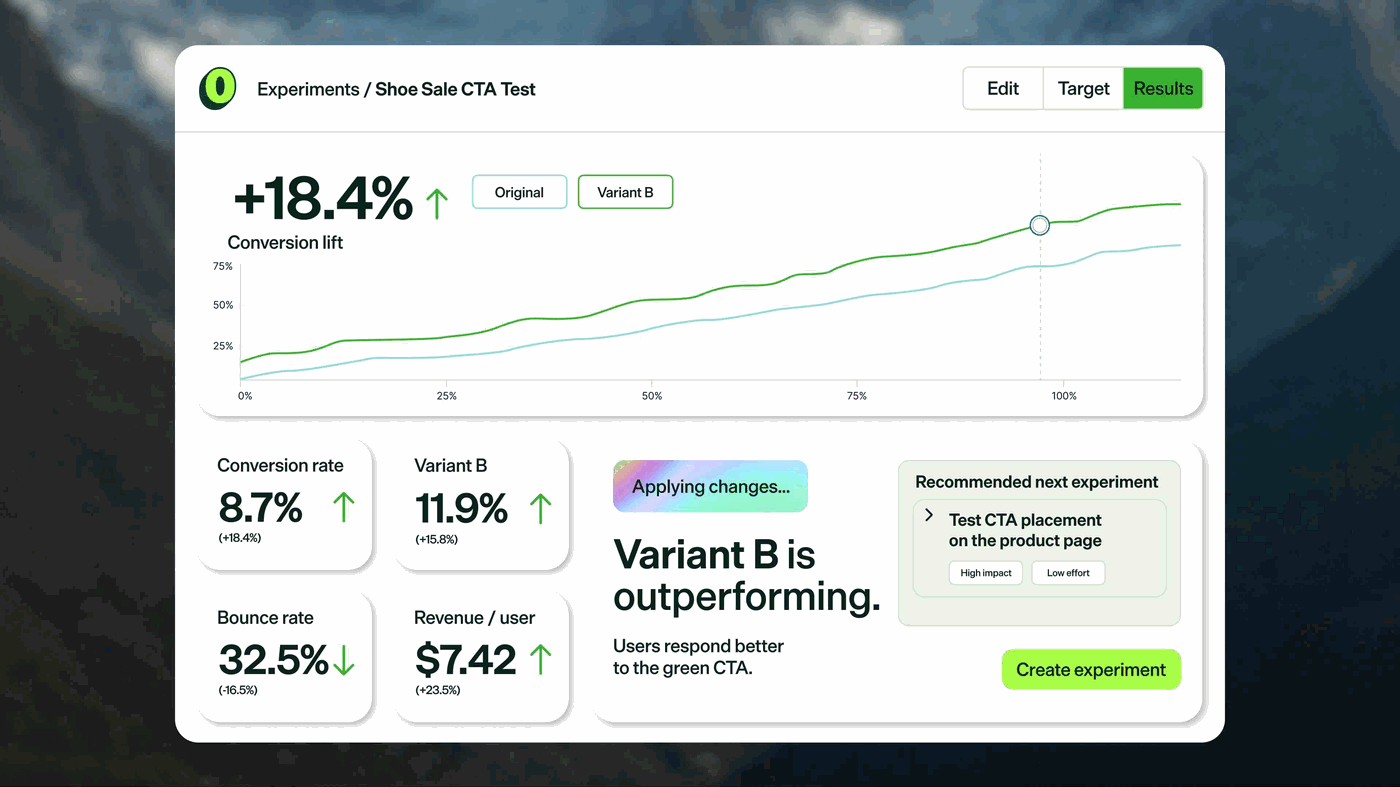
Mobile leads went up 1.6%, and the result held across device types, according to the case study.
That figure looks small beside 89%, yet it answered the question the team had. The paid placements added revenue and lead volume went up instead of down.
Try this on your site: Run a test like this before you add sponsored listings, banners or pop-ups to a page that already converts.
All 10 Tests at a Glance
| # | Company | What changed | Result |
|---|---|---|---|
| 1 | Locations Hawaii | Button label, size and position | +22.97% inquiries |
| 2 | Morningstar Properties | Mobile button copy | +44.11% CTA clicks, +15.43% form submissions |
| 3 | Makelaarsland | Image beside sign-up form | +89% sign-ups |
| 4 | Buildium | Testimonials by portfolio size | +22% combined conversions |
| 5 | Casa Mineira | Simpler search | +57.25% form submissions |
| 6 | Zingat | Mobile speed, filters, CTAs | 7x mobile conversion rate |
| 7 | Realtor.com | SMS bots for seller leads | 18% to 45% seller qualification |
| 8 | Respage | Chatbot on apartment sites | 2.8% vs 1.7% lead-to-lease |
| 9 | William Raveis | Website chat | 140+ extra leads a month |
| 10 | RentPath | Paid placements on mobile search | +1.6% mobile leads |
What These Tests Have in Common
Reading the 10 side by side turns up a few patterns you can use when planning your own.
- Each test sat next to the decision: The changes went on the button, beside the form or inside the search box, which is where a visitor chooses to act or leave.
- Mobile showed up three times: Morningstar, Zingat and RentPath all focused on phone visitors, so splitting your results by device is a sensible first cut.
- The shared durations were 20 and 26 days: Makelaarsland ran at 95% confidence for 20 days, and Locations Hawaii needed about 37,000 visitors over 26 days. Plan for weeks of traffic and avoid calling a winner on day three.
- The lifts vary a lot: A 1.6% gain and a 7x jump came out of the same discipline, so judge a result against your own baseline and your own revenue per lead.
How to Run Tests Like These with CROLabs
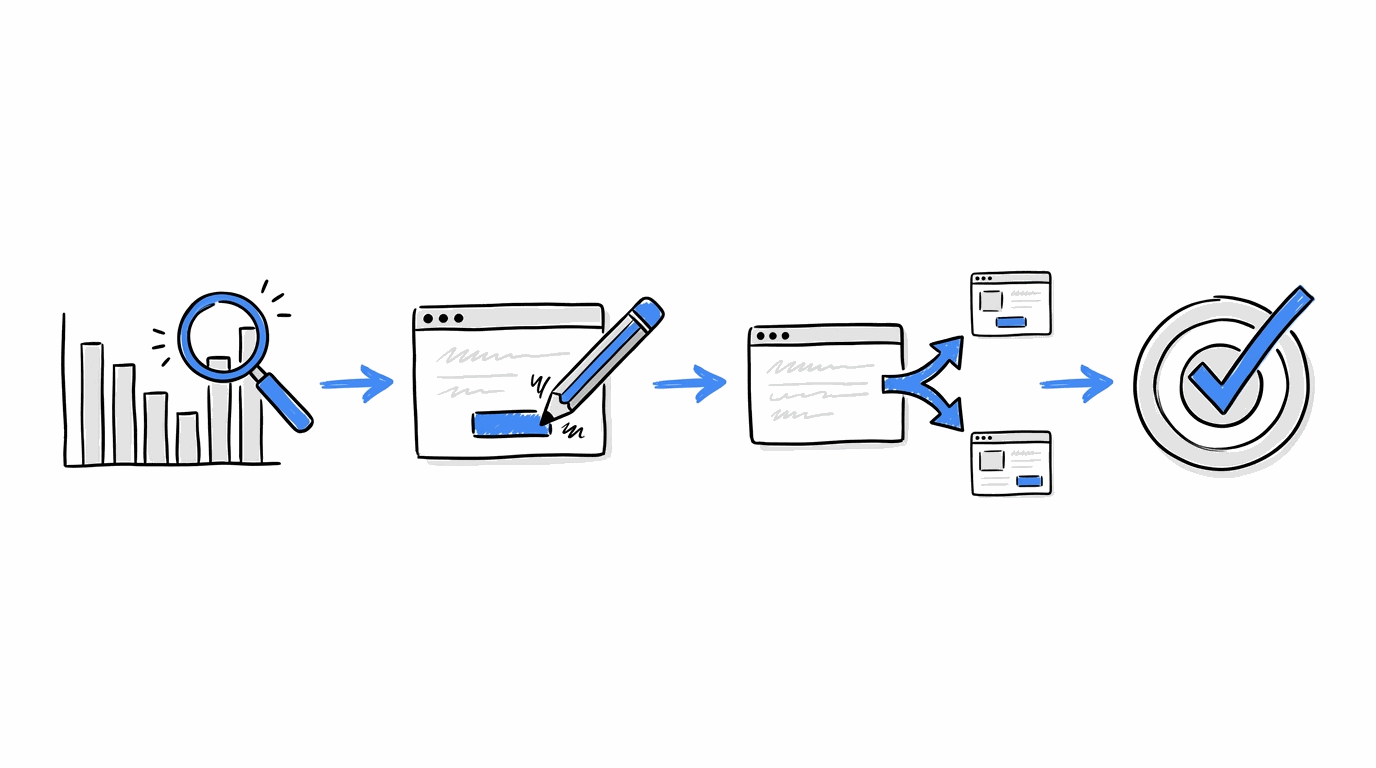
You can set up a version of any case above in an afternoon. Here is one order that works:
- Find the drop-off: Open Analytics & Heatmaps to see where visitors stop on listing, search and seller pages. The AI Advisor crawls your site and gives you a prioritized list of what to fix first.
- Build the variant: The Visual Editor lets you change a button label, swap an image or move a section without writing code.
- Launch the test: Set up an A/B test and let traffic split between the original and your variant. When you want to test a headline and an image together, multivariate testing handles the combinations.
- Track the right goal: Conversion Tracking records form submissions, clicks and other actions, so the test is judged on inquiries and not only on clicks.
- Match pages to your ads: If paid campaigns send visitors to listings, Ad-to-Page Personalization lines the page up with the ad that brought them.
Forms on real estate sites collect names, emails and phone numbers, so it helps to read up on GDPR-compliant marketing tools before you add new fields or pop-ups. Once the first test is live, a CRO roadmap keeps the next ten in order, and our list of the best CRO tools shows what else sits alongside CROLabs.
Conclusion
The 10 case studies cover a button label, an image, a search box, page speed, chat and a paid placement, and each one started with a single change and a single goal. That makes them easy to copy on a small scale, starting with the page that gets the most visitors.
CROLabs gives you the analytics, the editor and the testing in one place, so the first experiment can go live this week. You can start a 14-day free trial and run your first real estate test on the page you pick.
Run your next CRO experiment without the extra setup
From editing listing pages and testing new CTAs to tracking form submissions, CROLabs gives you the tools to run conversion experiments from one platform. You can start with a single page and build from there.
FAQs

Keep learning on the CROLabs blog
Practical guides on A/B testing, personalization and landing page optimization. New articles every week.
Ready for measurable optimization?
Show us one landing page. In 30 minutes we walk you through what CROLabs would test first and what it could mean for your conversion rate.