Updated Oct 2026
If a visitor reads about your product on a website where you’re running an A/B test but converts on a different website, which one deserves credit for the sale?
This situation comes up when a customer journey involves more than one domain. A business might use a separate checkout provider, host its customer portal on another domain, or send visitors to an external platform to schedule a consultation. If the experiment data stops at the first website, the results can tell an incomplete story.
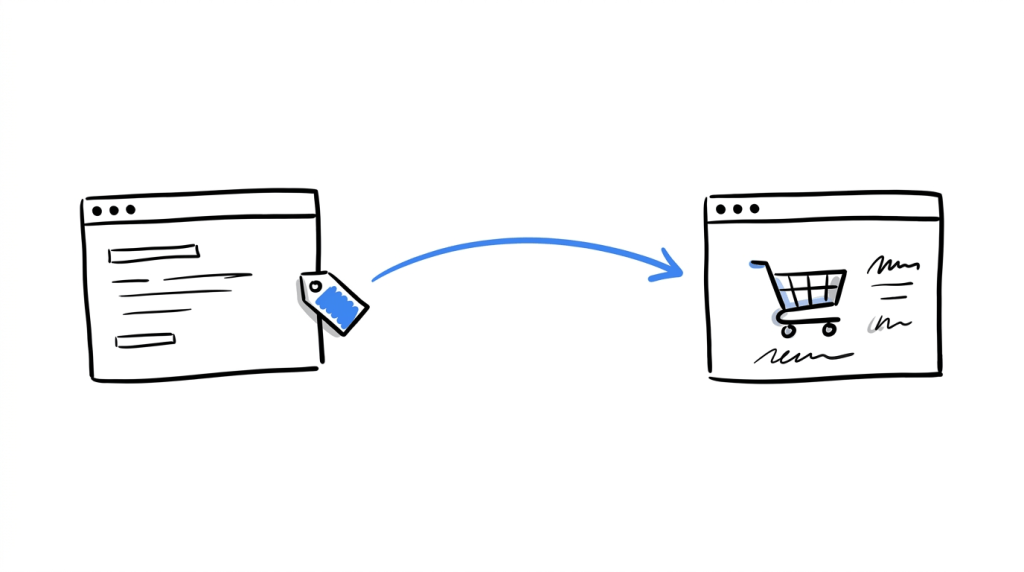
Cross-domain experiment tracking helps connect experiment assignments with conversions that happen across different domains. It gives teams a way to evaluate tests against the outcome they were designed to improve, provided the experiment platform and destination can exchange the information required for measurement.
Here is how it works, where tracking can fail, and what to consider when setting it up.
On This Page
What Is Cross-domain Experiment Tracking?
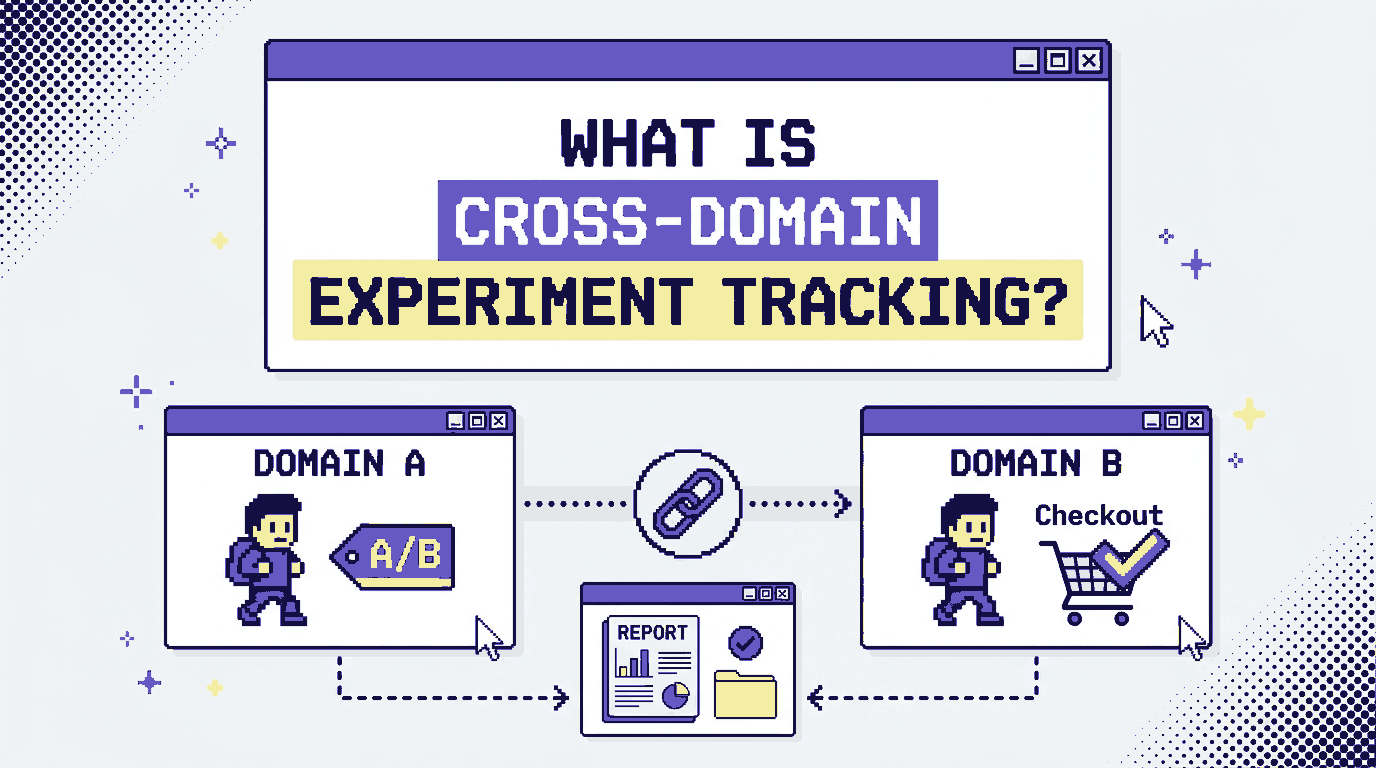
Cross-domain experiment tracking is the process of measuring an experiment when a visitor moves between two or more separate domains during their journey.
Imagine a company that sells specialist training courses. Its marketing website is learnnorth.com, while course registration takes place on north-enrol.com. The marketing team tests two versions of a course page, with one version explaining the course schedule higher up the page.
A visitor sees Variant B, follows the registration link and pays on the enrolment website. To evaluate the test, the team needs to associate that purchase with the experiment the visitor entered on the marketing website.
That requires more than counting visits on each domain. The tracking setup must preserve or pass the relevant experiment information, record the conversion, and connect the two events correctly.
Cross-domain tracking vs. cross-domain experiment tracking
These terms are related, although they describe slightly different goals.
| Term | What it measures |
|---|---|
| Cross-domain tracking | User or session activity across multiple domains, often for analytics and attribution |
| Experiment tracking | Exposure to an experiment, the assigned variant and the outcomes associated with it |
| Cross-domain experiment tracking | The relationship between an experiment assignment on one domain and an outcome recorded across another domain |
Google Analytics documents cross-domain measurement as a way to keep activity attributable to the same user as they move between configured domains. Its implementation can pass identifiers through a URL parameter when a visitor follows a link or submits a form. See Google’s cross-domain measurement guide.
For experimentation, the setup also needs to preserve the test assignment. A unified analytics session alone does not guarantee that an A/B testing platform can associate a later purchase with the correct variant.
Know which website changes lead to more conversions?
CROLabs helps you run A/B tests, set conversion goals, and evaluate how different page variations perform.
When Do You Need Cross-domain Experiment Tracking?
You need to consider cross-domain tracking when an experiment influences an action that takes place on a different domain from the page being tested.
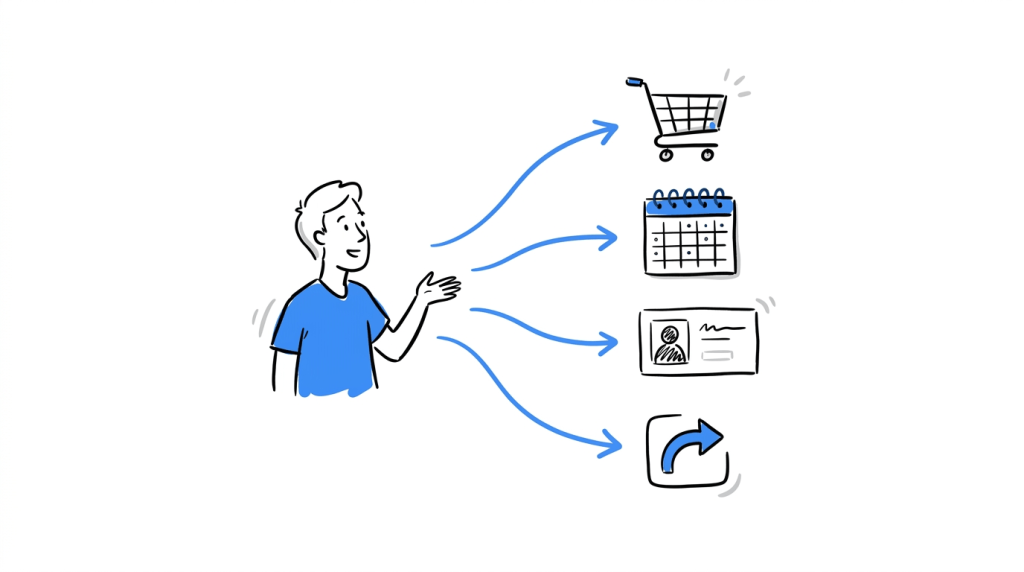
Some common situations include:
A separate checkout or payment experience
An online business might display its product pages on its main website and process orders through a separate checkout domain. If a test changes the product information or shipping explanation, the important outcome may be the completed order.
For example, a company selling custom bicycle components could test a fit-guide section on its product pages. Visitors then continue to a separate checkout provider. Tracking the purchase against the original variant lets the team assess whether the change helped customers complete their orders.
Booking and appointment platforms
A consultancy may test its service pages before sending prospective clients to an external scheduling platform. The business wants to know whether a revised service page produces more completed consultations, rather than simply more clicks on the booking button.
A booking-page click is useful as an intermediate event. The completed appointment is a separate conversion that requires its own tracking.
Customer portals and account registration
Some businesses use a public website for product information and a separate domain for account creation. A test might change how subscription access is explained, while the outcome is a successfully activated account on the registration domain.
Redirect experiments
A redirect test sends visitors to different page URLs. When those pages sit on separate domains, the measurement setup needs to preserve which destination a visitor received and whether they later converted.
Cross-domain tracking is especially relevant when the domains form part of the same customer journey. If the destination belongs to an unrelated third party and you cannot configure its tracking, you may have limited visibility into what happens there.
How Does Cross-domain Experiment Tracking Work?
The implementation depends on the experiment platform, the analytics system and the way the destination website is built. The underlying process usually involves several steps.
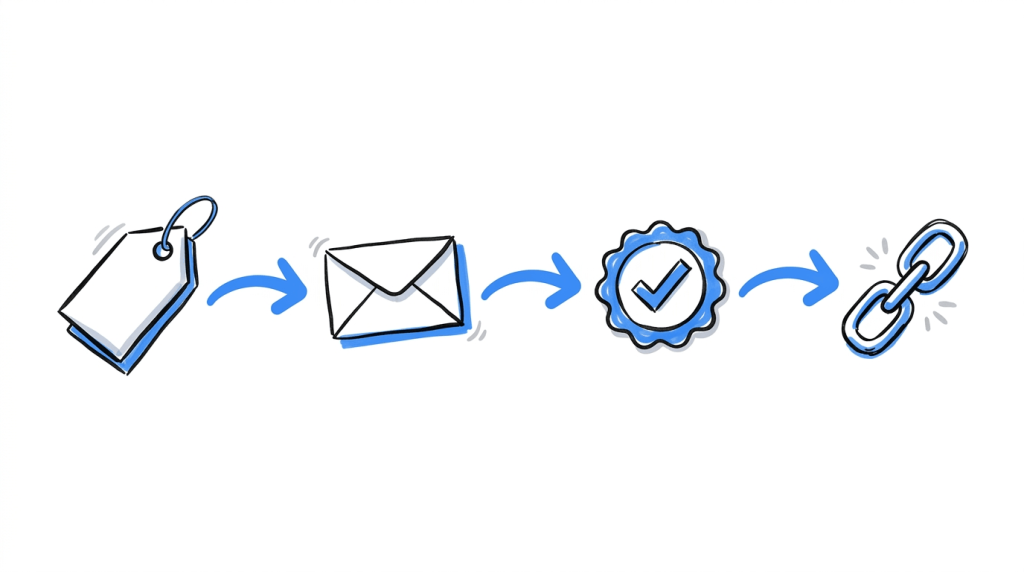
1. Assign a visitor to an experiment variant
When a visitor enters an A/B test, the experiment system assigns them to the original page or a variant.
That assignment needs to remain available when the visitor moves to the next domain. If the destination cannot retrieve the assignment, a later conversion may be recorded without the information needed to connect it to the test.
2. Pass the required information to the destination
The source website and destination website need a reliable way to preserve the relevant identity or experiment data.
One established approach in analytics is cross-domain linking. Google Analytics can append a _gl parameter to links pointing to configured domains. The destination reads the parameter to continue the measurement identity.
For experiment tracking, a platform may use its own supported mechanism to preserve the variant assignment. The exact method depends on the product and its architecture. Do not assume that Google’s _gl parameter carries an A/B testing assignment; it serves Google’s measurement implementation.
3. Record the conversion
The destination website must record the event that represents success. This could be a completed purchase, a confirmed appointment or a verified account activation.
The event should fire at the point that represents the completed action. For a booking platform, for instance, reaching the confirmation page may work if that page reliably represents a completed booking. A click on the final booking button alone may count attempts that never result in a reservation.
4. Associate the conversion with the experiment
The tracking system then needs to connect the conversion to the original assignment. Depending on the implementation, this can involve a shared identifier, a supported experiment integration or a server-side event that carries the required experiment details.
The team should check that each conversion is attributed to the correct experiment and variant. If the platform records the purchase but loses the assignment, the business can still see sales in its analytics while the experiment report remains incomplete.
Common Cross-domain Tracking Problems and How to Check Them
A tracking setup can appear to work while missing part of the customer journey. These are the issues worth checking first.
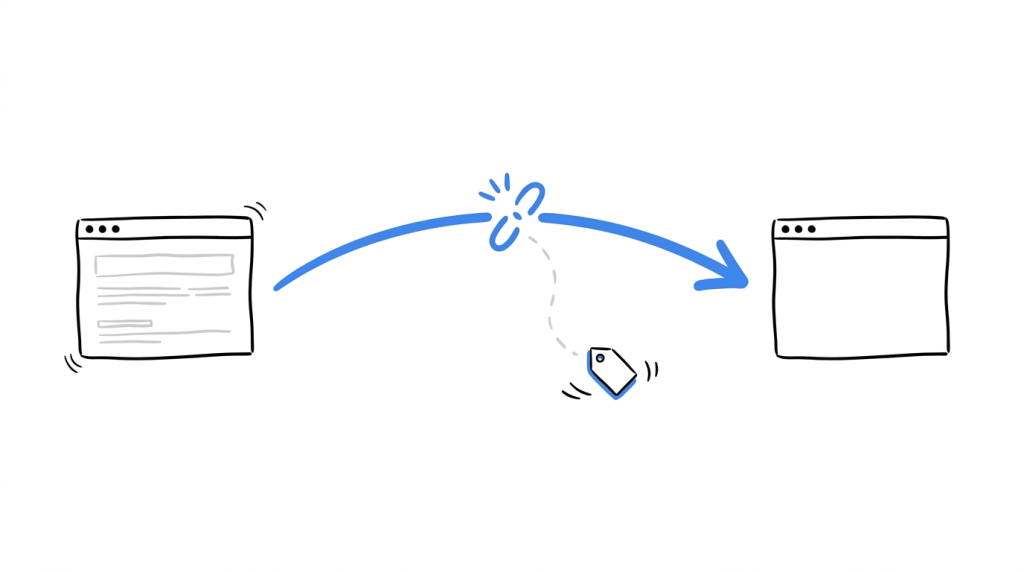
The destination domain loses the tracking parameter
Some websites redirect visitors to another URL or remove query parameters during navigation. Google documents this as a possible cause of failed cross-domain measurement.
How to check: Follow the actual journey from the source website. Inspect the destination URL and confirm that the required parameters survive redirects. Google’s verification instructions explain how to check for the _gl parameter when using Google Analytics.
The experiment assignment changes between domains
A visitor may see Variant A on the source website and then be assigned independently on the destination domain. That can create inconsistent reporting, particularly if the destination also runs experiments.
How to check: Test the journey with a known assignment and inspect the experiment records on both domains. Confirm that the intended assignment is retained wherever the test requires it.
The conversion event fires twice
A confirmation page might reload, or a user might return to it from their browser history. Depending on the event implementation, a single purchase could then appear as multiple conversions.
How to check: Complete a test transaction and review the event log. Reload the confirmation page and check whether the conversion count changes. For purchases, use a transaction identifier or another suitable deduplication mechanism where the platform supports it.
The tracking script runs too late
If a destination page sends analytics events before it has processed the cross-domain identifier, those events may be associated with a different identity or session. Google documents this timing issue in its tagging best-practices guidance.
How to check: Inspect the order in which the destination initializes its tags, reads the incoming identifier and sends events. A developer may need to investigate the implementation if the event sequence is incorrect.
Consent settings differ across domains
The visitor’s consent choices may affect which measurement technologies can run on the destination website. That can interrupt tracking, depending on the tools and configuration involved.
How to check: Test the journey with the consent banner in different states. Confirm that the implementation follows the applicable privacy requirements and respects the visitor’s recorded choices.
Ready to put your next experiment to the test?
Use CROLabs to run website experiments and measure the conversion goals that matter to your business.
How to Set Up and Validate Cross-domain Experiment Tracking
Before changing tags or adding scripts, map the journey that the experiment is intended to measure. This makes it easier to identify which domains need to participate and where the conversion event should fire.
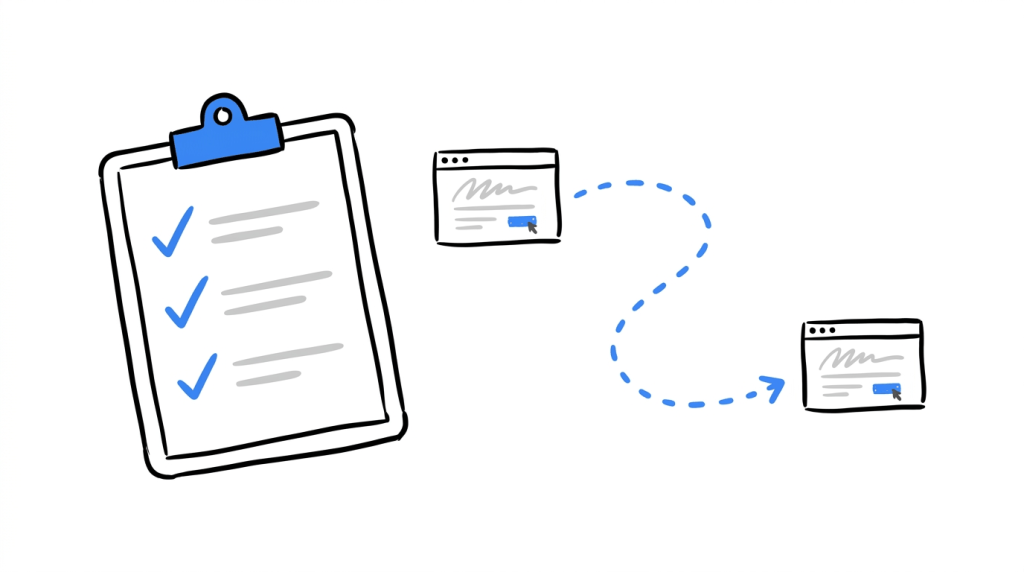
Step 1: List the domains involved
Write down the source domain, each intermediate domain and the final conversion destination. Include redirects and third-party platforms where you have permission and technical access to configure measurement.
Step 2: Define the experiment and conversion
Record the experiment name, its variants and the primary conversion. Decide whether intermediate events, such as starting a registration, will be monitored as secondary observations.
Step 3: Configure identity and experiment continuity
Follow the documentation for the experiment platform and analytics tool. Configure cross-domain measurement where supported, and establish how the experiment assignment will be preserved. If the destination is managed by another provider, confirm what its integration allows before implementation.
Step 4: Run a controlled test journey
Use a test visitor and follow the complete journey from the original page to the conversion. Repeat the process for each variant and for the relevant consent states.
A practical QA checklist:
- The visitor receives the expected experiment assignment.
- Navigation reaches the correct destination page.
- Required identifiers or parameters survive redirects.
- The destination records the intended conversion event.
- The conversion is associated with the correct experiment and variant.
- Reloading the confirmation page does not create duplicate conversions.
- Analytics reports do not show unexpected self-referrals or broken sessions.
- Consent choices are respected across the journey.
Google’s cross-domain measurement documentation provides further technical guidance for websites using Google tags.
Step 5: Compare experiment reports with conversion records
Complete a few test journeys and compare the experiment platform’s results with the destination’s conversion records. The totals may differ if the systems use different attribution rules, reporting windows or event definitions, so investigate the reasons before interpreting the experiment.
Keep a record of the setup and repeat the checks whenever the checkout, registration flow, tag configuration or destination domain changes.
How to Track Conversions Across Domains with CROLabs
CROLabs publicly documents A/B testing, redirect testing, conversion goals and experiment analytics. Its A/B testing feature page explains how to define a primary conversion and compare page variants, while its analytics page describes experiment reporting and visitor paths.
Those features are relevant when evaluating a website experiment. However, the public documentation reviewed for this article does not establish that CROLabs currently supports preserving experiment assignments and attributing conversions across separate root domains. That capability should be confirmed with the CROLabs team before planning a cross-domain implementation around it.
If you are considering CROLabs for an experiment that starts on one domain and converts on another, ask these specific questions:
- Can the experiment assignment be retained when a visitor moves to a different root domain?
- Can a conversion event on that destination domain be attributed to the original experiment?
- Does the destination need the CROLabs snippet, or is there another supported integration?
- Are there restrictions involving redirects, checkout providers or consent settings?
- How should the implementation be tested before the experiment goes live?
For journeys that remain on a supported website setup, CROLabs can help teams run experiments and measure the conversions configured for them. Its documentation is the appropriate starting point for setup guidance. Confirm the cross-domain requirements with the team if your experiment depends on a separate destination domain.
Conclusion
Cross-domain experiment tracking matters when a visitor sees a tested page on one domain and completes the action you care about somewhere else. The measurement setup needs to preserve the experiment assignment and record the final conversion in a way that lets the two events be connected.
Start by mapping the journey, identifying the conversion and checking how your tools pass information between domains. Then test the entire path before relying on the experiment results. A conversion report is only useful for making a decision when you understand which visitors and events it includes.
If you plan to use CROLabs for a cross-domain test, confirm its support for your specific setup before launch. That will help you choose an implementation that can measure the outcome your experiment is designed to improve.
Make your next website experiment count
Test different page experiences, track your defined conversion goals, and use the results to guide your next decision.
FAQs
What is cross-domain experiment tracking?
Cross-domain experiment tracking connects an experiment assignment on one domain with a conversion that happens on another. It helps teams measure outcomes from customer journeys that span multiple websites.
What is the difference between cross-domain tracking and A/B testing?
Cross-domain tracking connects activity across domains for measurement. A/B testing compares different experiences to determine how they affect a defined outcome. Cross-domain experiment tracking brings the two together when the conversion happens on a separate domain.
Can Google Analytics track conversions across two domains?
Yes. Google Analytics supports cross-domain measurement for configured domains using the same Google tag ID and a shared data stream. The setup can preserve user and session identity as visitors navigate between domains. See the official setup guide.
Does cross-domain tracking work if the destination is a third-party checkout?
It can work if the required tracking can be configured on the destination and the platform permits the necessary data to pass between domains. If the provider does not allow the required integration, you may need another measurement approach or accept limited visibility into the final conversion.
Does cross-domain experiment tracking require cookies?
The implementation depends on the tools involved. Some systems use first-party cookies and pass identifiers between domains. Others may support different methods. Check the platform documentation and the privacy requirements that apply to your visitors.
Is cross-domain experiment tracking supported by CROLabs?
CROLabs documents A/B testing, conversion goals and experiment analytics publicly. I could not verify explicit support for cross-root-domain experiment attribution in the available documentation. Contact the CROLabs team to confirm whether your particular source and destination setup is supported.