Updated Oct 2026
Sometimes, an experiment is halfway through and the numbers are already moving in a direction that looks promising. One version might be pulling ahead, conversions are climbing, and waiting another week starts to feel unnecessary.
Or perhaps the results have taken a worrying turn, with errors creeping in and visitors struggling to use the page. Either way, the urge to end the test early can be hard to ignore.
Your next step depends on what’s happening and how it affects the experiment. Some problems call for an immediate stop, especially when they put visitors at risk or compromise the data. Other reasons can seem convincing in the moment but leave you with a result you can’t trust.
Knowing the difference starts with deciding what would justify ending a test early, ideally before it goes live. This guide looks at how to make that call, set clear stopping rules, and use CROLabs’ auto-stop condition to help manage the process.
On This Page
What Stopping An Experiment Early Means
Stopping an experiment early means ending it before it reaches the sample size or end date you set at launch. By the time you reach this decision, you should already have worked out how long the test needs to run. Your expected traffic, current conversion rate and the smallest improvement worth detecting all help determine that timeframe.
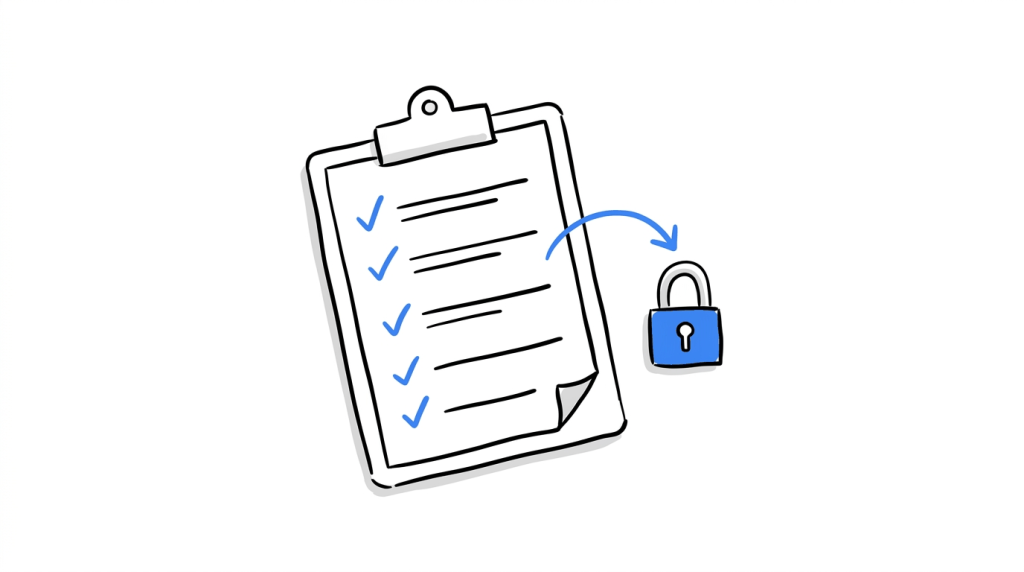
When you launch the experiment, you should also know how many visitors you need, which metric will decide the outcome and which guardrail metrics you’ll watch throughout the test. These details matter because they give you a basis for judging what happens once the experiment is underway. If a technical issue corrupts the data or a variation starts causing problems for visitors, stopping early may be the right call. A few days of disappointing numbers, on their own, tell you very little.
This is why it helps to agree on your stopping conditions before collecting any data. Set the criteria while you can still judge them objectively, then follow them throughout the experiment. Otherwise, it’s easy to change your mind when the results start moving in a direction you didn’t expect.
A few terms that come up throughout are:
- Guardrail metric: a measure that must stay healthy while the test runs, such as page load time, refund requests or unsubscribe rate.
- Sample ratio mismatch (SRM): a gap between the traffic split you planned and the split you got.
- Peeking: checking results during the test and ending it when the numbers look good.
- Auto-stop condition: a rule in your testing tool that ends the experiment when a set threshold or date is reached.
Make your stop rules work automatically
Deciding when to stop a test is easier when your rules are already in place. With CROLabs, you can set auto-stop conditions for your experiments, so you don’t have to keep checking the dashboard and manually intervene every time a threshold is reached.
Seven Valid Reasons To Stop An Experiment Early
Here is the short version, and the sections after the table explain each row.
| Reason | What you see | First move |
|---|---|---|
| Technical bug | Variant renders wrongly, console errors, support tickets about the page | Stop, fix, relaunch as a new run |
| Broken conversion tracking | Goal count drops to zero or the traffic split drifts from plan | Stop, repair the tag, relaunch |
| Severe negative guardrail | A guardrail metric passes the limit you set at launch | Stop and review |
| Campaign ended | The ads feeding the test have stopped | Stop and archive |
| Inventory issue | The featured product is out of stock | Stop or pause the variant |
| Legal or compliance issue | The variant breaks a consent, pricing or claims rule | Stop immediately |
| Unexpected site change | A redesign, migration or publish event alters the tested page | Stop, restart on the new page |
1. Technical bug
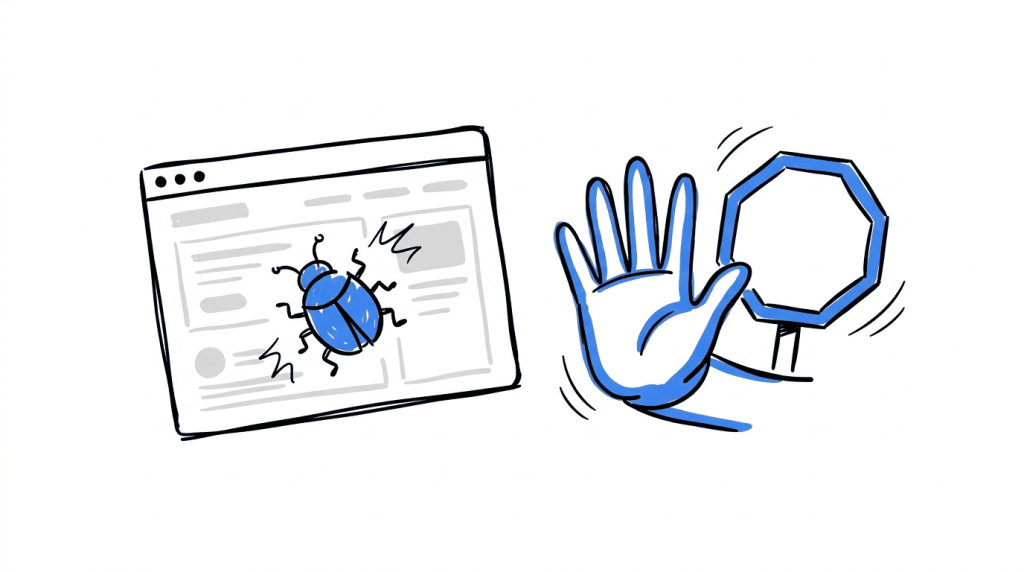
Suppose your new checkout page works perfectly on desktop but refuses to load in Safari, or the payment form breaks on mobile. Visitors are now dealing with a faulty version of the experience you wanted to test, so the data coming in will tell you more about the bug than the design itself.
Stop the experiment while you fix the issue, then launch a new run once you’ve confirmed everything works. That way, the days affected by the bug won’t muddy your results.
2. Broken conversion tracking
Every conversion you count depends on your tracking setup working properly. If the tag stops recording purchases or sign-ups for one variation, the dashboard may show that version performing terribly, even while visitors continue to convert. Then, you’ll end up making decisions based on incomplete data.
When the numbers look suspicious, start by checking whether the tracking tag fires correctly on both versions. Then look at how traffic has been distributed. If one version has recorded zero conversions for an entire day, check the goal tracking before drawing conclusions. It’s also worth comparing the actual visitor counts with the split you configured at launch.
Kameleoon illustrates why this matters with an example involving 50,000 visitors to the original page and 48,900 to the variation. Its tool flags this difference as a sample ratio mismatch (SRM) at a p-value threshold of 0.001. The gap between the two groups is only around 2%, yet a difference that size can point to a problem with visitor assignment or tracking.
These issues aren’t especially rare. Microsoft has reported SRMs in roughly 6% of its A/B tests, while LinkedIn found them in about 10% of a particular type of test. Microsoft also described an MSN image carousel experiment where engagement fell and a warning appeared because the user counts in each group had drifted from the configured ratio.
If your tracking breaks or the traffic split raises an SRM warning, pause the experiment while you investigate. Resume testing only after you’ve identified the cause and confirmed that the data is reliable enough to support a decision.
3. Severe negative guardrail
Your conversion rate might look healthy while another part of the customer experience takes a hit. Perhaps the new page brings in more sign-ups but loads so slowly that visitors leave frustrated, or refund requests start climbing after the change goes live. Guardrail metrics help you catch these problems before they outweigh the gains.
Atticus Li’s stopping framework illustrates this with a test where conversions increase by 8%, yet average order value falls by 12%. The extra conversions could still leave the business worse off financially. To avoid letting a test run too long under those conditions, decide on a harm threshold before launch. For example, you could set an automatic stop if the variation’s conversion rate falls more than a specified percentage below the control for several days in a row. Once the results cross that limit, the experiment stops.
Good guardrail candidates include:
- Page load time
- Checkout error rate
- Refund or cancellation requests
- Support contacts from the tested page
4. Campaign ended
Ad-to-page tests depend on the campaign that sends visitors. If a variant headline mirrors a “free shipping weekend” ad and on Monday the promotion closes, the visitors who arrive that Monday come from organic search and meet a headline about an offer that has ended. So stop the test on the campaign end date and analyze the data collected while the ad and the page matched.
5. Inventory issue
Say the variant features a bundle of two products, and one of them sells out on day nine. Visitors who click through meet an out-of-stock message, while control visitors still reach working product pages. From that day, the variant’s conversion rate reflects your stock levels. Stop the test or pause the affected variant until supply returns.
6. Legal or compliance issue
Some variants cross a line that no lift can justify. For example, a cookie banner test. Italy’s data protection authority published guidance in June 2021 stating that scrolling does not count as consent and that rejecting must be as easy as accepting. Under the GDPR, fines reach up to €20 million or 4% of global annual turnover for serious violations. A banner variant that hides the reject option breaks that standard even when it raises the acceptance rate.
Pricing claims, health claims and disclosure text belong in the same review. When legal flags a variant, stop it the same day and keep the paper trail.
7. Unexpected site change
Oracle’s documentation shows how one vendor handles this: on its Engagement Engine platform, any publish event stops A/B tests in progress and sets active tests to inactive. If your tool leaves tests running through a redesign, a theme update or a move to a new checkout, the data after that change describes a different page from the one you started with. End the test on the day of the change and start a new one on the new page.
Reasons To Keep The Experiment Running
Some results make you want to pull the plug before the test is finished. This can be because a variation falls behind, the numbers look convincing, or you’ve checked the dashboard so many times that you feel ready to decide. These reactions are understandable, but acting on them too soon can lead you to the wrong conclusion.
a. The variant is losing after two days
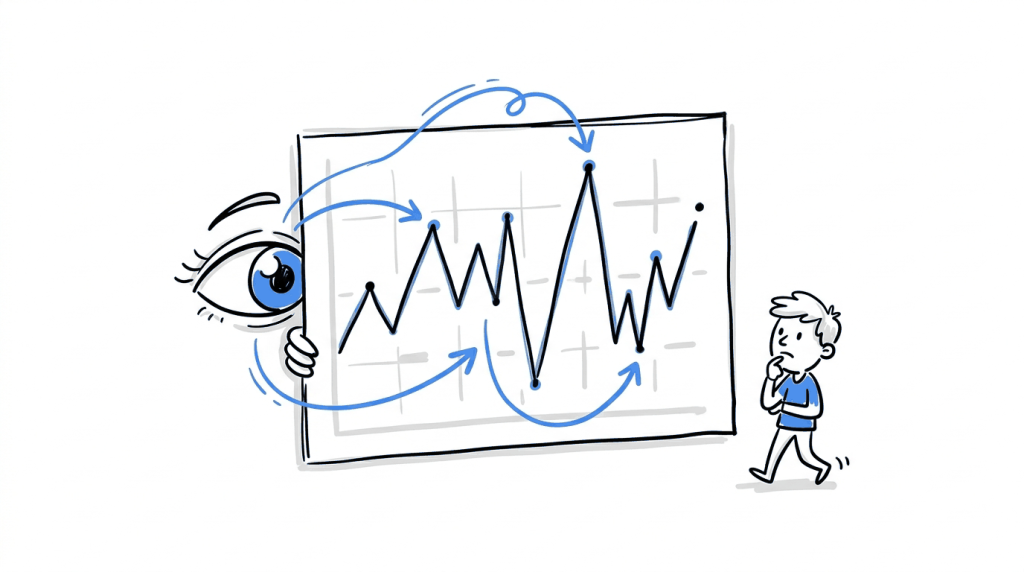
Two days of results give you a very limited view of how visitors behave. You’ve only seen traffic from two days of the week, and the numbers can shift quite a bit as more people enter the test. Atticus Li illustrates this with a lift estimate that moved from +8% to +3%, then +6% and +9% over four days. The results were still moving around, so there wasn’t enough evidence to call a winner.
Checking the results repeatedly can make the problem worse. Evan Miller’s analysis found that looking at an experiment ten times can turn a result that appears to have 1% significance into something closer to 5%. A guide from abtestly reports an even wider gap for tests checked every day over several weeks. With a nominal 5% false positive rate, the actual rate can reach 15% to 25% or higher if you stop as soon as a significant result appears.
Bayesian reporting needs the same care. In a simulation by Alex Molas, a rule that declared a winner once there was a 95% probability of beating the control, checked after every 100 observations, produced a false positive rate of 80%. The reporting method doesn’t protect you from a stopping rule that gives you too many chances to call a result.
If the variant is performing poorly after two days, let the test continue until it has enough data to support a decision. The exception is a serious drop that breaches a guardrail, which calls for the kind of intervention covered in the previous section.
b. The results look statistically significant
Before launching an experiment, work out how much data you need to collect. That estimate depends on your baseline conversion rate, the smallest lift worth detecting and your chosen significance level. Once the test is running, you need to stick to that plan rather than stopping when the dashboard starts showing a promising number.
Imagine the dashboard reports 96% confidence after just 2,000 visitors, even though you hadn’t planned to stop at that point. If you keep checking the results and end the experiment as soon as the numbers look significant, that 96% no longer means what you might think it does. Evan Miller explains the problem: running a test until you see a significant difference undermines the meaning of the reported significance level.
Atticus Li suggests another useful check when you’re assessing whether a test is ready to end. Look at the conversion rate for each variation and the estimated difference between them. If those figures keep shifting, you may need more time. He recommends waiting until they have remained stable for at least three days.
c. Stakeholders want to stop the test
A stakeholder might dislike how a variation looks or feel that it doesn’t fit the brand. That reaction can be worth exploring, especially if there’s a specific concern behind it. Turn that concern into a secondary metric or guardrail where possible, then use the results to assess whether it’s affecting performance.
Some concerns need to be dealt with before testing begins. If a variation could expose the business to legal problems, damage the brand or create a poor customer experience, those risks should be reviewed before launch. The experiment shouldn’t be used to bypass that review.
Once the test is live, bring the discussion back to the stopping rules everyone agreed on beforehand. Showing stakeholders those criteria gives you a shared basis for deciding what happens next, rather than letting personal preferences determine when the experiment ends.
Write The Stop Rules Before You Press Launch
Agree on when to stop before the experiment goes live. Include a short section like this in every experiment brief:
| Field | Example entry |
|---|---|
| Primary metric | Demo requests per visitor |
| Planned sample size | Calculated before launch, with the end date |
| Guardrail and limit | Checkout errors 20% above control for 3 consecutive days |
| External triggers | Campaign end date, out-of-stock flag, legal flag |
| Owner | The one person allowed to stop the test |
| Action after stop | Log the reason, archive the data, decide on relaunch |
The numbers in the example are placeholders. Set yours from your own baseline and risk tolerance.
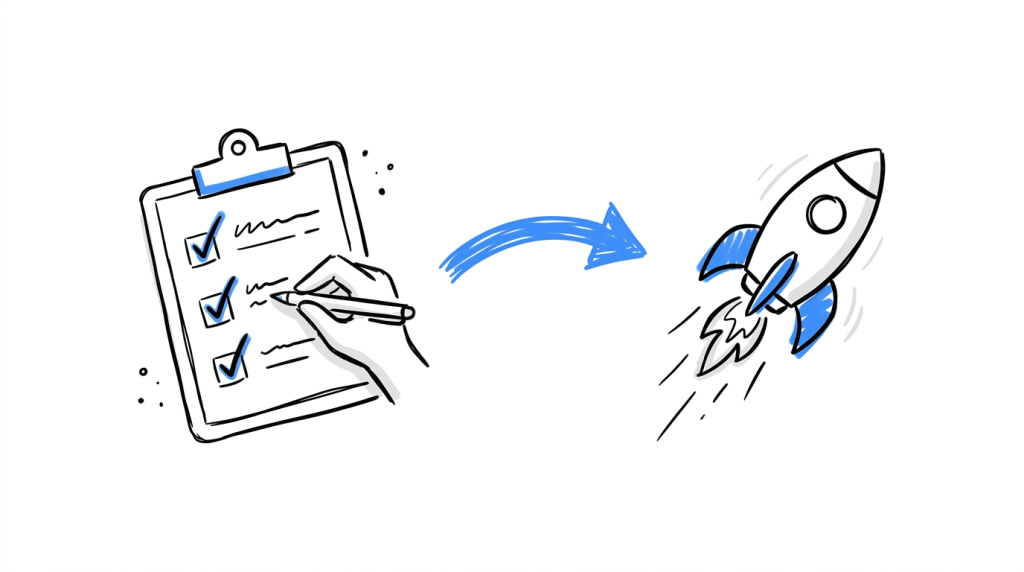
To fill it in:
- Choose the primary metric and calculate the sample size.
- List guardrail metrics and give each a threshold and a number of days.
- Add the outside events that end the test, with their dates where you know them.
- Name one owner with permission to stop the test.
- Save the block in the experiment brief so everyone sees it before launch.
What To Do With Data From A Stopped Experiment
A stopped test still leaves records worth keeping. Follow these steps:
- Log the reason and the date. Future you will want to know why the test ended.
- Mark the result inconclusive when you stopped for harm. Atticus Li advises against using partial data to claim the null hypothesis was proven.
- Exclude the affected days when a bug or tracking fault ran for a known period.
- Relaunch as a new run. Amplitude’s documentation recommends a new experiment run to get fresh results after instrumentation issues affected data quality.
How CROLabs Auto-Stop Fits In
CROLabs lets you set a condition that, once met, stops the experiment automatically. That feature turns the rules in your brief into something the platform enforces at 3 a.m. on a Sunday, when nobody is looking at the dashboard.
Here is how to put it to work:
- Write each stop rule as a condition with a number or date attached, such as a loss threshold or a campaign end date.
- Set the test’s end date to match the last day of the campaign feeding it.
- Check the conversion tracking setup before launch so the goal counts are reliable from day one.
- Keep a named owner for events that happen outside the platform, like a legal flag or a stock-out.
If you want to try it on a live page, the 14-day free trial covers A/B testing from setup to results.
Conclusion
An experiment can end early when something happens that makes its results unreliable or puts the business at risk. A technical bug, broken tracking, a guardrail breach, a campaign ending, a product running out of stock, a legal concern or an unexpected page change can all justify stopping. Each has a signal to watch for and a clear next step.
If the variation is behind on day two, the sample looks large enough or an executive dislikes the results, the original stopping conditions still apply. Let the test reach its planned sample size unless one of those conditions changes. Set out the rules in your experiment brief before launch, then configure the relevant conditions in CROLabs so it can monitor the test for you.
Stop guessing when your experiment should end
A reliable experiment needs clear stopping rules and a way to enforce them. CROLabs gives you A/B testing and configurable auto-stop conditions to help you manage experiments from launch through completion. Ready to put your stopping rules into practice? Try CROLabs free for 14 days.
FAQs
Can I stop an A/B test early if the variant is clearly winning?
An early win carries the same risk as an early loss. Stopping at the first significant reading inflates false positives, as Evan Miller’s analysis shows. Platforms built for sequential testing allow early stopping on a clear winner, and Harness documents this approach. With a standard fixed-sample test, wait for the planned sample size.
How do I know if my conversion tracking is broken?
Compare the actual traffic split against the planned one with a chi-square test, which is how the SRM checks in Kameleoon and Microsoft’s platform work. Then check the goal counts for each variant day by day. A count of zero on one side points to a tag that stopped firing.
Can I use the data from a test I stopped early?
Yes, with limits. Data from before a bug or tracking fault started can still inform your next hypothesis. Treat the result as inconclusive and avoid claiming that no difference exists, which is the guidance in Atticus Li’s framework.
Should I resume a test after fixing a bug or restart it?
Restart it as a new run. Amplitude recommends this after instrumentation issues, and it keeps the faulty period out of your final numbers.
Does Bayesian testing let me stop whenever I want?
Bayesian posteriors stay interpretable under constant monitoring. A fixed posterior threshold still inflates false positives when you stop on success, according to Alex Molas’s simulation.