Updated Oct 2026
In software teams today, introducing a new feature means asking two very different questions. A feature flag asks “Should we show this feature to a given user?” An A/B test asks “Does giving this user the feature change outcomes like conversions?” In other words, flags live in the deployment pipeline, deciding who gets the code, while experiments live in the analytics layer, measuring how users react. Understanding this distinction helps teams move fast and smart.
On This Page
What Are Feature Flags?
Feature flags (or toggles) are simple on/off switches built into your code. They let engineers deploy code in production without immediately exposing it to everyone.
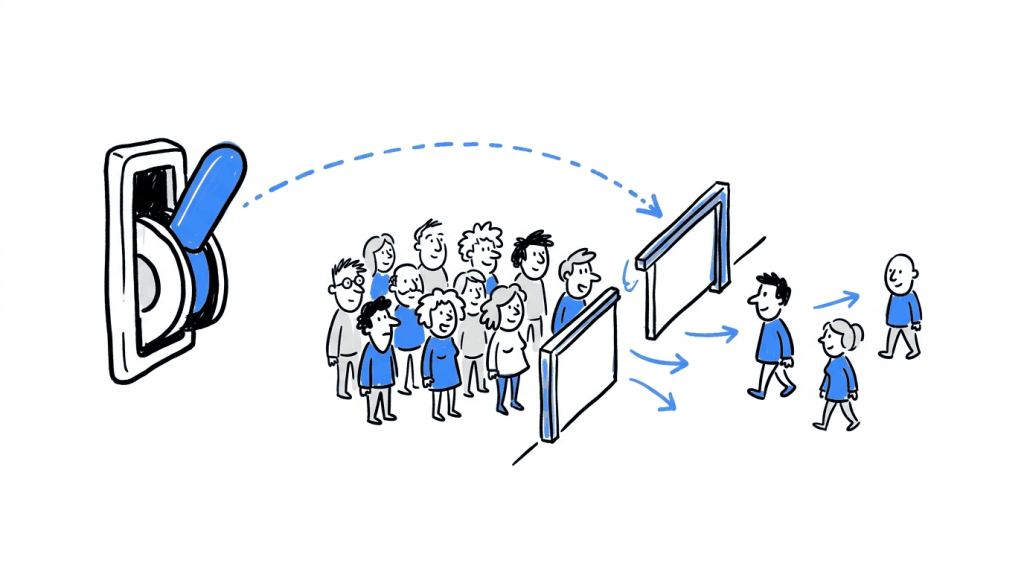
For example, Netflix or Google might deploy a new search algorithm hidden behind a flag, then flip it on only for internal teams or a small user slice. Because the code is already live, turning the feature on or off does not require a new release. In effect, a flag uncouples deployment from release: you ship code continuously and decide later who actually sees it.
- Safe rollouts: Launch new features to a tiny percentage of users first and monitor performance and errors. If something goes wrong, use the flag as a kill-switch. This gradual, canary-style release minimizes risk.
- Instant kill-switch: If a third-party API fails or a bug appears, you simply disable the flag. The broken feature vanishes immediately with no redeploy. This safety net keeps outages small.
- Targeted releases: Flags can target specific user segments, regions, or account tiers. For instance, you might enable a beta feature only for logged-in users in Europe. In many platforms (like ConfigCat and CROLabs) you can define who can enter an experiment via targeting rules.
- A/B-enabler: Feature flags can even power experiments by splitting traffic. A flag can assign participants to variations and consistently route each user to the same version. Then your analytics track how each group behaves.
Feature flags are fundamentally deployment tools. Engineers use them to decouple code releases from feature releases, handle rollouts, and protect stability. As one analysis puts it, flags are deployment-layer switches whose output is a release decision.
What Is A/B Testing?
A/B testing (split testing) is an experiment for comparing user experiences. You pick one page or feature variant as the control (A) and another as the treatment (B). Traffic is then randomly split between A and B, and a predefined success metric (conversion rate, click-through, revenue per user, etc.) is measured for each.
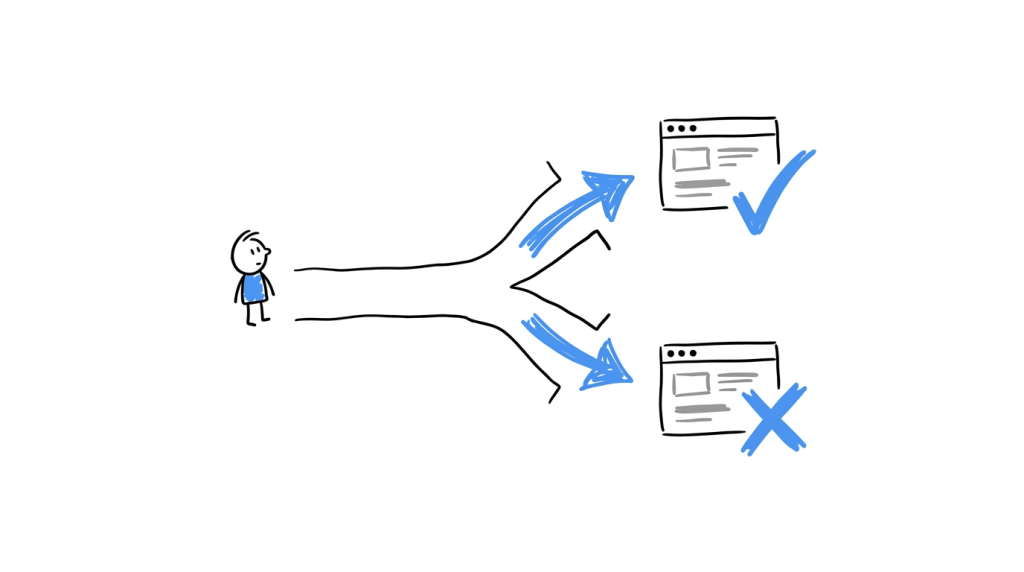
For example, you might show Checkout A to half your visitors and Checkout B to the other half, then compare how many purchases each drives.
- Controlled comparison: The traffic split is usually 50/50 (or another fixed ratio) so that the two groups remain comparable. You measure the difference in outcomes (e.g. signups, time on page) to see which variant performs better.
- Predefined metric: Before running the test, you choose a primary metric (conversion, retention, revenue, etc.) to judge success. After the test, you determine if the observed lift is real by relying on statistical significance.
- Data-driven output: The goal is a clear decision: does version B beat A? This statistical decision about user behavior guides whether to launch the change broadly or drop it.
Unlike flags, A/B tests are experimentation tools. Marketing and product teams typically run them to validate ideas (headline colors, page layouts, signup flows). Success requires sufficient traffic and a solid analytics process.
Ready to test changes to your website?
Feature flags help control when application features become available. CROLabs helps you experiment with website variations, understand how visitors respond, and identify changes that can improve conversions.
Key Differences Between Flags and Tests
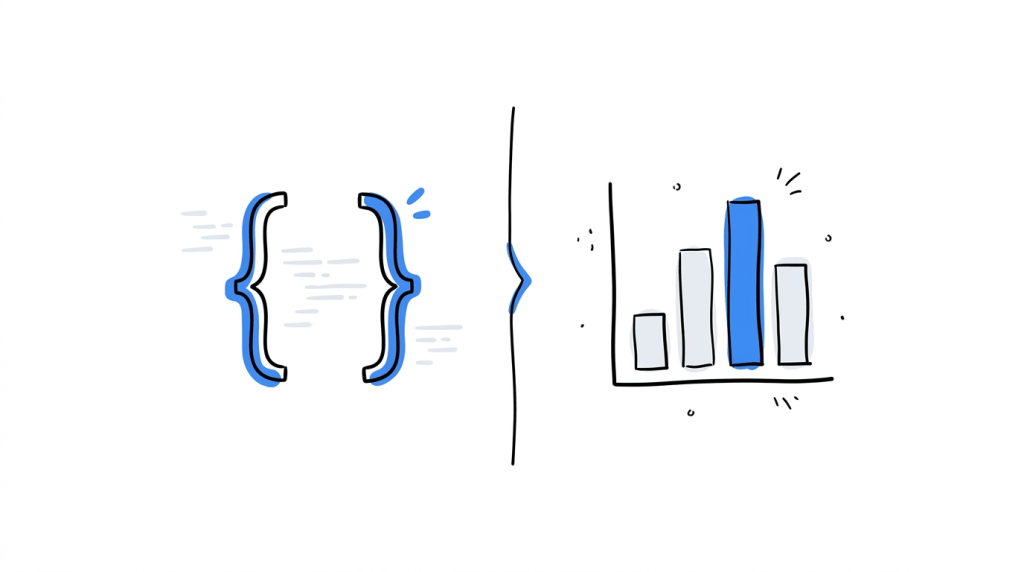
Although feature flags and A/B tests both involve showing different experiences to users, they solve different problems:
a. Purpose
Feature flags enable safe rollout and instant roll-back of code changes, focusing on deployment health. A/B tests evaluate user outcomes, focusing on behavior. In a feature flag scenario you gradually release and watch technical metrics (errors, load times). In an experiment you hold exposure steady and watch business metrics (clicks, purchases).
b. Decision
A flag’s result is a binary release decision (either turn it on or keep it off) while an A/B test yields a statistical decision (e.g, “variant B improved conversions by X%, go with it or not”).
c. User and Team
Engineers usually control flags in the code while product/marketing teams usually run experiments. If you want to ship features safely, go for feature flags and if you want to decide whether a change is worth shipping, run an A/B test.
d. Workflow
A flag lives in the codebase and changing it often requires deploying code with new flag logic. An A/B test is often set up in a visual editor or analytics tool with no code change needed. Many testing platforms even support click-and-go tests without developer tickets.
When to Use Feature Flags vs. A/B Tests
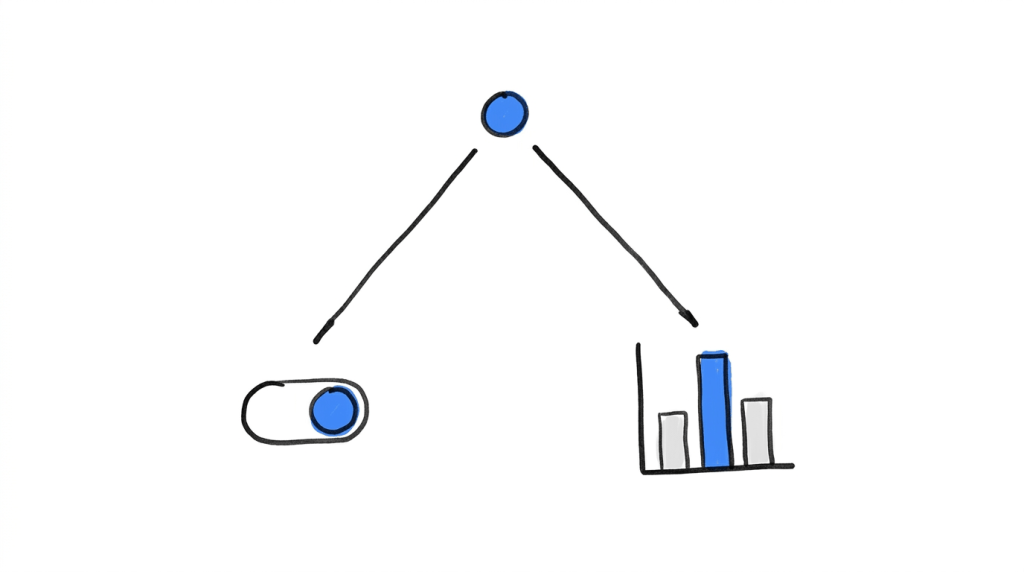
In many teams, both practices are needed but for different reasons.
Use feature flags when your priority is deployment safety and flexibility: for example, rolling out a redesign in stages or safeguarding against bugs. Use A/B testing when your goal is optimization and learning: for example, testing two headlines or pricing structures to see which boosts revenue.
Use a feature flag when:
You want to deploy code behind a toggle and release it gradually. Perhaps you’re migrating a legacy checkout system to a new one, you might send 1% of traffic to the new checkout, then increase that to 10%, 50% and so on, pausing if any errors crop up.
Flags shine when deployment control is key i.e enabling trunk-based development, performing canary releases, and providing that instant kill switch when parts of the system fail.
Use an A/B test when:
You need to make a data-driven choice between alternatives. For example, try two different pricing pages or signup forms to see which converts more. You set a hypothesis (e.g. “adding a testimonials section will increase trial signups”), then split users randomly and measure the outcome. If changing the trial length from 14 to 30 days improves signup-to-paid conversion, that’s the kind of statistical finding an A/B test provides.
Some scenarios blend both feature flags and A/B tests. A mature product org might wrap a new feature in a flag for a safe rollout, and at the same time run an A/B test on its performance. Engineering controls who sees the feature, while analytics track whether it moves key metrics.
For instance, engineers might enable a new checkout for 50% of users via a flag, and marketing measures which group has higher revenue per user. In this workflow, the flag handles the release, and the experiment provides the final go/no-go decision.
How They Work Together (and with CROLabs)
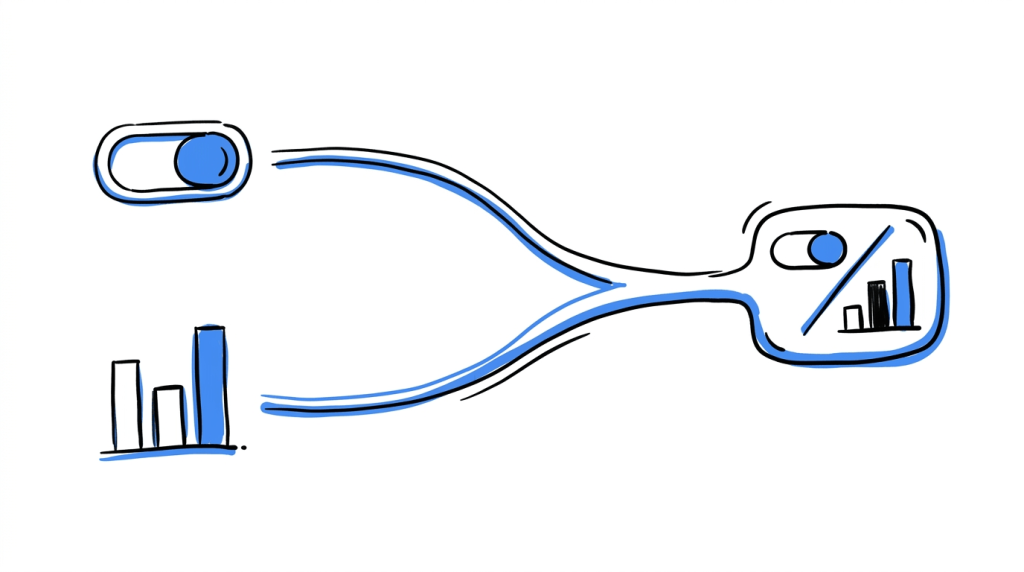
Modern tools often blur the lines between flags and tests. Many experimentation platforms (including CROLabs) let you target segments and run percentage rollouts, which can mimic basic feature flag behavior.
Conversely, some feature-flag systems offer rudimentary A/B testing hooks. However, the core distinction remains, flags control experience and analytics measure impact. In CROLabs’ platform, for example, you can split traffic between variations and track the results, much like an A/B test, but you still need the experimentation engine to calculate lift and significance.
In practice, you might use CROLabs to serve variant A and B to different users (using audience segments or bucket splits) and then let its analytics show which one performs best. Meanwhile, a dedicated flag service (e.g. LaunchDarkly or GrowthBook) could be used for backend feature rollout if engineers need fine-grained control.
The important point is that every new idea starts with a question: “Should we show this feature now, or test it first?”, and CROLabs’ tools support answering both sides of that question smoothly.
Key point: Feature flags help you release code safely. A/B tests help you learn what works. Both are essential, but for different reasons.
Conclusion
Feature flags and A/B tests may seem similar, but they belong to different stages of the development cycle.
Feature flags give engineers a safe switch to deploy and rollback features on demand while A/B tests give product teams a scientifically rigorous way to compare versions and decide what actually moves the needle. Understanding this difference helps teams use the right tool: flags for deployment questions (“should this feature go live?”) and tests for experimentation questions (“does this change improve outcomes?”).
In a well-tuned workflow, you often use both, a flag to gate a feature and an experiment to validate it. Platforms like CROLabs are built for this synergy, offering both traffic splitting and analytics so teams can control rollout and measure impact in one place.
Turn website experiments into better decisions
Give your ideas a chance to prove themselves. With CROLabs, you can run A/B tests, compare website variations, and track conversion performance to see which changes are worth keeping.
FAQs
What is the main difference between a feature flag and an A/B test?
A feature flag is a development tool for turning code on or off for certain users at runtime. Its output is a binary release decision (“enable this feature for X users or not”). An A/B test is an experimentation tool that exposes different variants to user groups and measures which wins on a chosen metric. Its output is a statistical conclusion about user behavior. In short, flags decide who sees a feature, while tests decide which variant performs better.
When should I use a feature flag instead of an A/B test?
Use a flag when your priority is safe deployment and flexibility. For example, if you need to roll out a backend change gradually or have an instant kill-switch for a buggy feature, flags are the right choice. You’re not comparing two versions, you just want to control exposure.
When should I use an A/B test instead of a feature flag?
Use A/B testing when you want a data-driven decision about which variant is better. If you have two design ideas or marketing messages and enough traffic, an experiment will tell you which one actually improves your metric. It’s best for front-end changes (headlines, layouts, pricing) and any scenario where you need statistical confidence in the result.
Can feature flags be used for A/B testing?
Yes and no. You can use flags to split users and simulate an A/B test by coding two variations behind a toggle. But by themselves flags don’t analyze results. You still need an analytics or experimentation system to compare metrics. Some flag tools offer basic experiment features, but dedicated A/B testing tools have built-in statistical engines and visual editors that flags typically lack.
Do I need both feature flag and A/B testing tools?
For most growing teams, yes, but not always at once. If you’re primarily a marketing/product team focused on optimization, start with an A/B testing platform. If you’re an engineering-heavy team doing continuous deployment, start with feature flags. Mature organizations eventually use both. Each addresses a different layer. (Feature flag platforms handle rollouts and kill-switches while experimentation platforms handle hypothesis testing and significance).
How does CROLabs handle feature flags and A/B testing?
CROLabs is built for experimentation and personalization. You can target users and split traffic to run tests on site changes without code. This covers the A/B testing side. While CROLabs doesn’t replace a full deployment-centric flag service, it does let you conditionally serve variations (similar to flags) using its audience and percentage controls. In practice, you might use CROLabs to run an A/B test or a staged rollout, and integrate it with a separate flag management tool for backend feature switches. This way, engineering and marketing workflows stay aligned under one roof.