Updated Oct 2026
A feature can sound promising in a planning meeting, but you learn much more when people have the chance to interact with it. Before committing time and money to development, you can put the idea in front of your audience and see whether anyone tries to use it.
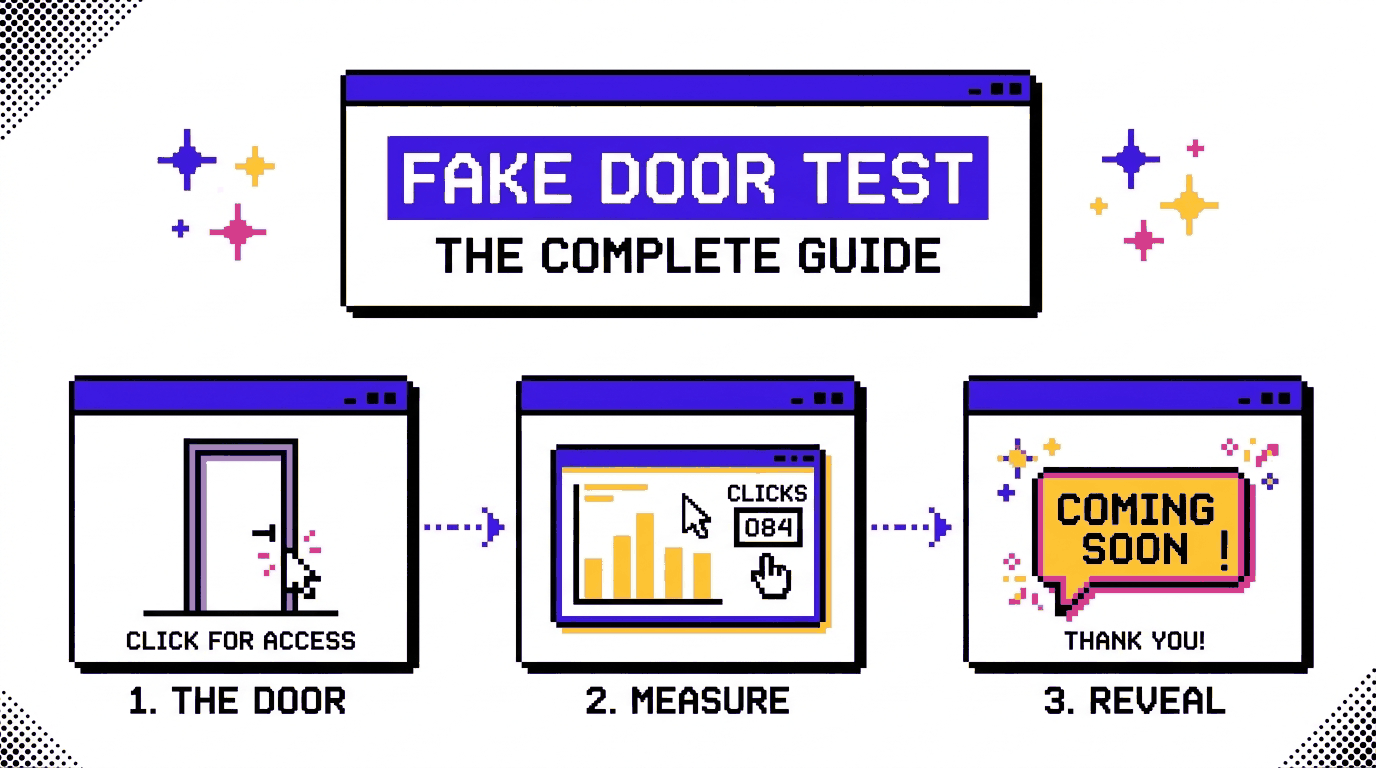
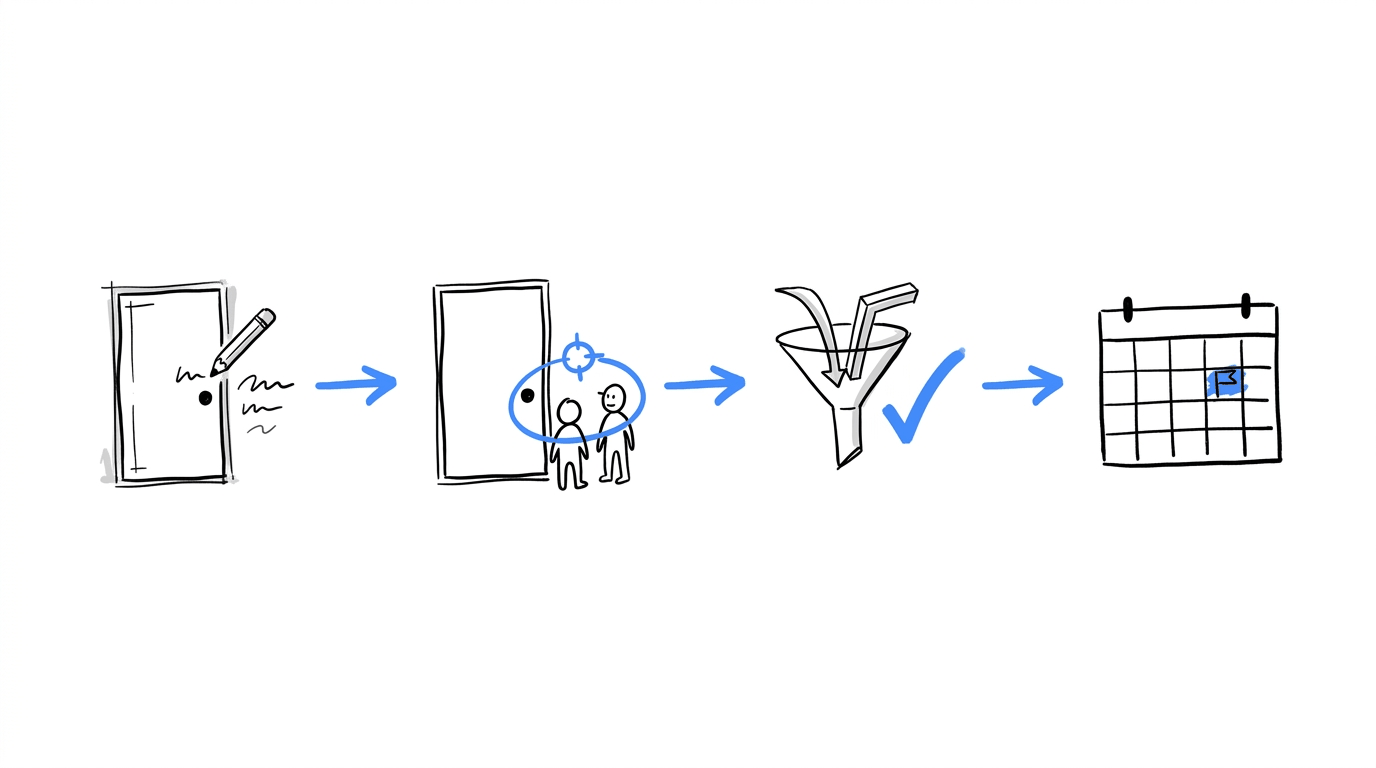
That’s the idea behind a fake door test. You add an entry point for a feature that you haven’t built yet, such as a button on your pricing page or an option in your product dashboard. When someone clicks it, you record the interaction and show them a message explaining that the feature is still in development or unavailable.
The approach has roots in direct marketing, where businesses sometimes use a dry test to gauge demand before launching an offering. Today, product teams use similar experiments on websites and inside software to learn which ideas deserve development time.
In this guide, we’ll look at how fake door tests work, how they differ from smoke tests and A/B tests, and what you can learn from the results. You’ll also find practical examples, advice on choosing the right metrics, and a step-by-step process for running a test with CROLabs.
On This Page
Quick Take
A fake door test places a clickable element for an unbuilt feature and counts who clicks it.
The output measures interest, so it works as an early input for roadmap and pricing decisions.
Honest reveal copy and a success threshold written before launch keep the data usable and the visitors informed.
CROLabs handles placement, traffic splitting, and click tracking without waiting on developers.
Find out which feature ideas are worth building
Put your next idea in front of real visitors, measure their interest, and use the results to make more informed product decisions. CROLabs gives you the tools to set up experiments and track the actions that matter.
What Is a Fake Door Test?
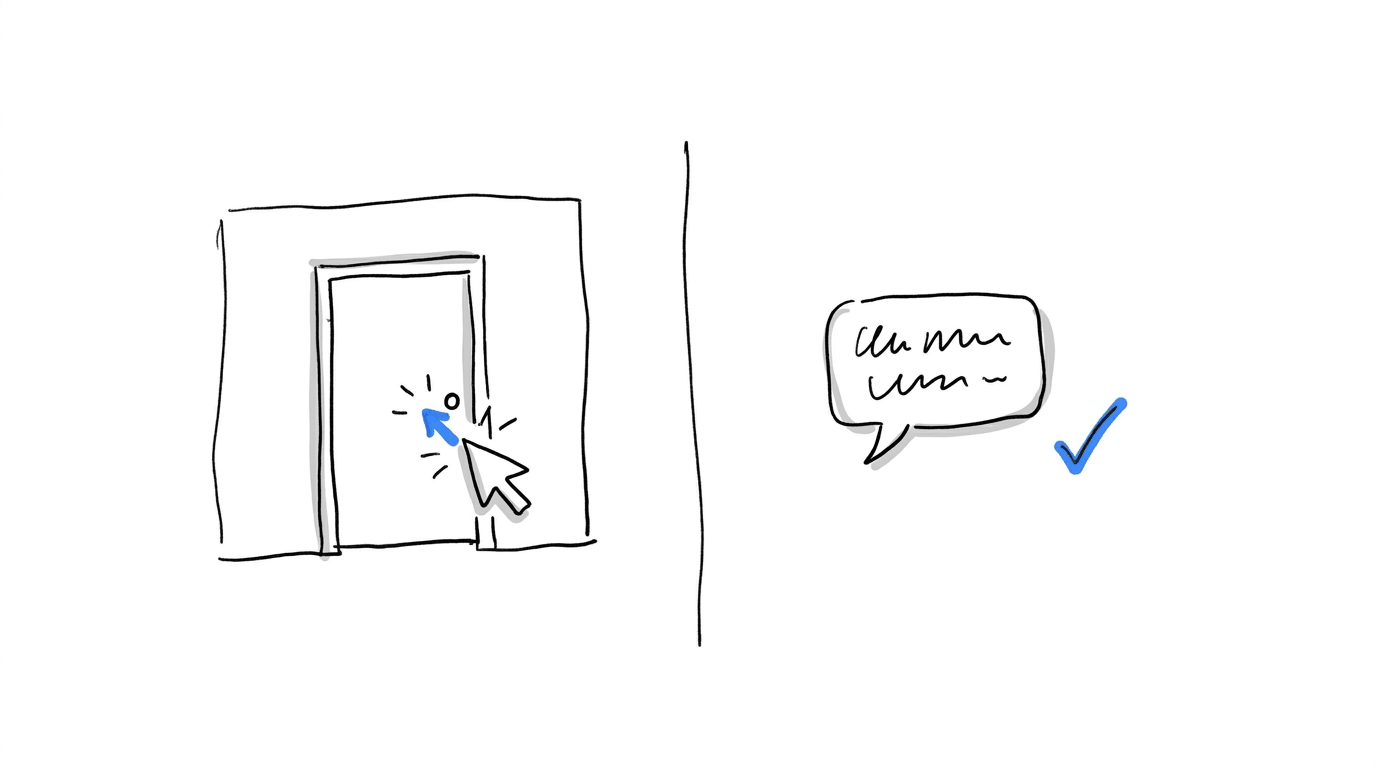
A fake door test lets you gauge interest in a feature, product, or subscription plan before you spend time building it. You add an entry point to your website or app that looks and behaves like a real part of the product. Visitors might see a new button, a menu option, a banner, a pricing card, or even an advertisement promoting the idea.
When someone clicks, you track the interaction and show them a message explaining that the offering is still in development. From there, you could invite them to join a waitlist, leave their email address, or register their interest in another way.
The result is a measure of user intent, and that distinction matters when you review the data, since a click tells you someone wanted to explore the offer. It gives you useful evidence of interest, while further validation can help you understand whether that interest will translate into actual use or purchases.
Other names for the same test
- Painted door test, the most common alternative name
- Dry test, the older direct-marketing term
- Honeypot, a label Contentsquare lists among the synonyms
- Fake door MVP, used when the door sits on a standalone page
The anatomy of a fake door
Contentsquare’s glossary breaks a typical test into four parts. Each one maps to a decision you make before launch.
| Part | What it is | Example |
|---|---|---|
| Hypothesis | A statement that data can prove wrong | “Visitors on the pricing page want an annual-report export” |
| Audience | The visitors who see the door | Logged-in users on a paid plan |
| Entry point | The element that looks real | A button labeled “Export report” |
| Reveal | The honest message after the click | “We are building this. Want an email when it ships?” |
Why Run a Fake Door Test?
Building a feature takes weeks of engineering time. Meanwhile, placing a door takes mere hours.
That’s a significant gap, and a few outcomes follow from that gap:
- Roadmap ranking: Click data from live visitors gives competing ideas a score, so the order of the backlog rests on behavior.
- Pricing research: A pricing tile with a reveal page shows which plan visitors pick before any billing logic exists.
- Beta list building: Visitors who click have shown interest through action, which makes them a strong first cohort for early access.
- Speed: Meaningful data arrives within days or weeks.
Fake Door Test vs Smoke Test
A fake door test records behavior at the smallest scale, usually one feature or one button, while a smoke test checks commitment for an entire concept on a standalone landing page.
| Fake door test | Smoke test | |
|---|---|---|
| Question answered | Do visitors click on this feature? | Do visitors commit to this whole offering? |
| Typical setup | Button, ad, or tile with a reveal page | Standalone landing page |
| Where it lives | Inside an existing product or site | Outside the product, often fed by ads |
| Signal collected | Click-through, waitlist signups | Signups, pre-orders, purchases |
| Best moment to run | Feature and pricing decisions | Idea and market decisions |
While other types of smoke tests like the concierge test, the Wizard of Oz test, and the pre-order test exist, the fake door test is the most common form of a smoke test.
Fake Door Test vs A/B Test
An A/B test compares two live versions of a page or element and picks the one that converts better. A fake door test checks demand for an offering that has no live version yet. The first needs something to compare, and the second needs only a hypothesis and a door.
| Fake door test | A/B test | |
|---|---|---|
| Subject | A feature, product, or plan that does not exist | Two existing versions of a page or element |
| Output | Demand signal | Winning variant |
| Success measure | Click-through and signup against a preset threshold | Conversion lift with statistical significance |
| Stage | Before building | After building |
Fake door testing is an early validation technique that also combines well with A/B testing. Run the door as a variant against a control with no door, or split visitors between two button labels and two price points, then compare the click-through of each. Teams already running experiments to improve website conversion rate have the traffic and tracking a fake door needs, so adding one costs very little.
Fake Door Test Examples
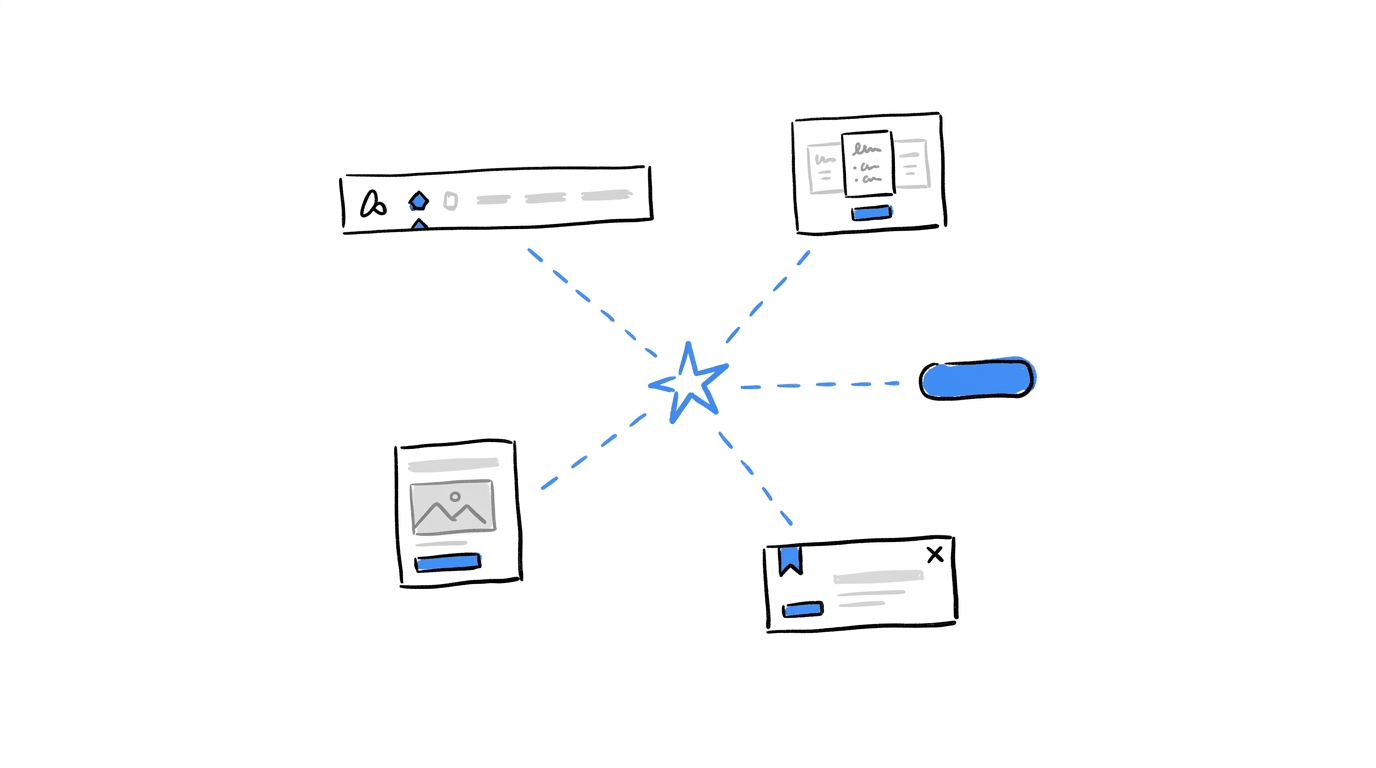
The examples below are grouped by where the door sits, since placement shapes the kind of demand you measure.
An in-app button for a missing export
Amplitude walks through a product where a visitor clicks an export option that does not work yet and lands on a “Coming soon, join our waitlist” message. The click count answers one question: whether PDF export earns a spot in the next sprint.
A pricing tile for a plan that has no billing yet
Swetrix notes that a pricing page tile tests commercial interest and package fit, while a waitlist page tests whether a visitor will raise a hand after seeing the reveal. A new Team tier with a monthly price printed on it produces a signal about money that a menu link cannot.
A navigation item in an online store
This is exemplified best by ecommerce brands. Many add a category such as “Home office bundles” to the menu and send clicks to a “coming soon” page. The store learns whether shoppers look for the category before it spends on sourcing and photography.
QuestionPro also lists an out-of-stock product page as a door format, where visits to an unavailable item show how much demand sits behind it.
A paid ad with a reveal page
AB Tasty explains that a fake ad on a social channel gives you click metrics from the platform and visit counts from the page the ad points to. An airline ticket seller described in Empatika’s pretotyping guide used this approach to test whether customers would buy Aeroexpress train tickets alongside flights, which settled the question without building a booking flow.
A pricing button on a single page
Buffer launched with a landing page and a “Plans and Pricing” button. Clicking it revealed that the product was still in development and invited an email signup. The second stage of that test put pricing cards on the reveal page to read price sensitivity.
Choosing the Right Spot for the Door
The same feature idea gives a different reading depending on the element that carries it. A menu item catches different intent than a pricing card, so pick the placement that matches the decision in front of you.
| Placement | Intent it captures | Use it when |
|---|---|---|
| Navigation item | Curiosity from visitors browsing | You are sizing interest in a new category or section |
| Pricing tile | Commercial interest and plan fit | You are deciding on a new tier or add-on |
| In-app button | Need from active users | You are ranking features for the roadmap |
| Banner or popup | Reaction to an announcement | You are testing messaging for a launch |
| Paid ad | Interest from people outside your audience | You are checking whether a new segment exists |
How To Run A Fake Door Test [With CROLabs]
CROLabs is an AI-native conversion rate optimization platform with a visual no-code editor, A/B and multivariate testing, audience personalization, and conversion analytics.
CROLabs’ conversion tracking monitors clicks, form submissions, page visits, and custom events, which covers everything a fake door test needs to record.
- Write a hypothesis that data can disprove. An example: “At least 4% of pricing page visitors who see the Team Insights tile will click it within two weeks.” The number belongs to you, and it should reflect the cost of building the feature.
- Pick the door and the page. Use the placement table above to match the element to your decision. A pricing page suits a plan idea, and a dashboard suits a feature idea.
- Set the success threshold before launch. Personizely gives an example of a 3% click-through rate or at least 50 email signups inside a one-week window. Writing the number first prevents a debate about “good enough” after the results arrive.
- Build the door in the CROLabs visual editor. Add the button, tile, or banner to a page variant, and create the reveal message as a short modal or a simple page. Everything happens in the editor, so no developer ticket is needed.
- Write the reveal copy. Say plainly that the feature is in development and offer one useful next step, such as an email signup or a short survey. The ethics section below covers the wording in detail.
- Target the audience and keep a control. Use CROLabs audience rules to show the door to the visitors the feature is meant for, and hold back a control group without the door so you can see whether the placeholder changes behavior elsewhere on the page.
- Track the right events. Set the door click as a conversion goal, set the signup as a second goal, and add a custom event for any survey answer. CROLabs documentation has setup walkthroughs for goals and audiences.
- Run for a fixed window and read the results once. Resist changing the copy in the middle of the test because clicks come in slowly. Mid-test edits damage the data.
Set up your next experiment with CROLabs
Create a page variant in the visual editor, target the right audience, and track clicks and signups against a predefined goal. You can validate a feature idea without waiting for a developer to build it first.
How to Read Fake Door Results
A fake door test produces a short list of metrics. Each one answers a different question.
| Metric | What it tells you |
|---|---|
| Exposure | How many relevant visitors saw the door |
| Click-through rate | How many of them tried to use the feature |
| Waitlist or signup rate | How many took a further step after the reveal |
| Segment breakdown | Which visitor groups produced the clicks |
| Session evidence | Where visitors hesitated or looked confused |
Thresholds depend on the cost of the build. Koji’s guide offers a rough reading: below 1% click-through points to a lack of demand, and a range of 2% to 5% calls for a follow-up interview study. Personizely’s example uses 3% click-through or 50 signups. Take these as starting references and set your own number from the price of building the feature.
Signups need a careful reading. Echai argues that a signup is cheap, so a large waitlist is a weak signal on its own, and the useful figure is how many people on the list eventually pay. A test with no product success metrics defined in advance produces only traffic data.
What a Fake Door Test Cannot Tell You
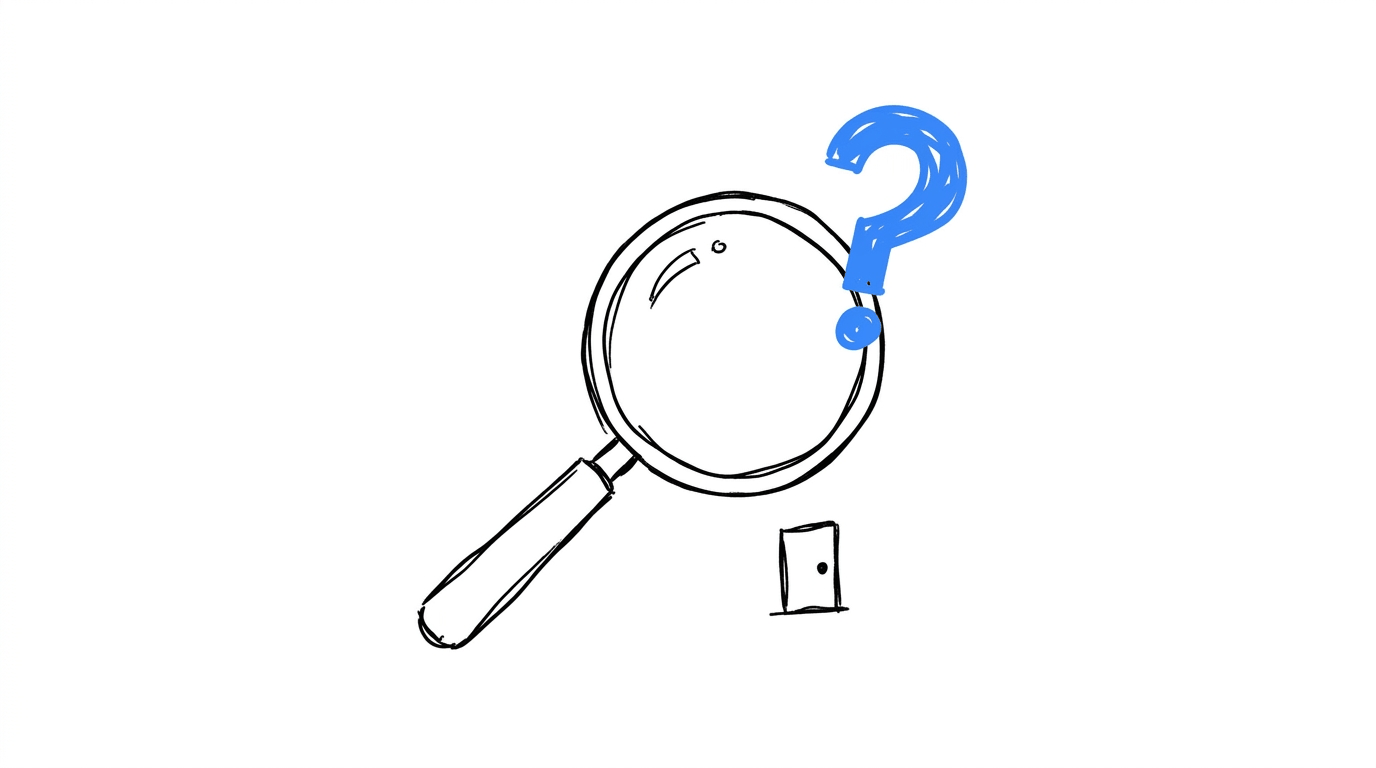
A fake door test records clicks, so there are several questions that sit outside that record:
- Satisfaction with the finished feature. Whether people keep using the feature after launch gets answered by a working prototype, and real usage data from a prototype beats clicks on a fake door.
- Usability. Nobody has interacted with the real interface yet, so layout and workflow stay untested.
- Willingness to pay. A plain feature button measures interest. Adding a price to the door adds a money signal.
- Demand from audiences you cannot reach. QuestionPro warns that a site with no audience and no budget to reach one produces noise.
The method also carries a timing risk. One poorly handled reveal in a very young product can damage trust before the relationship has formed, because every early interaction shapes first impressions.
Keeping the Reveal Honest: Fake Door Test Ethics
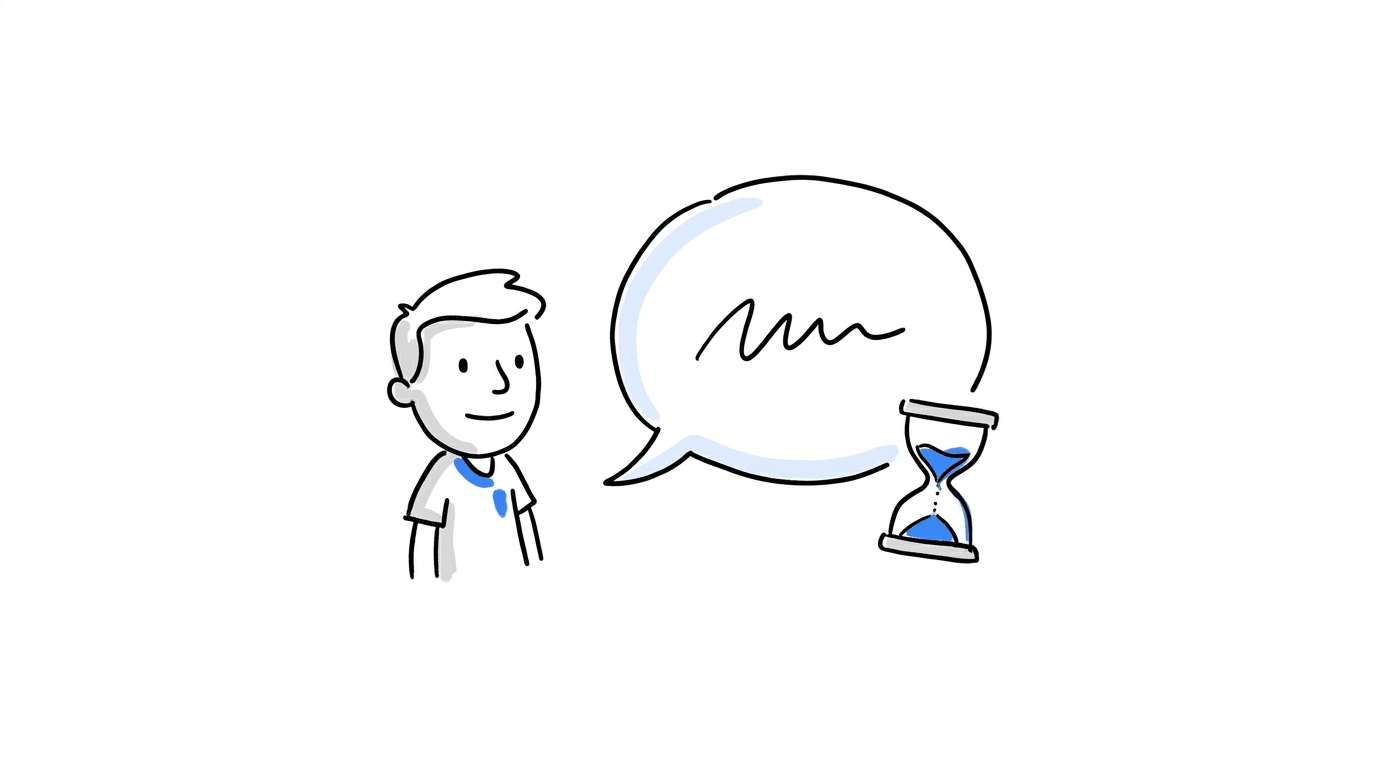
The reveal page decides whether a fake door feels like a product announcement or a trick.
These practices keep the reveal fair:
- Disclose right away. Contentsquare advises telling visitors plainly that the feature is not available and giving them a useful next step.
- Phrase the door as exploration. Amplitude suggests “Interested in PDF export?” as the label in place of “Export to PDF now.”
- Limit repeat exposure. A visitor who lands on a “coming soon” page more than once starts to lose trust, so cap how often the same person sees the same door.
- Target the audience. Command AI’s guide says that running a door for the entire user base fits only a small handful of cases, so segment the test to the people the feature is for.
- Close the loop. Email the people who signed up when the feature ships, or when you decide against building it.
Conclusion
A fake door test gives product and growth teams a cheap way to check demand before engineering time gets committed. The method works best with a written hypothesis, a threshold set in advance, an honest reveal, and a placement that matches the decision. Results then show where interest sits, and a prototype or a full build can follow with evidence behind it.
CROLabs covers the practical side: you place the door in the visual editor, split traffic against a control, and read clicks and signups in one dashboard.
Find out which feature ideas are worth building
Put your next idea in front of real visitors, measure their interest, and use the results to make more informed product decisions. CROLabs gives you the tools to set up experiments and track the actions that matter.
FAQs
What is a fake door test in simple terms?
A fake door test is an experiment where a visitor sees a button, link, or banner for a feature that has not been built, and the clicks get counted as a measure of interest. After the click, a message explains that the feature is in development.
Is a fake door test the same as a painted door test?
Yes. Painted door test is the more common alternative name, and the older direct-marketing term is dry test. All of them describe the same idea of measuring demand through a placeholder.
How long should a fake door test run?
Meaningful data arrives within days or weeks. Pick a fixed window before launch, such as one to two weeks, based on your traffic, and read the results at the end of that window.
What is a good click-through rate for a fake door test?
No universal number exists. Koji’s guide treats under 1% as a lack of demand and 2% to 5% as a reason for follow-up interviews, and Personizely gives 3% as an example threshold. Set yours from the cost of building the feature.
Is fake door testing ethical?
It is when the reveal is honest. Tell visitors the feature is in development, offer a next step, limit how often the same person sees the door, and follow up with the people who signed up.
Can I run a fake door test without developers?
Yes. With a no-code tool such as CROLabs, you add the door to a page variant in the visual editor, set audience rules, and track clicks and signups without a developer ticket.
How is a fake door test different from user interviews?
Interviews collect what people say about a feature. A fake door test records what visitors do when the feature appears on a real page, which gives you behavior to compare against interview answers.