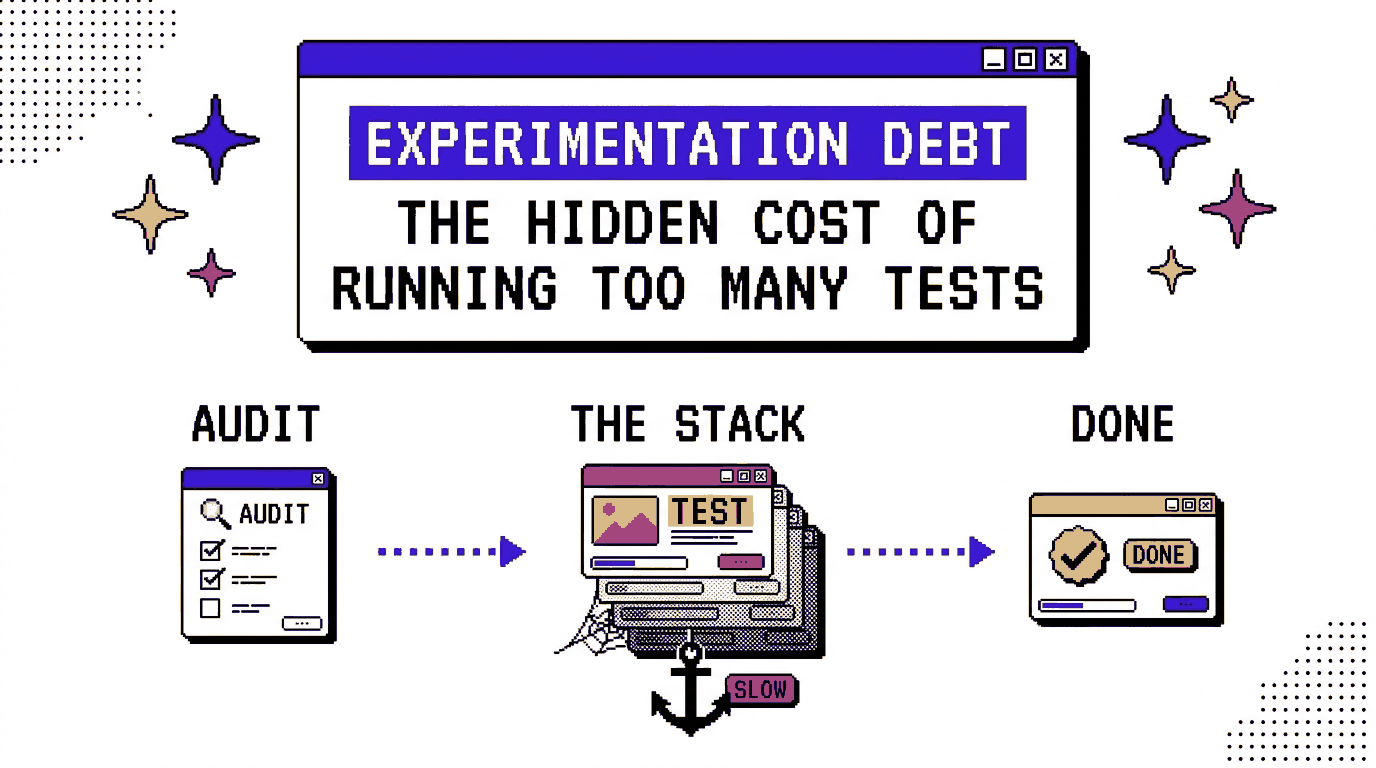
Updated Oct 2026
Anti-flicker snippets can have a noticeable effect on page speed because they keep a webpage hidden while the testing tool decides which variation to display. Most come with a safety timeout of between 2,000 and 4,000 milliseconds, and Shopify’s performance guidance explains that leaving one active when no experiment is running can add two seconds or more to First Contentful Paint. This means a test that finished months ago could still be slowing down the website today, simply because the script was never removed after the team finished using it.
Problems like this fall under experimentation debt, a term that describes the extra work and technical baggage a testing programme accumulates over time. The idea is similar to technical debt in software development, where shortcuts and leftover code make future changes harder to manage. As teams run more experiments, old scripts, tracking configurations and test variations can remain in place long after their original purpose has passed. Eventually, someone has to go back through them, work out what is still needed and clean up anything that has become redundant.
The longer these issues stay around, the more they can affect page performance and the work involved in running future tests. We’ll look at the different things that contribute to experimentation debt, the costs they create for a business, and how teams can identify and manage them before they become a bigger problem.
In short
- Experimentation debt is the set of unfinished, outdated and undocumented items that form around a testing program: running tests, variants, audiences, goals, tracking events, personalization rules, URLs and integrations.
- It slows pages, muddies results, and leads teams to repeat tests they already ran.
- A seven-step audit finds it, and a pre-launch template keeps new debt from forming.
- CROLabs keeps tests, audiences, tracking and analytics in one platform, which gives an audit a single list to start from.
On This Page
What Is Experimentation Debt?
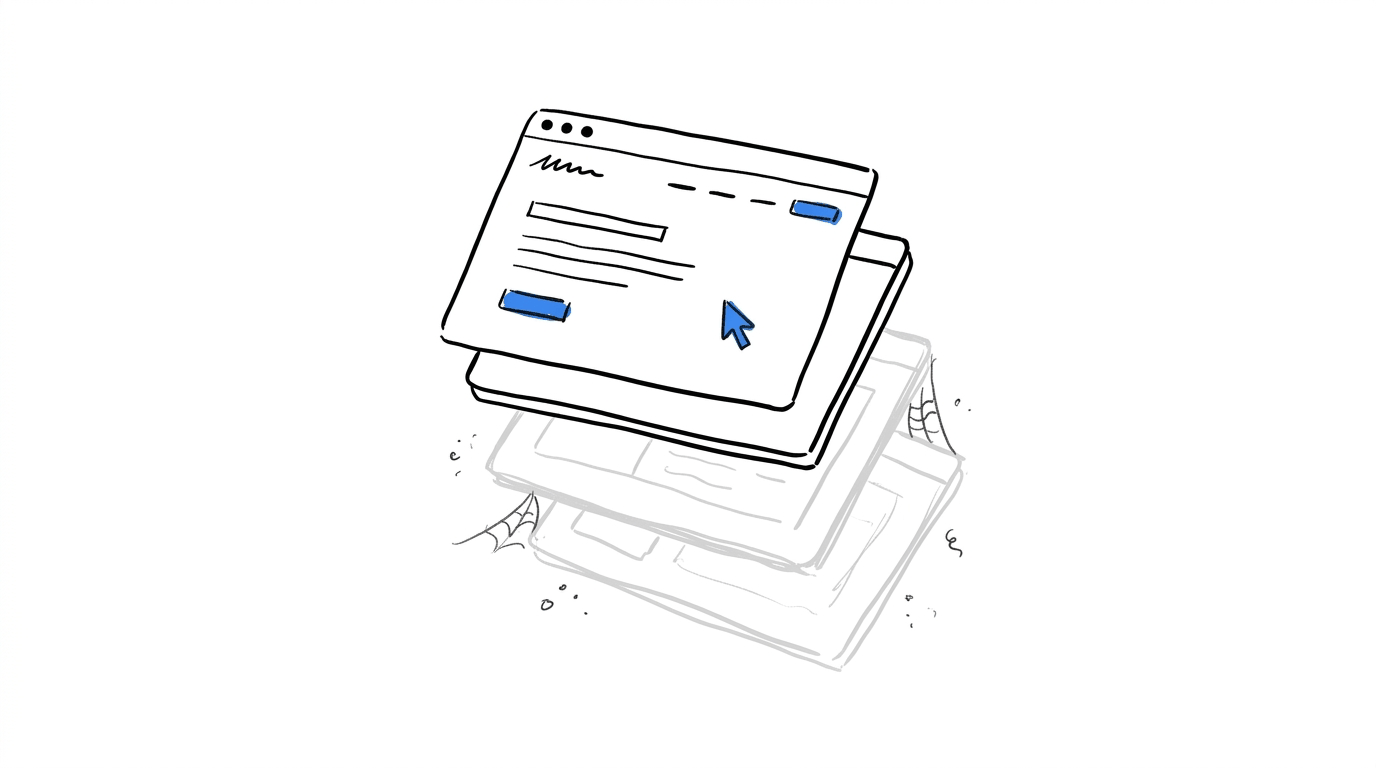
Experimentation debt is the backlog of leftover setup that forms around a testing program as experiments launch, finish and get replaced. Each test adds an audience, a goal, a set of target URLs, one or more variants, and a hypothesis that someone had in mind at the time. When the test ends, those pieces stay where they were until a person removes them, and the next test gets built on top of whatever is still there.
How It Relates to Technical Debt
The two share a cause. Work gets finished at the point of delivery, cleanup gets scheduled for later, and later keeps moving. A cleanup issue in GitLab’s public tracker shows how this plays out even in an engineering organization with a documented process: the issue records that one growth experiment had been running at 50% since March 17, 2022, and that the team skipped an in-depth analysis of it while working out a standard pattern for cleaning up old experiments.
In a testing program, the leftovers spread across the testing tool’s dashboard, the tag manager, the analytics property and the site’s templates, which makes them harder to see in one place than a folder of old code.
Why Busy Programs Collect More of It
A program that launches several tests a month creates several audiences, goals and URL rules a month, and the people who set them up change roles or leave the company. Experimentation writer Atticus Li explains why old tests deserve a second look with a short line: you resurface them because people leave and the ones who stayed aren’t sure what was real.
The Ten Leftovers To Look For
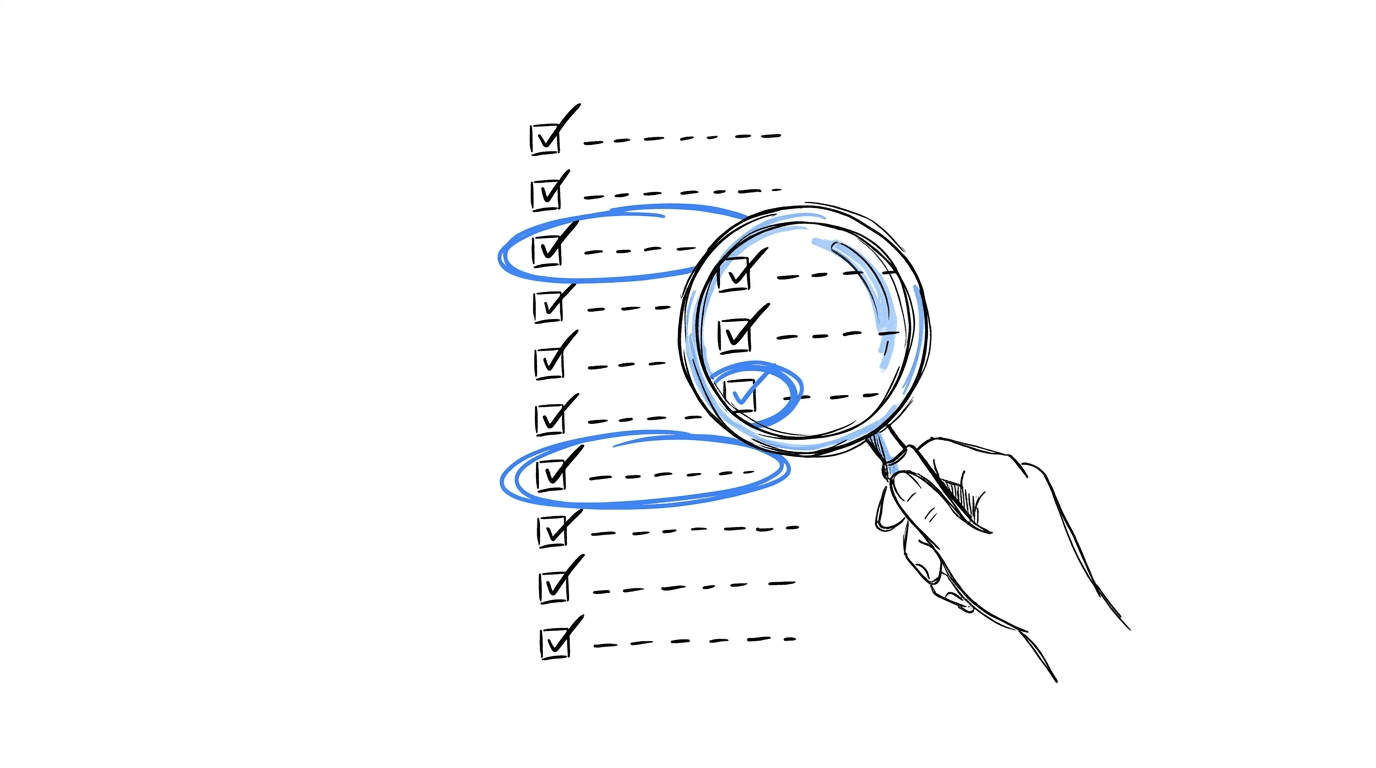
The table below covers the ten items we see most often when reviewing a testing program, along with what each one looks like in practice and which part of the program it affects.
| Leftover | What it looks like | What it affects |
|---|---|---|
| Old experiments still running | A test past its planned end date that still receives traffic | Page speed and the traffic available for new tests |
| Abandoned variants | Losing or never-launched variants sitting in the test setup or in site code | Maintenance and QA effort |
| Outdated audiences | Segments built for a campaign, region or product that has since changed | Targeting accuracy |
| Duplicated goals | Several goals counting the same action under different names | Reporting and confidence in the numbers |
| Old tracking events | Events attached to elements that were redesigned or removed | Data quality |
| Experiments nobody remembers | Tests with no owner and no recorded reason for existing | Decisions on whether to stop or keep them |
| Contradictory personalization rules | Two rules that both claim the same visitor | Which experience the visitor sees |
| Retired URLs | Targeting conditions pointing at pages that now redirect or return errors | Whether a test or rule fires at all |
| Old integrations | Connections to analytics, ad or CRM accounts that have since changed | Data flowing into and out of tests |
| Undocumented hypotheses | Results with no record of what was tested or why | Repeat tests and lost learnings |
Experiments That Stay Live After They End
Ending an experiment in your testing platform doesn’t automatically remove the code associated with it from your website. The two steps happen separately, which can leave scripts running long after a test has finished.
This came up in a discussion on Amplitude’s community forum, where a user had ended an A/B test and restored the original page but couldn’t immediately remove the JavaScript from the page header. They wanted to know whether it was safe to leave the code there in the meantime.
Hackle’s documentation explains why this deserves attention, as testing scripts that remain on a website after an experiment ends can affect service stability and introduce latency.
Lists That Keep Growing
A 2017 post in Adobe’s Marketo community asked how to delete A/B group experiments in web personalization because the list of tests kept growing and the clutter was getting in the way. The same pattern shows up in audiences and goals, since both are created for one test and then stay available in every later one.
What Experimentation Debt Costs
Slower Pages
Every testing script has to download, run and apply its changes before a visitor sees the final page. Shopify’s guidance for theme developers recommends turning off anti-flicker snippets when no test is running, closing finished tests right away, and then verifying that the snippet has switched off. Yottaa’s write-up goes further and says a snippet that hides the whole page can push a site from Google’s “Good” threshold into “Needs Improvement” or “Poor” on Core Web Vitals, since the browser holds back content it has already loaded.
Pro-Tip: We cover how testing scripts relate to search performance in our guide on whether A/B testing hurts your SEO.
Keep an eye on what your experiments are doing to page speed
Testing scripts can affect how quickly visitors see your pages, especially when old snippets remain active. With CROLabs, you can run experiments and monitor website performance from one platform.
Results That Disagree With Each Other
Optimizely’s documentation explains that experiments can overlap and place one visitor in several at the same time, and that exclusion groups keep a visitor in only one. It also states that when two bucketing methods conflict, the first one evaluated overrides the other, which means each leftover audience or old rule adds another entry to that evaluation order. Spotify’s Confidence documentation gives a working rule: two experiments aimed at the same audience on the same product surface should be mutually exclusive to prevent interaction effects, while experiments with different audiences can overlap.
Tracking leftovers produce a similar result. Tailor’s troubleshooting guide, written for a different testing tool, lists tracking integrity as the first cause to check when acquisition cost rises and conversion rate falls, and names tags or events that were added, changed or duplicated in the same period as a common source.
Work That Gets Repeated
Teams that skip resurfacing old tests end up re-running them without realizing it, which uses up sample size on questions already answered, according to Atticus Li’s write-up on reviving old A/B tests. A hypothesis that nobody recorded can only be rediscovered by running the test again.
The Test That Outlived Its Question
Some tests keep collecting data well after the answer is clear. The PostHog agent skill that scans projects for experiment problems describes this as lifecycle drift and sorts it into three situations: experiments running long past their useful life, experiments with a clear and sustained result that are still collecting data, and ended experiments whose flags continue to serve multiple variants. The same document observes that on mature projects, the running list is often dominated by forgotten experiments with throwaway names, launched years earlier.
Several habits produce this. A test starts without a stop condition, so nothing prompts anyone to end it. The winning variant gets built into the site by hand while the original test stays active in the background. A team moves on to the next priority and the old test sits in the dashboard with a status of “running” that nobody revisits.
Setting a stop rule at planning time addresses most of it. That rule can be a sample size, a calendar date or a significance threshold, and our guide on experiment scheduling walks through how to choose run windows that fit your traffic. A written CRO roadmap adds a sequence, so the end of one test lines up with the start of the next.
How To Audit Your Program for Experimentation Debt
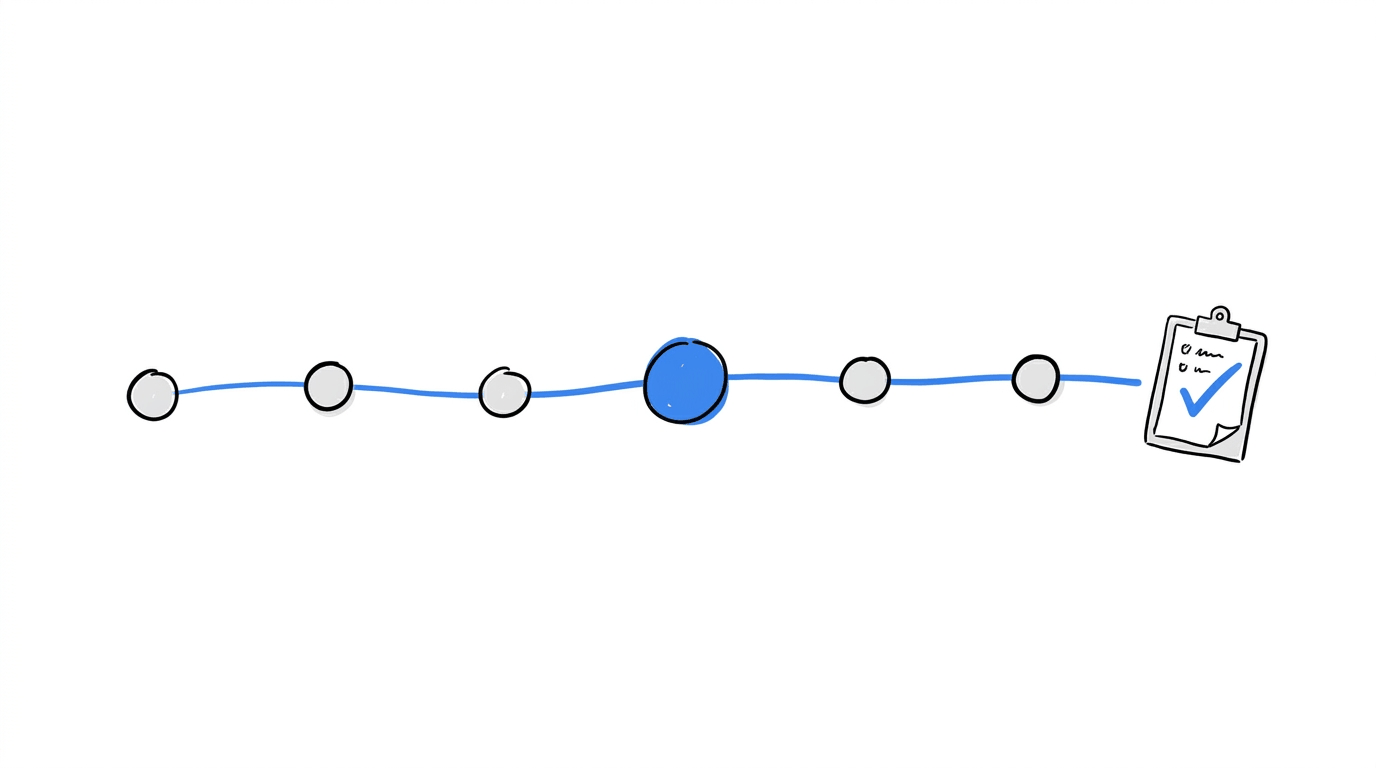
Alright, let’s get to the steps. A quarterly pass works for most programs, and each step below maps to one or more of the leftovers in the table above.
1. Take Inventory of What Is Live
Open your testing tool and list every experiment with a status of running, paused or scheduled. Record the start date, the pages or URLs it targets, and the person who created it. Anything past its planned end date goes on a review list, and so does anything with no planned end date.
2. Give Each Test an Owner and a Verdict
Each test on the review list gets one of four verdicts: ship the winner, stop the test, keep it running with a new end date, or archive the learnings. One named person owns each verdict, since a test with several owners tends to wait on all of them.
3. Compare Goals and Events
Export your goals and tracked events and sort them by the action they measure. Two goals counting the same click under different names get merged into one, and events attached to elements that no longer exist get removed. Our article on which website actions to track offers a way to decide which events earn a place on the list.
Keep your experiments easier to manage
Reviewing tests, audiences and conversion goals takes less time when they’re managed in one workspace. CROLabs brings A/B testing, audience personalization, conversion tracking and analytics together, giving your team a clearer view of its experiments.
4. Map Audiences and Personalization Rules
Lay out each audience and personalization rule by page, then sort by priority. A visitor who matches two rules at once needs a defined winner, and any rule built for a campaign that has ended gets retired. If you run audience personalization alongside tests, check that each test audience stays separate from the rules active on the same page.
5. Check URLs and Integrations
Load each targeted URL and note the status code. Pages that redirect or return errors get their rules updated or removed. Next, open each connection to analytics, ad platforms, your CRM and your tag manager, and confirm the linked account is the one in use today. Our roundup of GDPR-compliant marketing tools is a useful companion when you review which of those tools still belong in the stack.
6. Measure Page Load With and Without the Testing Script
Shopify’s guidance suggests recording a page load in the Chrome DevTools Performance panel and watching the gap between CSS loading and first contentful paint. A large gap points to an active anti-flicker snippet. Running the same check on pages with no live test confirms whether any script is still doing work there.
7. Write Down What Each Finished Test Taught
For each stopped test, record the hypothesis, the result and the decision in a place the whole team can search. A short entry is enough, and it spares the next person from running the same test again.
Write the Ending Before You Launch
Audits clear out the debt that already exists. A short template filled in before launch keeps new debt from forming, since each field answers a question that otherwise comes up months later.
| Field | What to record |
|---|---|
| Hypothesis | The change, the expected effect and the reason behind it |
| Primary goal | The one action that decides the test, using the shared goal name |
| Audience | Who sees the test, and which other tests share that audience |
| Pages and URLs | Every address the test targets |
| Owner | The person who decides what happens when the test ends |
| Stop condition | A sample size, a date or a significance threshold |
| Winner plan | How the winning variant reaches the site and who removes the test setup |
| Cleanup tasks | Snippets, events, audiences and integrations created for this test |
Tests built on this template can be reviewed by anyone on the team, because the reason, the owner and the end condition sit next to the test itself. The same discipline applies to formats like a fake door test, which usually runs for a short window and ends with a clear decision about what to build.
How CROLabs Helps Keep Experimentation Debt Low
Cleanup goes faster when the pieces sit in one place. CROLabs is an all-in-one platform for experimentation, analytics and personalization, so the list from step 1 and the audiences from step 4 come from the same workspace. A few features line up with the leftovers covered above:
- A/B Testing and Multivariate Testing: tests are set up in one dashboard, so an inventory starts from a single list instead of several.
- Visual Editor: variants are built without writing code, which leaves fewer hand-written changes to track down later.
- Audience Personalization and Ad-to-Page Personalization: audiences and ad-matched pages are managed next to your tests, which makes overlapping rules easier to spot.
- Conversion Tracking and Analytics & Heatmaps: goals and behavior data sit beside experiment results, so duplicated goals and unused events appear in context.
- CRO Advisor: it crawls your site and returns a prioritized list of what to fix first, which helps when deciding which new tests deserve the traffic an audit frees up.
You can try these on your own site with the 14-day free trial, and the CROLabs docs cover setup for each feature.
Conclusion
Experimentation debt forms from ordinary work: a test finishes, a winner ships, a team moves on, and the setup around the test stays in place. Over time that setup slows pages, adds contradictions to audiences and personalization rules, duplicates goals, and hides what the team has already learned.
An audit gives you the current picture. The seven steps above cover inventory, ownership, goals, audiences, URLs, page speed and records, and a quarterly rhythm keeps the list short. The pre-launch template then gives each new test an owner and an end condition from its first day.
FAQs