Updated Oct 2026
If you’re running an A/B test with 20 goals each evaluated at a 95% confidence level, even if none of the changes improve anything, there’s roughly a 64% chance that at least one goal will appear to have a winning result purely by chance. If you use that result to make a decision, you could end up rolling out a change that never helped your visitors in the first place.
This is why the actions you track matter so much. Every conversion goal tells you something about how people use your website, and choosing the wrong ones can make your experiments harder to interpret. In this guide, we’ll look at how conversion tracking works, which actions deserve to be primary conversions and which are better treated as secondary signals, and how to configure both in CROLabs.
On This Page
What Is Conversion Tracking in an Experiment?

Conversion tracking lets you measure how often visitors complete a specific action on your website. During an A/B test, the platform records these actions for each page variant.
For example, if someone sees variant B and submits a form, that submission counts as a conversion for B. The platform then divides B’s conversions by the number of visitors who saw that version to calculate its conversion rate. You can compare that figure with the control’s rate to find out whether the change made a difference.
These numbers feed directly into your A/B test results, so their accuracy matters. If the platform misses a purchase or counts the same form submission twice, the conversion rate can shift, making one variant appear more or less effective than it is. Since conversion rate optimization relies on these results to guide decisions, you need to know that the actions being recorded match what happened on your website.
Visitors interact with a website in all sorts of ways. Someone might scroll through a page, watch a product demo, click a navigation link, fill in a form or complete a purchase. Your tracking setup can record each of these actions, but deciding which ones count as conversions requires a closer look at what you’re trying to achieve.
Primary Conversions and Secondary Signals: The Difference
To properly carry out conversion tracking, you need a CRO tool.
CROLabs lets you track several goals during an experiment while giving each one a clear role. Your primary conversion is the action you want the test to improve, such as a completed purchase or a submitted lead form. Its conversion rate is used to evaluate the variants and determine the experiment’s winner.
Secondary signals give you more context about what visitors do along the way. You might track clicks on a product demo, for instance, to see whether a change encourages more people to explore the product. CROLabs records these actions alongside your primary results, so you can review them when analysing the experiment. They help explain visitor behaviour without affecting which variant wins.
| Primary conversion | Secondary signal | |
|---|---|---|
| Job | Decides the winning variant | Adds context to the result |
| How many per experiment | One | As many as are useful |
| Typical examples | Purchase, signup, demo booking | CTA clicks, pricing-page visits, video engagement, form starts, product interactions |
| Name in CROLabs | Primary conversion | Observation |
Primary conversions
These are the actions that put revenue or a qualified contact in your hands.
- Purchase: money has changed hands.
- Signup: a visitor has created an account and entered your product.
- Demo booking: a sales conversation now sits on the calendar.
Secondary signals
These are the steps visitors take on the way, and each one answers a smaller question.
- CTA clicks: did the offer get noticed?
- Pricing-page visits: is buying interest forming?
- Video engagement: does the explanation hold attention?
- Form starts: did interest survive the sight of the form?
- Product interactions: are visitors trying the calculator, configurator or demo before they decide?
Secondary signals carry real information. They simply answer a different question from the one the test is built to settle.
Give every experiment a clear conversion goal
CROLabs lets you choose one primary conversion for your experiment and track additional actions as observations. You can review the results together while keeping the metric that determines the winner clearly defined.
Why Tracking Everything as a Conversion Makes Results Harder to Read
Counting every action as a conversion feels thorough but in practice, it produces results that are harder to trust, for several concrete reasons.
Chance wins pile up
Every goal you evaluate creates another opportunity for random variation to make a change look successful. As you add more goals to the same experiment, the likelihood of seeing at least one false positive increases. The table below shows how quickly that risk grows.
| Goals judged as wins | Chance at least one shows a false win |
|---|---|
| 1 | 5.0% |
| 3 | 14.3% |
| 5 | 22.6% |
| 10 | 40.1% |
| 20 | 64.2% |
We got these figures by calculating 1 minus 0.95 raised to the number of goals, treating each goal as independent of the others. On a real website, however, goals often overlap because the same change can influence several visitor actions, so the actual risk tends to be lower than these estimates suggest.
Spotify’s experimentation team discusses a similar challenge in its write-up on making decisions with multiple metrics, explaining why researchers adjust false positive rates when a test evaluates several success metrics.
Goals point in opposite directions
Say a larger hero button lifts CTA clicks by 18% while completed purchases stay flat. If both count as conversions, the team has to decide after seeing the data which one matters, and a decision made after seeing the data can be argued either way. A primary conversion chosen before launch removes that argument, since the answer is already on record.
Small actions inflate the picture
Clicks, scrolls and hovers are cheap for a visitor to produce. A variant can raise them without changing anyone’s intention to buy, and a report full of green arrows on micro-actions makes the variant look better than it is.
The Five-Question Sorting Test for Any Website Action
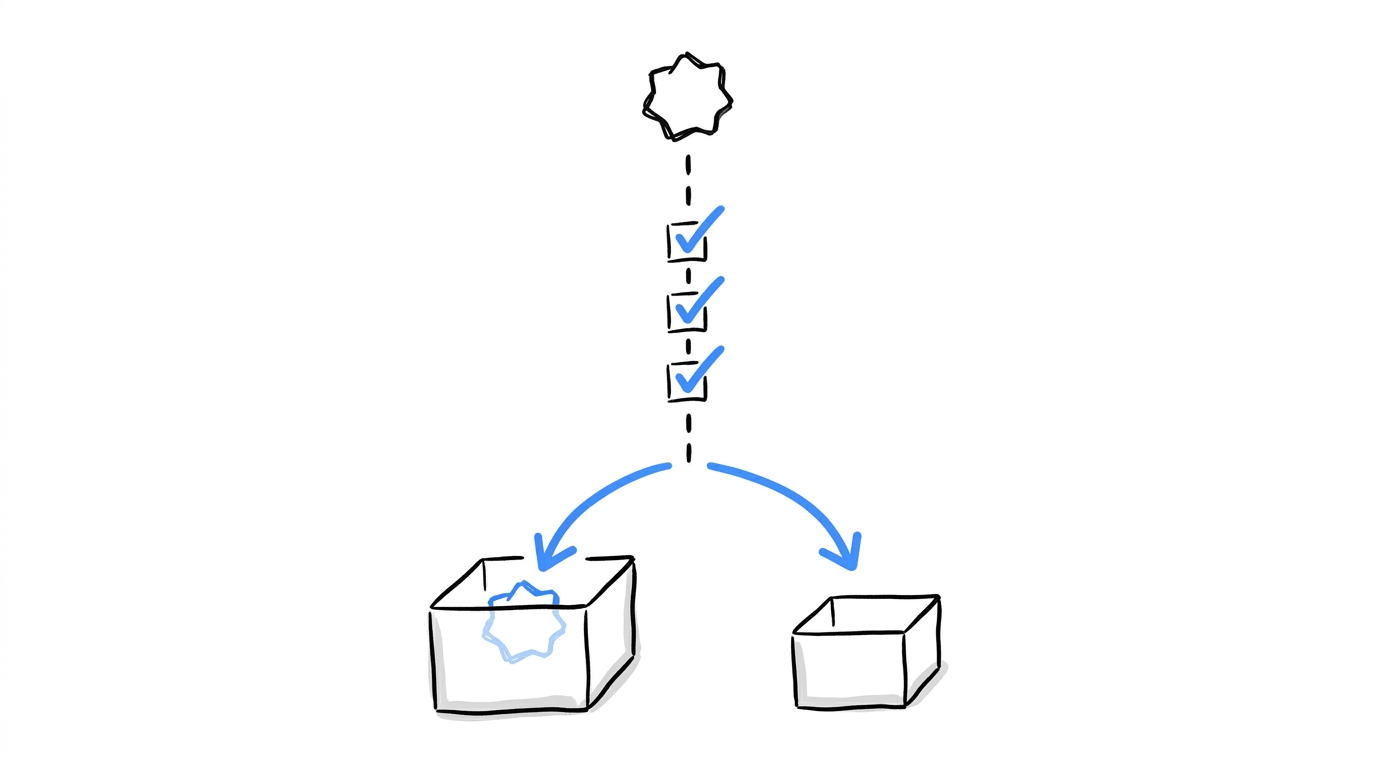
When you cannot decide where an action belongs, put it through these questions.
- Does the action create revenue or a sales conversation directly?
- Does every visitor who takes it leave something your business can act on afterward, such as an order, an account or a contact?
- Is it the last step of the page’s job, with nothing further the page must accomplish?
- Would you ship the winning variant based on this number alone?
- Does the page see enough visitors to produce a usable count of this action within a few weeks?
If an action gets a “yes” on four or five questions, classify it as a primary conversion. Anything below that threshold belongs among your secondary signals.
Take a visit to your pricing page as an example. It won’t meet the first three criteria, so you’d track it as an observation. You can still use that data to understand how many visitors are exploring your pricing before they decide what to do next.
Put your conversion tracking plan into practice
What to Track on Different Types of Pages
The pairings below are illustrative scenarios we built to show the sorting at work, so swap in the page types from your own site.
| Page | Primary conversion | Observations |
|---|---|---|
| Ferry ticket booking page | Visit to the booking confirmation page | Date picker opened, route search used, fare calendar scrolled |
| Dental clinic homepage | Appointment request form submitted | Phone number tapped, directions link clicked, clinic video played |
| Seed catalog product page | Purchase | Shipping estimate used, variety comparison clicked, reviews scrolled into view |
| Webinar registration page | Registration form submitted | Speaker bio clicked, agenda scroll depth, form started |
| Long-form software landing page | Demo booking | Pricing-page visit, scroll to the CTA, time on page |
For the seed catalog, the observations also point at where visitors stall before paying, which feeds directly into work on cart abandonment.
Setting Up Primary Conversions and Observations in CROLabs
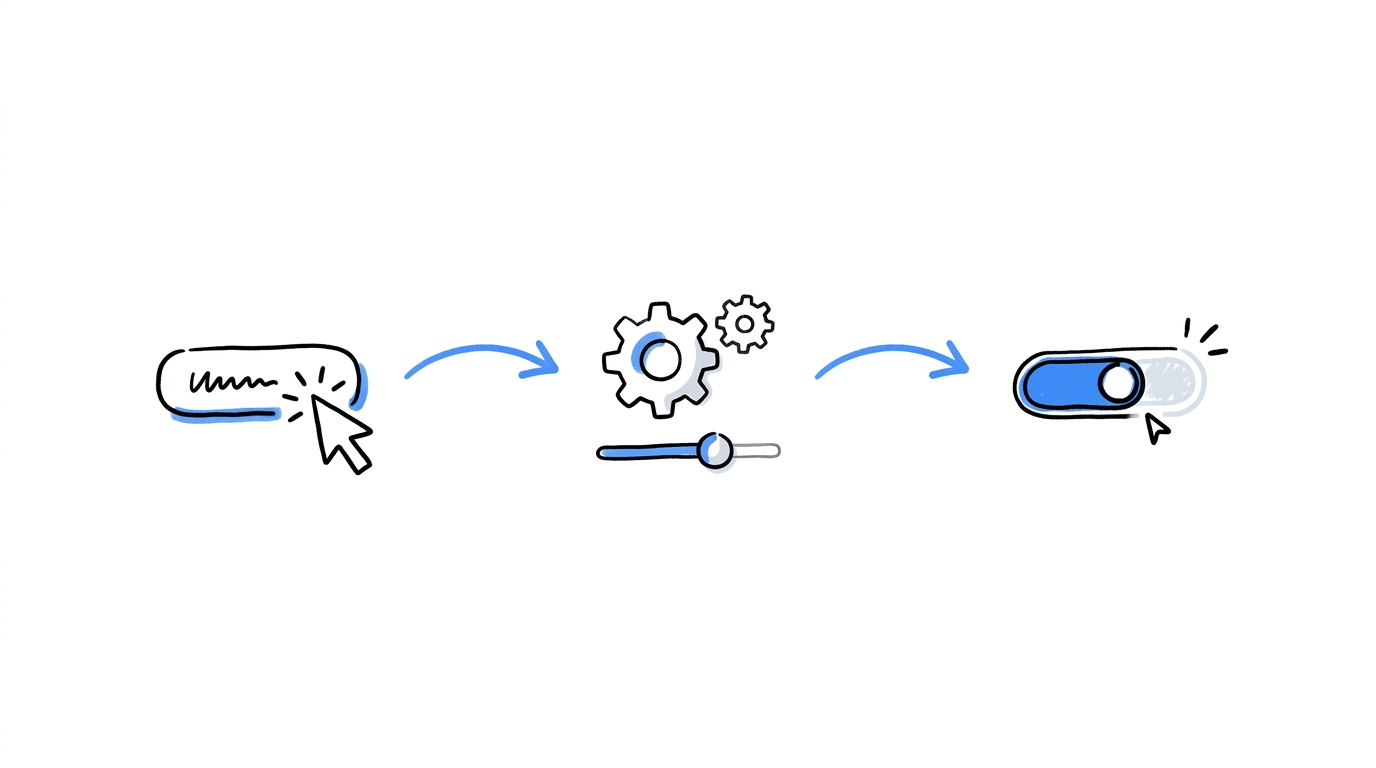
CROLabs offers six goal types, and all six are available on every plan, including Free.
- Element click: fires when a visitor clicks a chosen button, link or image.
- Form submission: fires when a visitor submits a form.
- Page visit: fires when a visitor lands on a specific URL, which suits thank-you and confirmation pages.
- Scroll depth: fires when a visitor reaches a set percentage of the page.
- Time on page: fires after a visitor stays for a set length of time.
- Custom event: fires on a JavaScript event you define, such as a video play or a step in a multi-step interaction.
To create a goal:
- Open your Lab and go to the Goals tab.
- Click Create New Goal.
- Name the goal and pick its type.
- Configure it.
- Choose whether it is the primary conversion or an observation.
One goal can connect to several experiments, and one experiment can hold several goals, so a goal library built once serves your whole testing program. The full feature is described on the conversion tracking page, and results show conversion rate, uplift and confidence per variant in the same view.
A few habits keep the data clean:
- Set goals before launch. Goals record only from the moment they are active, so data from before that point is gone.
- Keep one primary conversion per experiment. Extra primaries bring back the interpretation problems from earlier in this article.
- Name goals clearly. “Pricing Page CTA Click” will still make sense in three months, and “Goal 1” will not.
- Test the goal yourself. Complete the action in a private window and confirm it fires, then repeat with ad blockers off if you suspect interference. Our pre-launch experiment QA checklist covers more of these checks.
- Plan for other domains. If the conversion happens on a hosted checkout, cross-domain experiment tracking explains how to carry the measurement across.
The same sorting helps in Google Analytics 4, which lets a standard property mark up to 30 events as key events. Choosing the few that matter keeps that allowance for the actions that earn it, and CROLabs can share experiment data inside GA4 through its URL tag feature, so both tools tell one story.
When a Secondary Signal Earns a Promotion

An action’s role depends on what you’re trying to learn from a particular experiment, so a secondary signal in one test can become the primary conversion in another. This makes sense when the goal of your experiment changes.
Here are a few situations where promoting a secondary signal is worth considering.
✅ Promote it when:
- The true conversion arrives too slowly. Suppose a page produces about 15 demo bookings a month. A test on bookings would run for a long stretch, so form starts, which arrive far more often, can serve as the primary conversion for that experiment.
- Your past data shows the signal tracks the real outcome. Check that form starts rise and fall with bookings across earlier tests, using the analytics view in your Lab.
❌ Keep it as an observation when:
- The action is cheap to produce and says little about intent, such as a hover or a scroll past 25%.
- The link to revenue has never been checked.
Observations have a second use as a watch list. A variant that lifts signups while pricing-page visits fall sharply deserves a second look before it ships. Spotify’s experimentation platform formalizes this idea as guardrail metrics, which are monitored to catch harm even when the success metric improves. Your observations can fill that role on any test.
Conclusion
A test answers one question well. The primary conversion is that question, written down before launch, and the observations are everything you would like to learn along the way. Sorting actions this way keeps false wins down, ends arguments about which number counts and gives you a record you can still read months later.
If you want to try the split on a live page, start a free CROLabs trial and create your first primary conversion and a few observations in the Goals tab.
Set up your next A/B test with clearer goals
CROLabs includes all six conversion goal types on its Free plan, so you can start tracking the actions that matter to your experiment without upgrading first. Set your primary conversion, add observations and review how each variant performs.
Frequently Asked Questions
Can I track more than one conversion in the same experiment?
Yes. Set one goal as the primary conversion and add as many observations as you want. The primary goal determines the winner, and the observations show up beside it for context.
How many primary conversions should an experiment have?
One. A single primary conversion gives the test a clear question and keeps the false positive risk low.
Is a click on a CTA button a conversion?
It depends on what the click leads to. A click that opens a form or a pricing page is a secondary signal. A click that completes the page’s job, such as a button that sends a visitor into a hosted checkout, can serve as the primary conversion when the checkout itself sits outside your tracking.
Can I add a goal after my experiment has started?
Yes, though the goal records only from the moment it is activated. Anything that happened before then is missing, so create goals before launch.
Do observations affect which variant wins?
No. They sit alongside the primary result and add context without changing the outcome.
Which goal types are included in the free plan?
All six: element click, form submission, page visit, scroll depth, time on page and custom event.
Can I reuse the same goal across experiments?
Yes. Create it once and connect it to as many experiments as you like.
What if my primary conversion gets very little traffic?
Consider promoting a higher-volume action, such as a form start, to the primary slot for that experiment, after checking that it follows the real outcome in your earlier data.