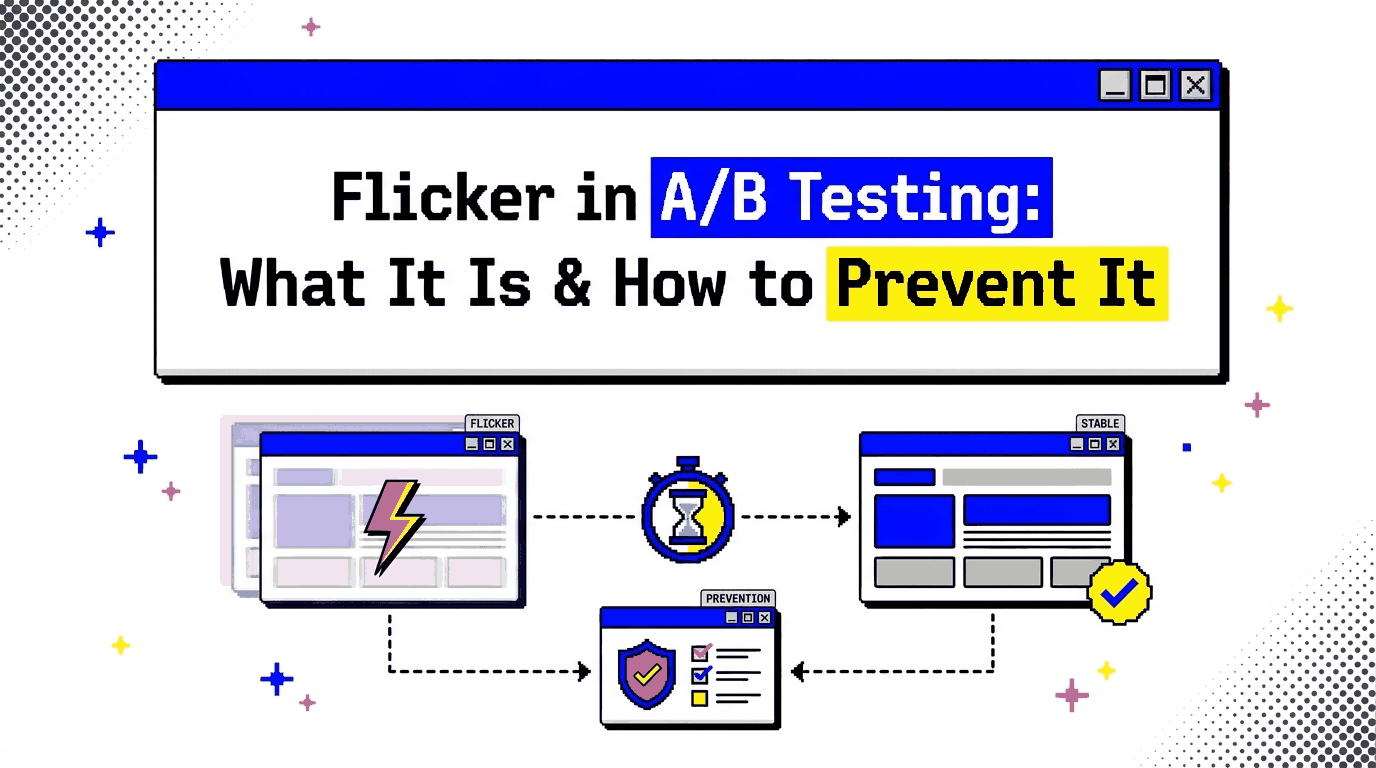
Updated Oct 2026
There’s a phenomenon known as flicker or the flicker effect in A/B testing. It happens when a visitor clicks on a page and briefly sees the original version before the test variation appears. A headline may change or a button may move, it might even be an image swapping out for another.
Sometimes the change happens so quickly that you barely notice it. On a slower connection, though, the difference can be obvious.
This usually comes down to timing. The page has started rendering while the A/B testing script is still loading or applying the variation. When the original content becomes visible first, the visitor gets a quick glimpse of it before the experiment takes over.
That tiny moment can affect how the page feels, how visitors interact with it, and how cleanly your experiment runs.
So what causes A/B testing flicker, and how can you prevent it?
On This Page
What Is Flicker in A/B Testing?
Flicker, sometimes called FOOC (Flash of Original Content) or page flicker, happens when the original version of a page becomes visible before an A/B testing tool applies the variation.
The sequence can look like this:
Original page → test script loads → variation is applied
For example, imagine you’re testing a pricing page where the original version displays three pricing cards. Your variation changes the layout so that the recommended plan is displayed first.
Then, a visitor loads the page and for a brief moment, they see the original three-card layout. The experimentation script then executes and changes the page to the variation.
That visitor has technically been exposed to both experiences. VWO describes this as seeing the control for a split second before the variation loads. Optimizely similarly explains that asynchronous loading can allow the original page to appear before the variation is ready.
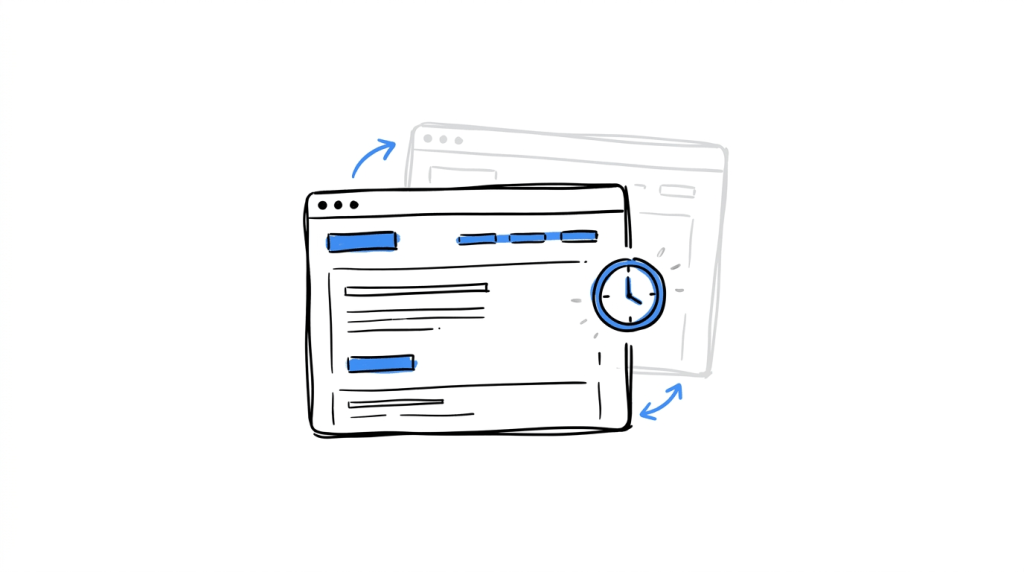
Why does this happen?
The browser has its own loading and rendering process and your experimentation platform has its own code that needs to run within that process.
If the page renders before the testing code can apply its changes, the browser has already shown the visitor something.
A simplified version looks like this:
| Stage | What happens |
|---|---|
| 1 | Browser requests the page |
| 2 | HTML and other resources begin loading |
| 3 | Original content starts rendering |
| 4 | Experimentation code loads or executes |
| 5 | Visitor is identified as eligible for the test |
| 6 | Variation changes are applied |
| 7 | Visitor sees the final test experience |
The amount of time between stages 3 and 6 determines how noticeable the flicker is.
Seeing flicker in your A/B tests?
CROLabs helps you run experiments without making visitors wait around for the page to settle. Start testing for free and see how your variations perform.
Why Flicker Can Affect Your A/B Test
A little visual movement may seem harmless when you’re watching the page yourself, but the problem becomes more interesting when you consider what the experiment is trying to measure.
Google describes an A/B test as a randomized experiment in which different versions of a page are shown to different samples of users. Flicker can interfere with that experience because a visitor may briefly encounter content that belongs to another version.
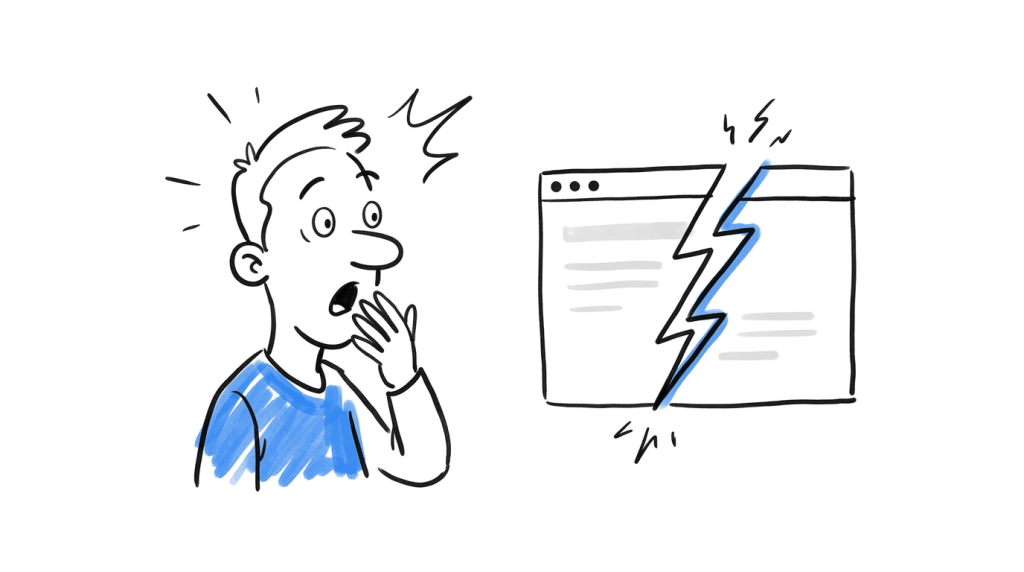
1. It creates a strange first impression
From a visitor seeing a headline change after the page has already appeared to a button jumping into another position, all these make the interface feel unstable.
This is particularly noticeable when the tested element sits high on the page. A variation that changes a hero image, navigation element, headline, pricing section, or CTA has a much better chance of being noticed than a small change far down the page.
2. It can expose the experiment
A visitor who notices a page changing may realize that something unusual is happening. That can matter when the variation is obvious.
Imagine a SaaS landing page where the control says:
Start your free trial
While the variation says:
Book a demo with an expert
If the first CTA flashes before the second one appears, the visitor has seen both messages, and their response may be influenced by that experience.
VWO specifically notes that visitors can notice the original content before the variation appears, while its documentation recommends preventing the flicker effect when modified elements are being loaded.
3. It can affect perceived performance
A page that changes immediately after loading can feel slower or less stable even when the underlying page speed metrics look acceptable.
This becomes especially noticeable on slower connections or devices, where the experimentation script may take longer to execute. The visitor doesn’t need to understand why the page changed, they only see the result.
4. It can complicate test exposure
Suppose you’re testing a signup form with a control that has four fields while the variation has two. If the visitor sees the four-field version for a moment before the two-field version appears, their first interaction with the page happened before the intended variation was fully applied.
That creates an exposure problem that should be taken seriously because the tested element affects user behavior.
What Causes A/B Testing Flicker?
There are several places where flicker can enter the loading process.

a. Asynchronous experimentation scripts
This is one of the main causes.
An asynchronous script can load alongside other page resources rather than blocking the page while it loads. That can help page performance, but it creates a timing problem when the page becomes visible before the experiment has been applied.
This source explains the trade-off directly: asynchronous loading can avoid delaying page load, while a late-loading A/B testing script can cause the original page to appear before the variation.
The important detail is that asynchronous does not automatically mean flicker. The implementation determines what happens between page rendering and experiment execution.
Modern experimentation platforms have techniques for loading test code asynchronously while controlling the visibility of elements being modified. CROLabs, for example, uses an asynchronous experimentation script, allowing tests to load without blocking the rest of the page while applying the selected variation as the experiment initializes.
b. Loading the testing script through a tag manager
Your experimentation code can also arrive too late when it is loaded through a tag management system.
Asynchronous tag-manager loading is a potential cause of flicker and it is recommended that you ensure the relevant testing code is loaded synchronously where appropriate.
c. Placing the experiment code too low in the page
If the testing script is added near the bottom of the page, the browser can render a substantial amount of content before the experiment gets a chance to modify it.
VWO’s documentation identifies this as another cause of the original page flashing before the variation.
d. Slow variation changes
The testing code itself may load quickly while the variation takes longer to apply. This can happen with changes involving images, dynamic elements, JavaScript, or content that appears after the initial page load.
Large images added to a variation can also contribute to a visible change because the replacement content takes time to download.
e. Single-page applications and dynamically loaded content
Modern websites can continue changing after the initial HTML has loaded.
A page may fetch additional components through JavaScript, render a section after an API response, or replace parts of the DOM after navigation. That gives an experimentation tool more timing issues to account for.
How to Detect Flicker in an A/B Test
You don’t need to wait for a visitor to complain about a page flashing, you can just test for it yourself.
1. Watch the page during a hard reload
Open the page you’re testing and reload it several times. Then, look closely at the elements being changed.
Check for:
- A headline changing after the page appears
- Buttons moving or changing text
- Images swapping
- Sections appearing and disappearing
- Layout shifts around the tested element
- Original copy appearing before variation copy
- A noticeable delay before the variation takes effect
Then try the same thing on a slower connection or lower-powered device. A flicker that is almost invisible on a fast development machine can become much easier to see under different loading conditions.
2. Test outside your normal browser session
Cached resources can make an experiment look cleaner than it is, so use a private browsing window or clear relevant cached resources, then reload the page.
You should also test across different browsers and screen sizes. Your experiment may behave differently depending on how quickly the page and its resources become available.
3. Record the page load
A screen recording can help when the change happens too quickly to see comfortably. After recording the page load, simply slow the recording down and watch the tested element frame by frame.
This is particularly useful for tests involving:
- Hero sections
- Navigation
- Pricing
- Forms
- Product images
- Pop-ups
- Personalization
- Dynamic content
4. Check the implementation
Look at when the experimentation code loads relative to the page content.
Browser developer tools can help you inspect the Network and Performance panels and identify when the testing script arrives and when the relevant DOM changes occur.
If the variation is being applied after the browser has already painted the original element, you have a timing issue worth investigating.
How to Prevent Flicker in A/B Testing
The right solution depends on how your site and experimentation platform are implemented. There isn’t one snippet that fits every website.
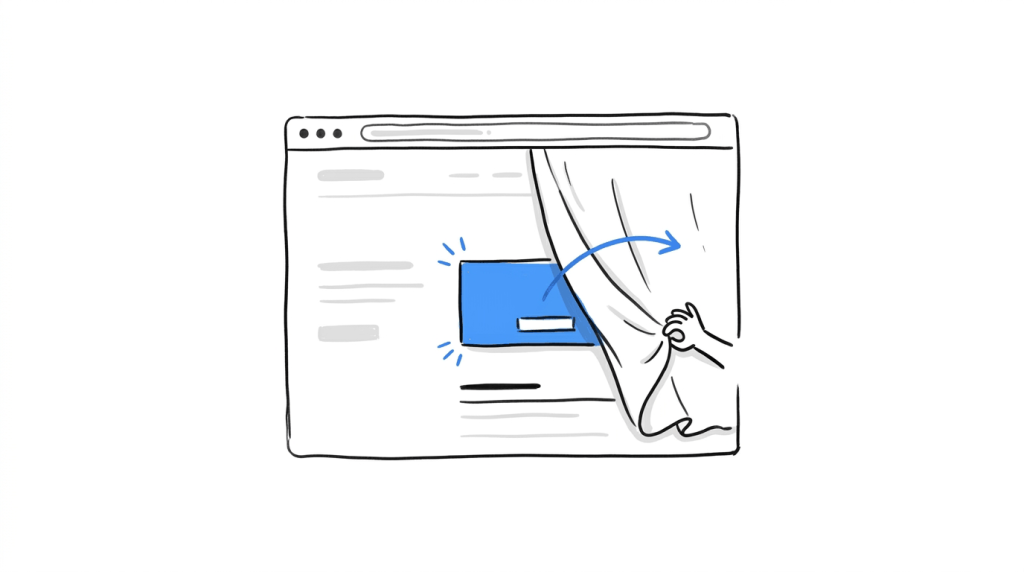
a. Use an experimentation setup designed for asynchronous testing
Asynchronous experimentation can reduce the performance cost associated with making the browser wait for a testing script. The catch, however, is that the experiment still needs to control when modified content becomes visible.
Modern tools can use approaches that allow the page to load asynchronously while temporarily controlling the visibility of elements involved in the experiment.
b. Load the experiment code early
Your testing script needs to run before the browser has a chance to display the original version of the elements being changed.
For client-side testing, that usually means placing the experimentation snippet in the appropriate part of the page rather than waiting until the bottom of the document.
c. Hide only what needs to change
One approach to preventing flicker is to temporarily hide the elements being modified until the experiment has applied its changes. This can work well for a targeted test.
For example, if your experiment changes only the hero headline, you don’t want the entire page hidden while the experiment initializes. The headline can be controlled while the rest of the page continues loading.
d. Keep variation assets lightweight
A variation that introduces a large image or another heavy resource can take longer to become visible. So compress images, avoid unnecessary assets, and consider whether the tested change needs to load a completely new resource.
This matters particularly when the variation is above the fold.
e. Be careful with custom JavaScript
Custom JavaScript gives you more control over an experiment, but it can also introduce timing problems. JavaScript-based changes can produce flicker when the original content is visible before the custom change is applied.
If you’re adding custom code to a variation, test the experience on the actual page rather than relying only on the visual editor preview.
f. Account for dynamic content
If your page renders important elements after the initial load, your experiment needs to know when those elements become available.
This is particularly important for:
- React applications
- Vue applications
- Other single-page applications
- Server-side rendered applications with client-side hydration
- Product pages with dynamically loaded information
- Personalization systems
An experiment that works perfectly on a static page can behave differently when the target element arrives later.
Test changes without the visual mess
Set up A/B tests, track what happens, and keep your experiments running smoothly with CROLabs.
When Server-Side Testing Makes More Sense
There is another way to approach the problem.
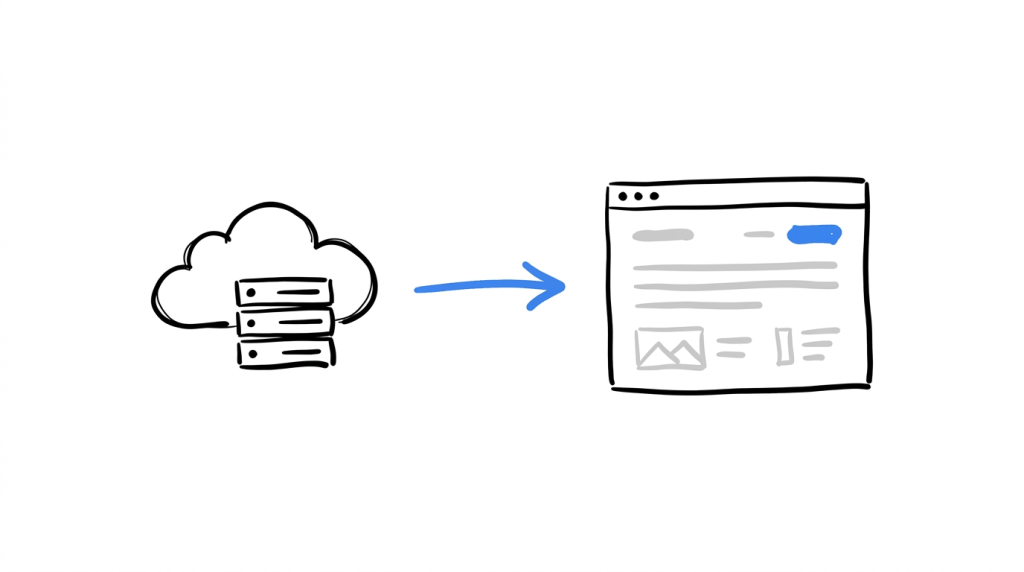
With client-side testing, the browser receives the page and JavaScript applies the variation. With server-side experimentation, the decision about which experience to serve can happen before the page reaches the browser.
That changes where the experiment is executed. A visitor can receive the appropriate version as part of the page response, which removes the client-side step that can produce a flash of the original content.
VWO describes server-side testing as being unaffected by the flicker associated with client-side asynchronous testing.
Server-side testing can be particularly useful when the experiment involves:
- Major page structure changes
- Backend-driven content
- Pricing or product logic
- Personalization based on account data
- Changes that need to exist before the browser renders the page
- Applications where client-side JavaScript already carries a large workload
It does come with a different implementation burden. Your development team or application architecture needs to support the experimentation logic on the server.
For a simple headline experiment on a marketing page, that may be unnecessary. But for a product experiment that changes what the application sends to a visitor, it can be a much better fit.
A Practical Flicker Checklist Before You Launch a Test
Before sending traffic to an experiment, run through this checklist.
| Check | What to look for |
|---|---|
| Test the page on reload | Does the original content flash first? |
| Test on mobile | Is the delay more visible on slower devices? |
| Test a slower connection | Does the variation still appear smoothly? |
| Inspect the experiment script | When does it load? |
| Check the target element | When does the variation get applied? |
| Review custom JavaScript | Could the code be changing the DOM late? |
| Check images and assets | Are variation assets delaying the change? |
| Test dynamic elements | Does the target exist when the experiment runs? |
| Test tag-manager delivery | Is the experimentation code arriving too late? |
| Record the experience | Can you see a flash when playback is slowed? |
You can also run an A/A test when validating an experimentation setup. Since both experiences are identical, unexpected differences can point toward implementation, tracking, sampling, or page-load problems. You should check issues such as tracking errors, page-load issues, and uneven traffic when an A/A test produces a surprising significant difference.
Conclusion
Flicker is a small technical issue that can become a testing issue when it changes what visitors see during the first moments of a page load.
The fix starts with understanding how your experimentation code reaches the browser. You can do this by checking when the script loads, watching when the variation becomes visible, testing the experience on different devices and connection speeds, and paying attention to dynamic elements and custom JavaScript.
For straightforward client-side experiments, a well-implemented asynchronous setup can handle the problem while keeping the page responsive. For deeper application-level experiments, server-side testing may be a better architecture.
CROLabs gives teams a place to run A/B tests alongside the rest of their CRO workflow, so you can identify opportunities, build experiments, and evaluate what happens after a change goes live.
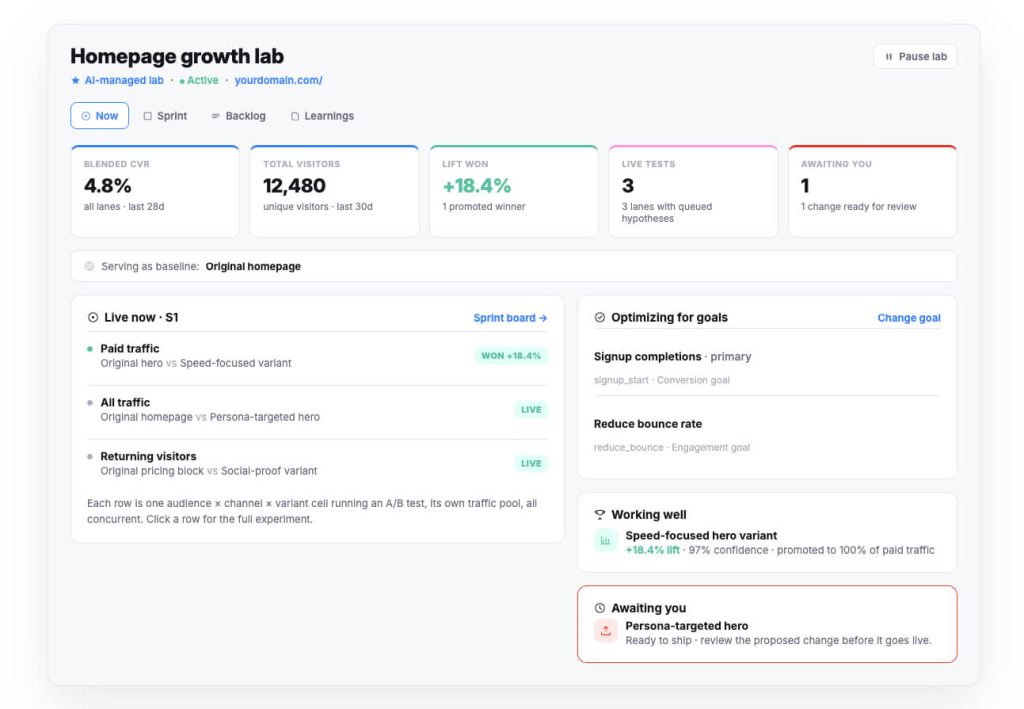
If you’re testing regularly, flicker is worth checking before you start trusting the results. Try CROLabs free and start running experiments without adding unnecessary complexity to your testing workflow.
Ready to run cleaner A/B tests?
CROLabs gives you the tools to experiment with your website, measure the results, and find changes worth keeping.
FAQs
What is flicker in A/B testing?
Flicker is a brief flash of the original webpage before an A/B testing tool applies the variation. A visitor may see the control version for a moment before the tested version appears.
What causes flicker in A/B testing?
Flicker can happen when the experimentation script loads after the page content has already started rendering. Asynchronous script delivery, tag-manager configuration, late script placement, custom JavaScript, dynamic content, and variation assets can all contribute to the problem.
Does asynchronous A/B testing always cause flicker?
No. Asynchronous loading can create a flicker problem when the experiment is applied after the original page becomes visible, but experimentation platforms can use techniques that control the visibility of modified elements while the variation is being applied. VWO currently describes its SmartCode as supporting flicker-free asynchronous testing.
Can flicker affect A/B test results?
It can. If a visitor sees the original experience before the variation, they have been exposed to content that wasn’t intended to be part of their final test experience. The effect will depend on the experiment, the duration of the flash, the element being tested, and how visitors respond to the change. VWO notes that visible flicker can compromise the reliability of an experiment and influence visitor behavior.
How can I check whether my website has A/B testing flicker?
Reload the test page several times and watch the elements being changed. Test with different browsers, devices, and connection speeds. A screen recording can also help you identify changes that happen too quickly to notice during normal browsing.
How do I prevent flicker in an A/B test?
Make sure the experimentation code is loaded early enough, configure the testing platform correctly, control the visibility of modified elements when necessary, keep variation assets lightweight, and test custom JavaScript carefully. For some applications, server-side experimentation can remove the client-side rendering step that causes flicker.
Is server-side A/B testing completely free from flicker?
Server-side testing avoids the browser-side variation swap that causes the typical client-side flicker effect. The visitor receives the selected experience as part of the server response, so the variation does not need to be visibly applied after the original page has rendered.