Updated Oct 2026
Optimizely’s analysis of more than 127,000 experiments found that about 12% of test ideas produced a statistically significant positive result, according to Growth Engines’ guide to ecommerce A/B testing. The other 88% used up traffic and weeks of runtime without a win to ship.
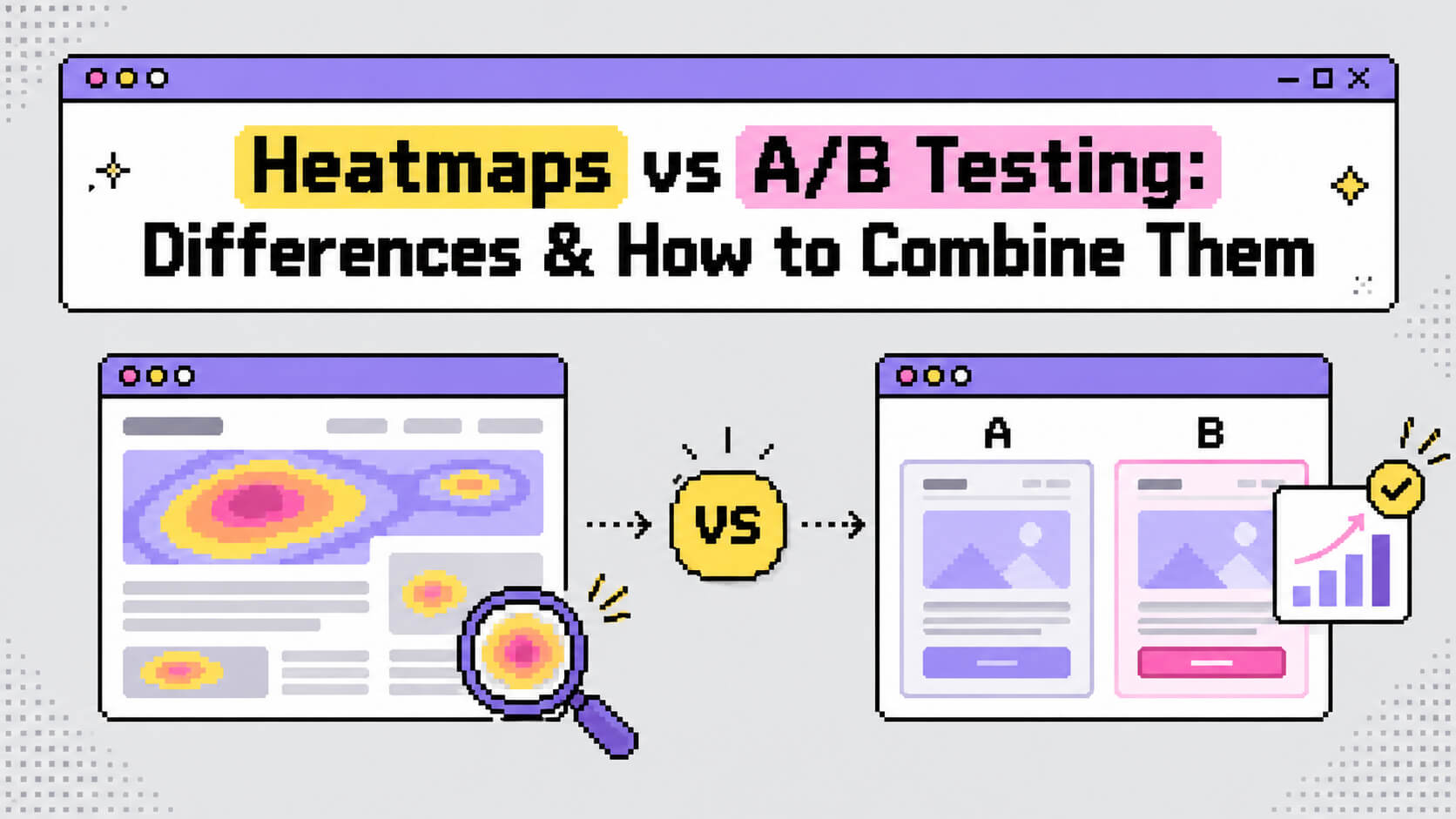
Choosing better ideas to test is where heatmaps come in, and finding out whether an idea worked is the job of A/B testing. The two terms show up side by side in so many conversion rate optimization articles that they start to sound like one tool.
This article explains what each one does, where they differ, how to run them in sequence, when to pick one, and which platforms offer both.
On This Page
What Is a Heatmap?
A heatmap is a visual report that combines the behavior of many visitors on one page. Areas with the most interaction show up in warm colors such as red and orange. Blue and green mark the places where visitors did little. PostHog’s glossary describes the same idea as an overlay on top of the page.
A small script on your site records the interactions, and the tool draws the results over a screenshot of the page. Several types of map exist, and each one answers a narrower question.
Click heatmaps
A click heatmap records where visitors click on desktop and tap on mobile. Clicks on text, images and icons that carry no link get counted as well, which makes this map useful for spotting elements that look clickable. Say 250 visitors tap a decorative badge next to a pricing plan. The map shows 250 taps on a badge that links nowhere.
Scroll heatmaps
A scroll heatmap shows how far down the page visitors travel. The top is the warmest area because every visit starts there, and the color cools further down as people leave. A cool band across a pricing table shows that visitors left before reaching it.
Mouse-movement heatmaps
Movement heatmaps track where desktop visitors move the cursor. Nelio Software’s comparison guide points out that cursor position is an imperfect measure of attention, so treat these maps as a rough guide to which headings and images draw interaction.

What Is A/B Testing?
A/B testing, also called split testing, sends visitors to one of two versions of a page and measures which version produces more of a goal action you chose in advance, such as a signup or a purchase. Wikipedia classes it as a randomized controlled experiment. Version A is the control, which is the page as it exists today. Version B is the variant and contains one change. Our A/B testing guide covers the basics in more depth.
The testing tool assigns each visitor to a version at random, usually with a 50/50 split. Once enough visitors have gone through, it calculates whether the gap between the two versions is larger than chance would produce. Growth Engines lists 95% as the standard confidence threshold in conversion rate optimization.
What a test needs before it launches
- A hypothesis that names the change and the result you expect
- One primary goal, such as completed purchases or booked calls
- A sample size calculated before launch
- A runtime made of complete weeks, with one to two weeks as the minimum
How much traffic a test needs
Sample size depends on your current conversion rate and the size of the lift you want to detect. The table below uses Growth Engines’ reference figures, calculated at 95% confidence and 80% power. Evan Miller’s sample size calculator handles your own numbers.
| Current conversion rate | Lift to detect (relative) | Visitors needed per variation |
|---|---|---|
| 1% | 20% (1% to 1.2%) | about 120,000 |
| 2% | 15% (2% to 2.3%) | about 50,000 |
| 3% | 10% (3% to 3.3%) | about 35,000 |
| 5% | 10% (5% to 5.5%) | about 20,000 |
At a 2% conversion rate, a page that gets 10,000 visitors a month needs roughly ten months to send 50,000 visitors to each version.
Heatmaps vs A/B Testing: The Differences
The table lays out the main differences side by side. The sections after it go through the ones that change how you plan your work.
| Heatmaps | A/B testing | |
|---|---|---|
| Question answered | Where do visitors click, scroll and stop? | Which version produces more of the goal action? |
| Type of data | Aggregated behavior shown visually | Conversion counts and rates |
| What it establishes | A behavior exists on the page | A change produced a measurable difference |
| Hypothesis needed first | No | Yes |
| Traffic needed | Works on lower-traffic pages | Thousands of visitors per variation |
| Output | A colored overlay on the page | A winner, a loser or an inconclusive result |
| Main limitation | Shows what happens without the reason | Shows which version won without the reason |
Observation and experiment
A heatmap records what visitors do on a page as it stands today. An A/B test is a controlled experiment: you change one element, split traffic between the two versions and compare outcomes. Seeing a problem on a page, as the Nelio guide notes, does not prove that a particular fix will solve it.
What each one can conclude
Take a course-sales page where a scroll heatmap shows that one in five visitors reaches the curriculum. The map reports reach, and the reason behind that number is open. The opening section could be too long, or the curriculum could sit too low. An A/B test that moves the curriculum above the testimonials measures whether the move changes enrollments.
Traffic and time
A heatmap draws a readable pattern from far fewer visitors than a test needs. Atomic Design’s roundup of Reddit questions on conversion optimization recommends skipping formal A/B tests below about 1,000 visitors a month and relying on qualitative tools such as heatmaps instead. For the testing side, the same roundup sets a working target of a few hundred conversions per variation.
How Heatmaps and A/B Testing Work Together
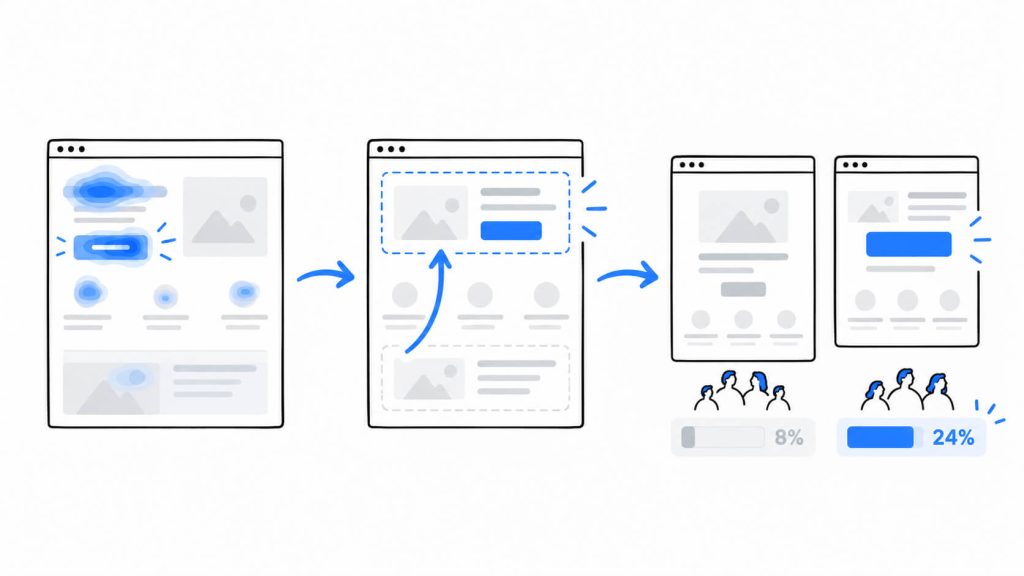
The two methods fit into one sequence. Heatmaps point to a likely problem, a test measures a proposed fix, and heatmaps of each version show how behavior changed.
1. Pick the page where the numbers are weak
Start in your analytics tool. A funnel report in Google Analytics 4 shows the percentage of visitors lost at each step, and Atomic Design’s guide to finding drop-offs advises opening heatmaps and recordings on the step with the steepest loss.
2. Use a heatmap to choose what to test
Atomic Design’s answer on diagnosing a call to action says scroll and click heatmaps show whether visitors see the button and whether they click near it without converting. A button sitting below the point where visitors stop scrolling suggests testing its position. If visitors click near the button and miss, the size or the label becomes the thing to test.
See what visitors do before you decide what to test.
CROLabs combines click and scroll heatmaps with A/B testing, so you can spot friction, test a change, and compare the results from one place.
3. Write the hypothesis and run the test
Turn the observation into a hypothesis that names the change and the result you expect:
Because [what the heatmap shows], changing [element] to [new version] will increase [goal metric].
For the course page above, that reads: because the scroll heatmap shows one in five visitors reaching the curriculum, moving the curriculum above the testimonials will increase enrollments.
Launch with the sample size and runtime you set beforehand. Atomic Design warns that early wins often reverse, so stopping the moment one version leads gives you a result that may not hold.
4. Review heatmaps for each version
After the test, heatmaps for each version show how behavior changed. If version B won and its scroll map shows more visitors reaching the testimonials, the cause is easier to name. If version B won while the new section drew few clicks, the lift came from another change on the page.
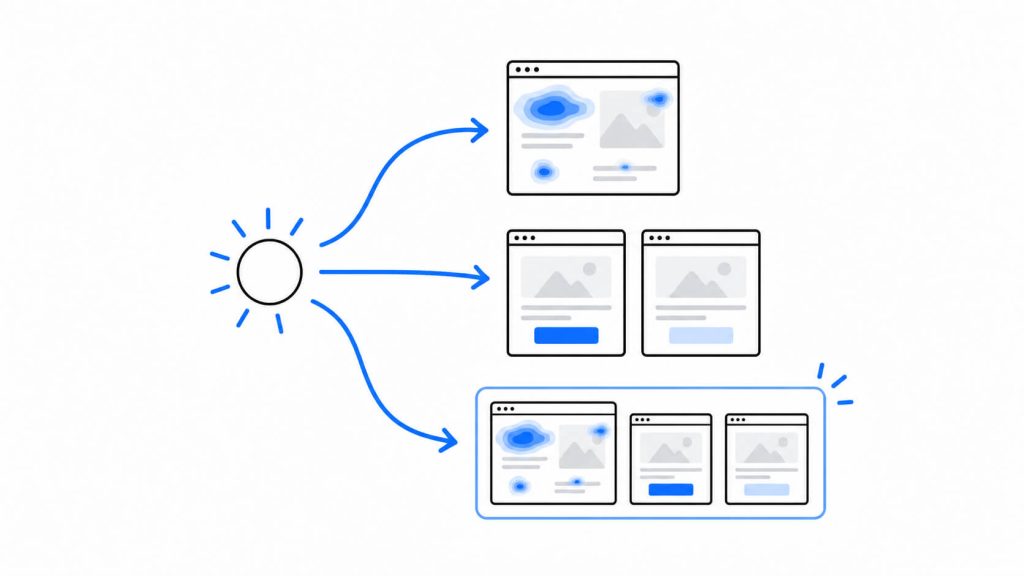
Tools handle this step in different ways. VWO filters heatmaps by variation and compares control and variant side by side. When a tool lacks that view, a workaround exists: Lucky Orange’s reply to a Shopify app reviewer suggests opening one variant’s heatmap in a regular browser window and the other in an incognito window.
Reading a Heatmap Without Fooling Yourself
The colors look precise. Five checks keep the reading grounded.
- Warm areas are observations. A frequently clicked button can contribute little to conversions, a point the Nelio guide makes. Check the conversion data for that element before redesigning around it.
- Cool areas can still matter. Visitors read refund terms and pricing footnotes without clicking them, so low interaction does not show low value.
- Split by device before reading. Atomic Design points out that mobile often hides a broken experience, which a desktop-heavy map will not reveal.
- Check how many visits sit behind the map. VWO’s documentation says its heatmap comparisons rely on sampled visitor data, so confirm the volume before drawing conclusions.
- Write down a question for each map. A CXL guide to heat maps makes the point that a heatmap is worth as much as the tests it leads to.
When Your A/B Test Comes Back Flat
A flat result means neither version beat the other at the confidence level you set. Going back to the Optimizely figure from the start of this article, only 12% of test ideas produced a significant positive result, so flat outcomes arrive regularly.
Before retiring the idea, check whether the overall average hid a difference between segments. Growth Engines notes that a test with no overall effect can contain a lift on mobile next to a drop on desktop. FullSession describes a pricing-page test that read as neutral while the mobile heatmap showed visitors repeatedly tapping a disabled Apply button on a coupon field.
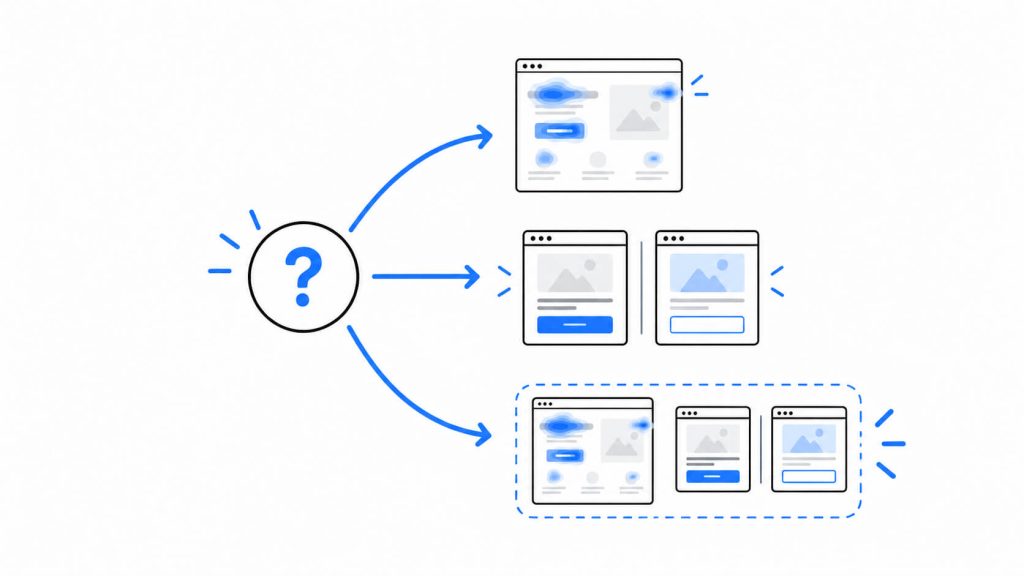
A short routine for a flat result:
- Split the results by device and by traffic source.
- Open each version’s heatmap for the segment that performed worst.
- Look for taps and clicks on elements that do nothing, such as disabled buttons and plain text.
- Decide whether to fix the element and retest, or to move to a different hypothesis.
If no segment shows a difference and the heatmaps look alike, the change had no measurable effect, and the next hypothesis takes its place.
When to Use Each
Use heatmaps when
- You know a page matters and have not decided what to change
- You want to see whether visitors reach a section such as pricing or a signup form
- Mobile and desktop conversion rates differ and you want to see why
- The page has too little traffic for a test
Use A/B testing when
- You have a hypothesis and one change to try
- The page gets enough visitors to reach the sample size within a few weeks
- A change is disputed inside the team and you want a measured answer, a use the Nelio guide describes
- You need evidence to show a client or a manager
Use both when
Run both on pages that carry revenue and have the traffic for testing, such as pricing pages and lead forms. A heatmap before every test is optional. Nelio’s guide notes that hypotheses also come from customer surveys and sales conversations, and the heatmap earns its place when you do not yet know what to test.
When traffic is low
Test bold changes, because small tweaks produce noise at low volume. Run complete weeks and set the sample size before launch, as Atomic Design advises. Chris Mercer, in an Experiment Nation interview summary, suggests measuring the current user journey first and testing changes one after another on low-traffic sites. Comparing one period against the next carries weaker evidence than a split test, because seasons and campaigns shift between periods.

Tools That Combine Heatmaps and A/B Testing
Running both from one account puts heatmaps next to test results and reduces the number of tracking scripts on your site. The five platforms below include both. Details come from vendor pages checked in October 2026, and plans change, so confirm current pricing before buying.
| Tool | Heatmaps | A/B testing | Best fit |
|---|---|---|---|
| CROLabs | Click and scroll | Yes, including multivariate | Marketing teams and agencies who want results and heatmaps in one view |
| VWO | Via VWO Insights | Via VWO Testing | Teams with an ongoing experimentation program |
| Crazy Egg | Five map types | From the Plus plan | Small marketing teams on pageview-based pricing |
| PostHog | Click heatmaps | Experiments with automatic significance | Product and engineering teams |
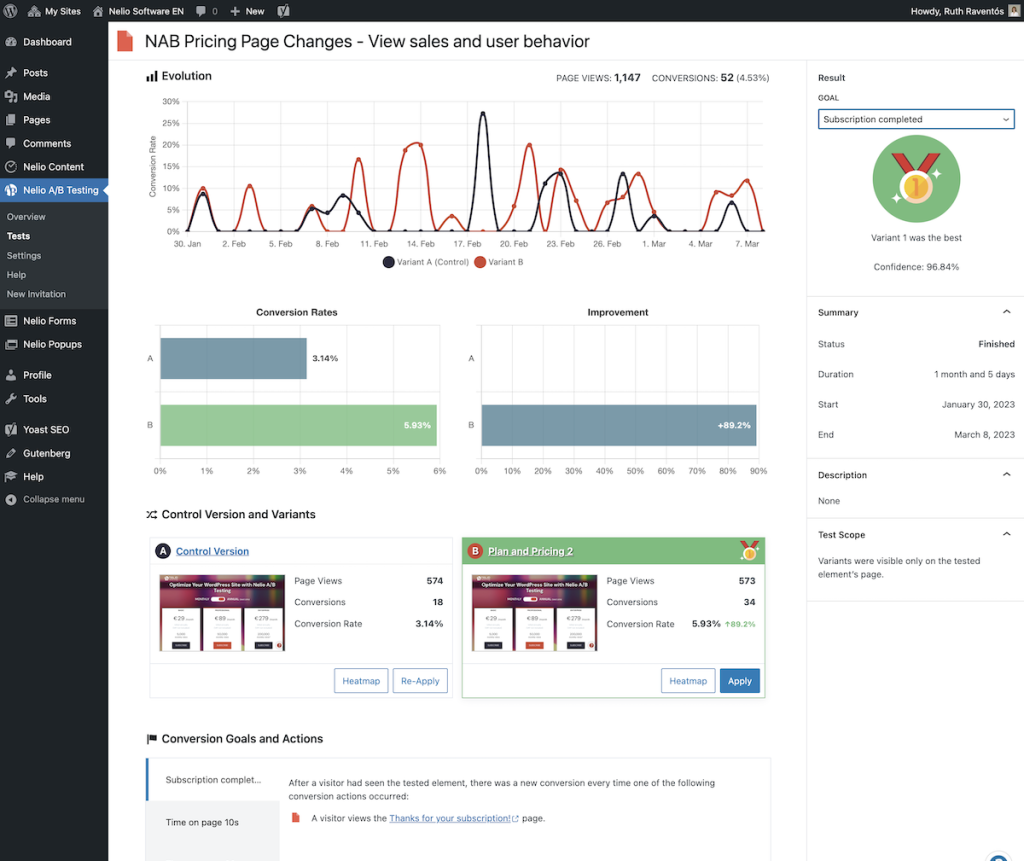
| Nelio A/B Testing | Heatmaps, clickmaps and scrollmaps | Yes, inside WordPress | WordPress and WooCommerce sites |
CROLabs
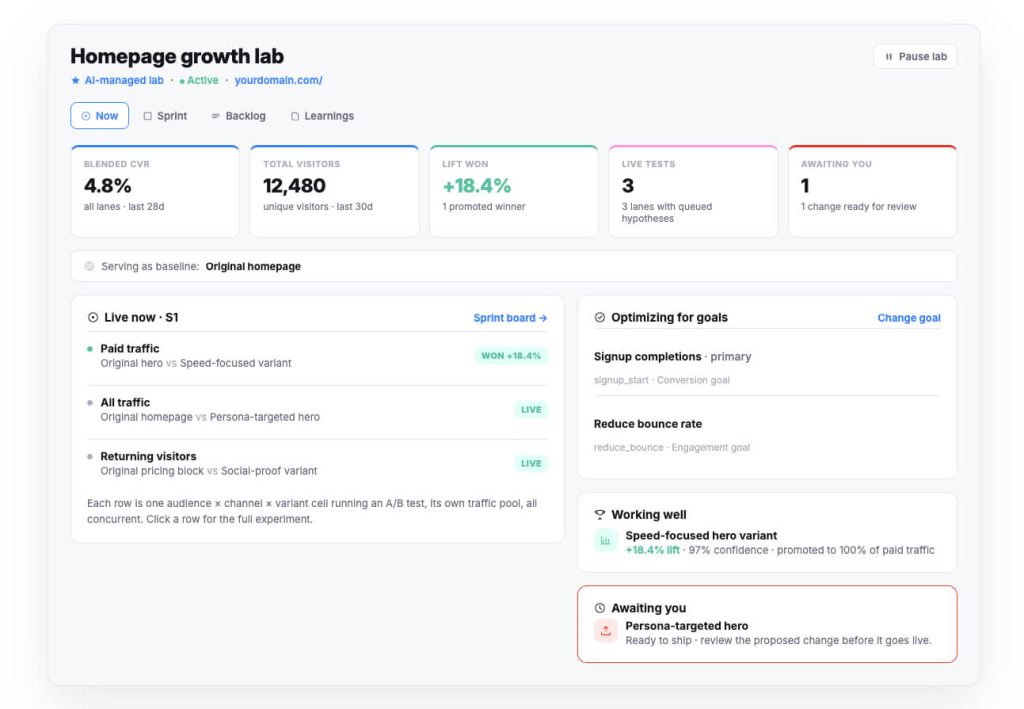
CROLabs puts experiment results, visitor paths and click and scroll heatmaps in one analytics view, so you compare variants and then open the heatmap for the page you tested. Experiment data lives in CROLabs itself, and experiment identifiers can be sent to GA4 for existing reports. A 14-day free trial is listed on the analytics page.
VWO
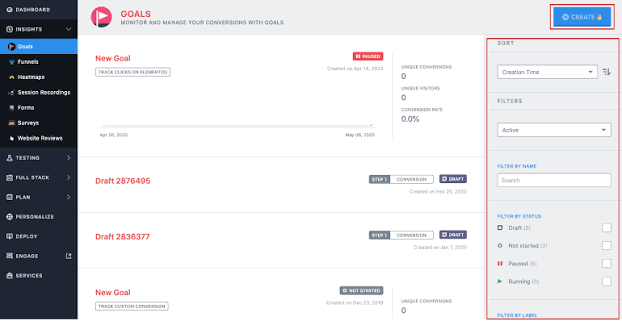
VWO sells testing and behavior analytics as separate modules. Its heatmap integration filters heatmaps by control or variation. It needs an active testing plan plus an Insights plan that includes heatmaps, with the feature starting from the Pro tier.
Crazy Egg
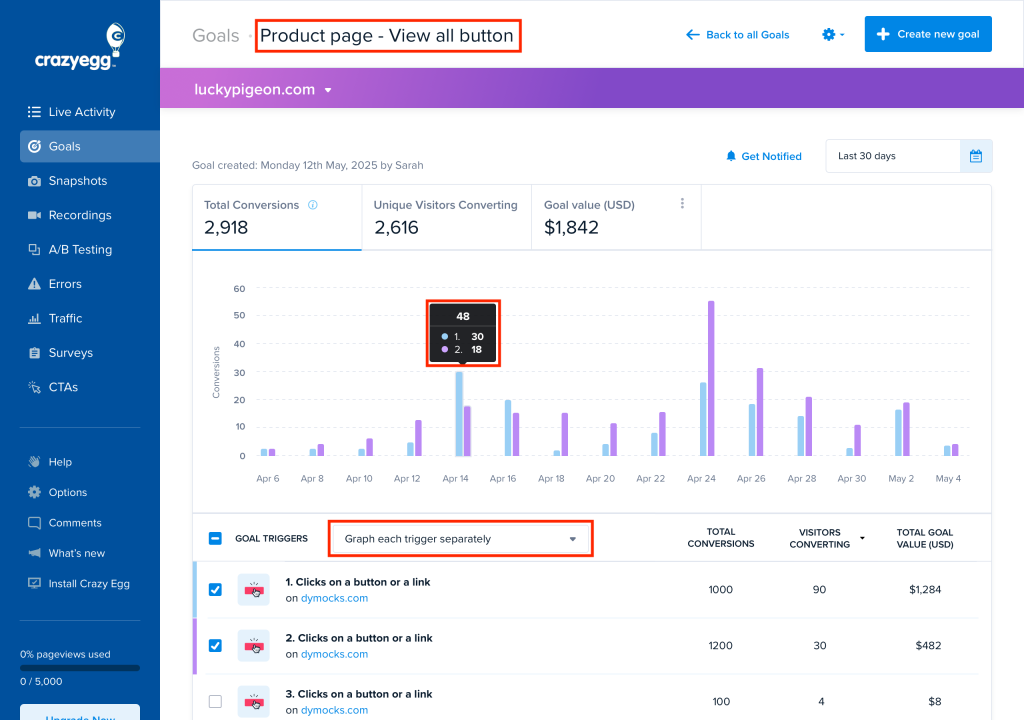
Crazy Egg lists heatmaps and recordings from $29 a month and adds A/B testing from $99 a month, according to its heatmaps page. Heatmap reports can be filtered by traffic source or conversion status.
PostHog
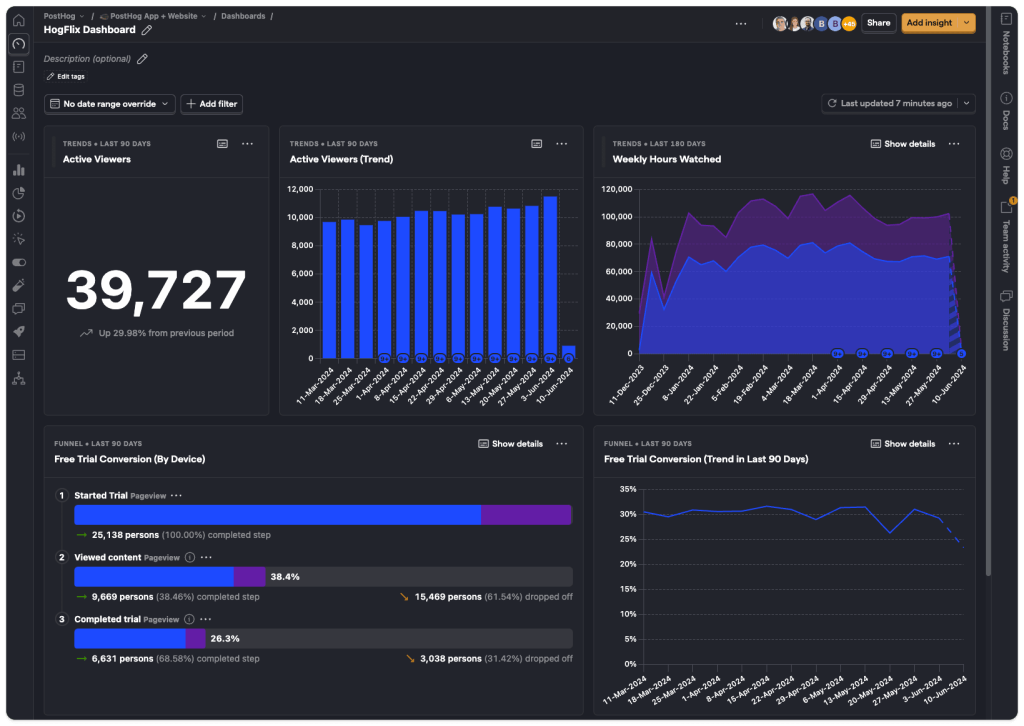
PostHog is built for product and engineering teams. Per its comparison with Hotjar, heatmaps come with session replay, and the experiments feature calculates significance automatically. The glossary notes that its heatmaps track clicks.
Nelio A/B Testing
Nelio runs inside the WordPress dashboard. It covers heatmaps, clickmaps and scrollmaps, along with experiments for pages, headlines, menus and WooCommerce products. A free version is available on WordPress.org.
A free heatmap tool to pair with a separate testing tool
Microsoft Clarity offers heatmaps and session recordings at no cost with no traffic limits, according to its site. It does not run experiments, so it needs a separate testing tool beside it.
How to choose
- WordPress or WooCommerce site: Nelio A/B Testing
- Engineering-led team that also uses feature flags: PostHog
- Marketing team without developer support: CROLabs or Crazy Egg
- Established experimentation program across several teams: VWO
Conclusion
First, start with a heatmap on one page that carries revenue. Then, note one element worth changing and write it as a hypothesis.
If the page has the traffic for the sample size in the table above, run the test. If it lacks that traffic, make the larger change the heatmap supports and compare conversions across complete weeks.
When the test ends, open the heatmap for each version and split the results by device before deciding anything.
CROLabs includes click and scroll heatmaps alongside A/B testing, and the 14-day free trial is a low-effort way to try this sequence on a single page.
Heatmaps can tell you where visitors struggle. A/B testing can tell you whether your fix actually works. With CROLabs, you can do both without jumping between different tools.
FAQs
Can heatmaps replace A/B testing?
A heatmap shows that visitors overlook or misread an element. Measuring whether a change improves conversions takes a test, a distinction the Nelio guide draws as well.
Do I need a heatmap before every A/B test?
A heatmap is optional. Hypotheses also come from customer surveys and sales conversations. The heatmap earns its place when you do not yet know what to test.
How much traffic does an A/B test need?
A page converting at 2% needs about 50,000 visitors per variation to detect a 15% relative lift, per the Growth Engines figures in the table above. Atomic Design offers a few hundred conversions per variation as a working target.
How long should an A/B test run?
Run complete weekly cycles, with one to two weeks as the minimum and longer for low-traffic pages, per Atomic Design. Decide the end point before launch and resist stopping when one version pulls ahead.
Can I use a heatmap on a page that has an A/B test running?
Yes. VWO and Nelio both provide heatmaps for individual variants. Lucky Orange’s support reply mentions an Optimizely integration for viewing heatmaps across variants.
What is the difference between a heatmap and a session recording?
Many visits combine into one visual pattern in a heatmap. A session recording replays what a single visitor did, in order, across one or more pages.
Are there free heatmap tools?
Microsoft Clarity is free with no traffic limits. Nelio’s WordPress plugin has a free version that includes heatmaps.