Updated Aug 2026
Landing page personalization means changing what a visitor sees (based on who they are, where they came from, or what they’ve already told you) when they land on your page. Rather than serving the same static page to your visitors, you can customize that page in a way that captures their interest or moves them to take action.
It can be as small as swapping a headline to match a search term or as involved as rebuilding an entire hero section for one target account. When you do this right, it shortens the distance between indifference/unawareness and a conversion.
There’s an increasing number of companies running these experiments (like Carta, Zola, Automox, and a long list of smaller B2B and ecommerce brands), and they have tested personalized pages against a plain control group. Some saw a modest bump while a few saw conversions climb by triple digits.
This article walks through eight of those examples, explains why each one worked, and covers how to set up the same kind of website personalization on your own pages using CROLabs.
On This Page
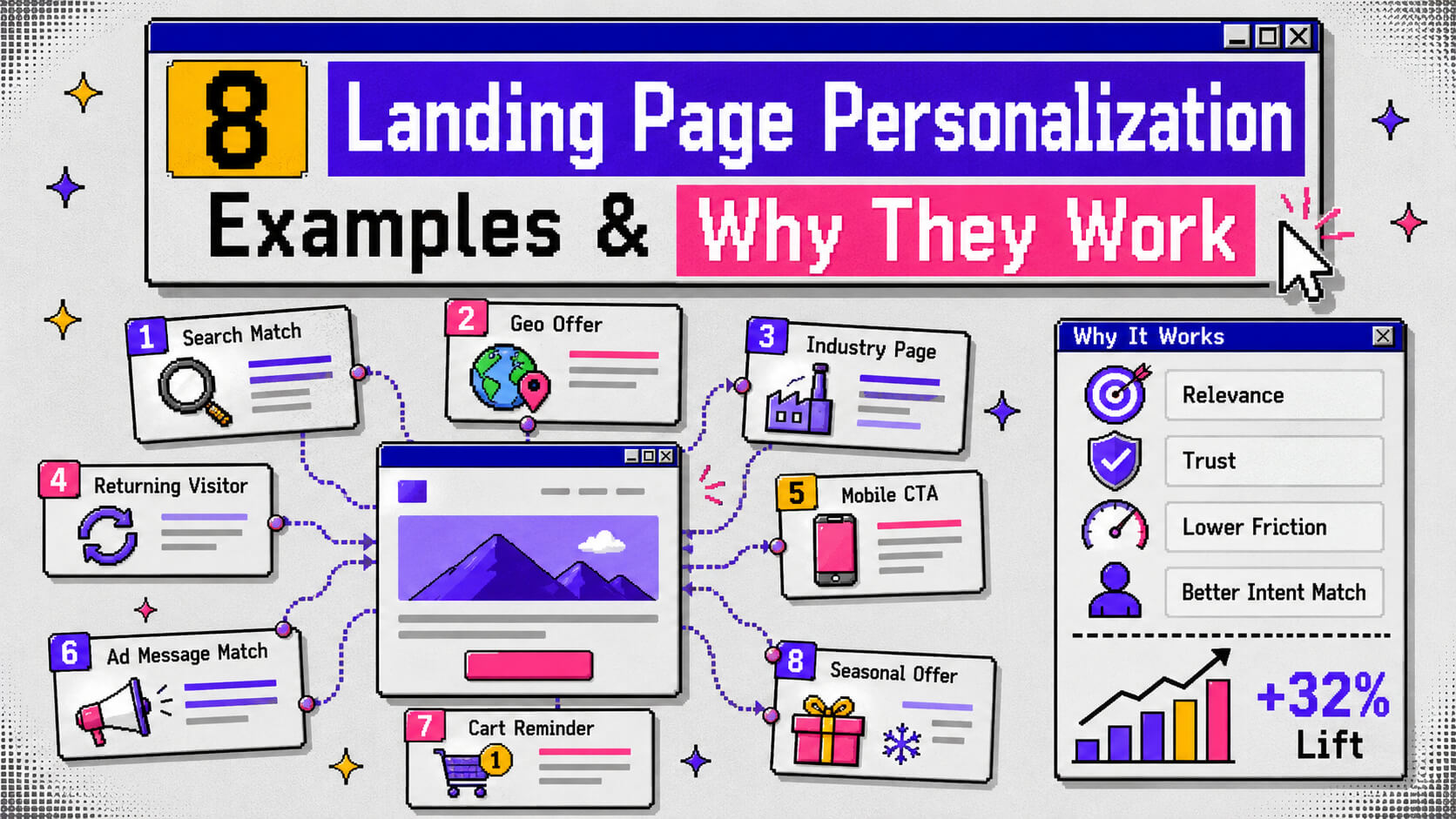
8 Landing Page Personalization Examples & Why They Work
1. Carta segments its homepage by company stage
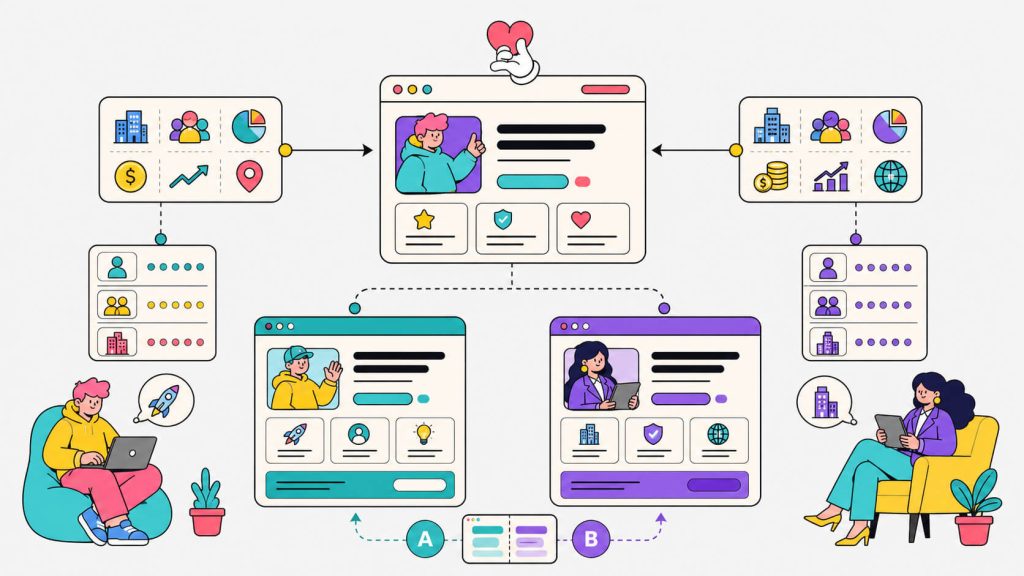
Carta sells equity management software to companies ranging from two-person seed startups to firms getting ready to IPO. For years, the site spoke to all of them at once, which in practice meant it spoke to none of them well. This is because a pre-IPO finance team and a founder issuing their first round of stock options need almost nothing in common from a landing page.
To fix this, Carta pulled in firmographic data (industry, headcount, funding raised) from Clearbit and layered it with first-party CRM data from Salesforce and Marketo. Then, they started swapping the homepage headline and supporting copy to match the company stage.
A seed-stage visitor now sees messaging built around issuing first equity grants, while a pre-IPO visitor sees content about compliance and 409A valuations. Once the page actually spoke to what each segment cared about, the result was 80% more leads out of the smaller customer segment alone.
Why it works:
When a visitor lands on a page, they decide whether that page is relevant within seconds. With company-stage personalization, Carta was able to remove the guesswork of “is this even for a business my size” as well as shorten the decision-making process for the visitor, most times before they even have to think the question consciously.
2. Automox swaps logos, copy, and testimonials by industry
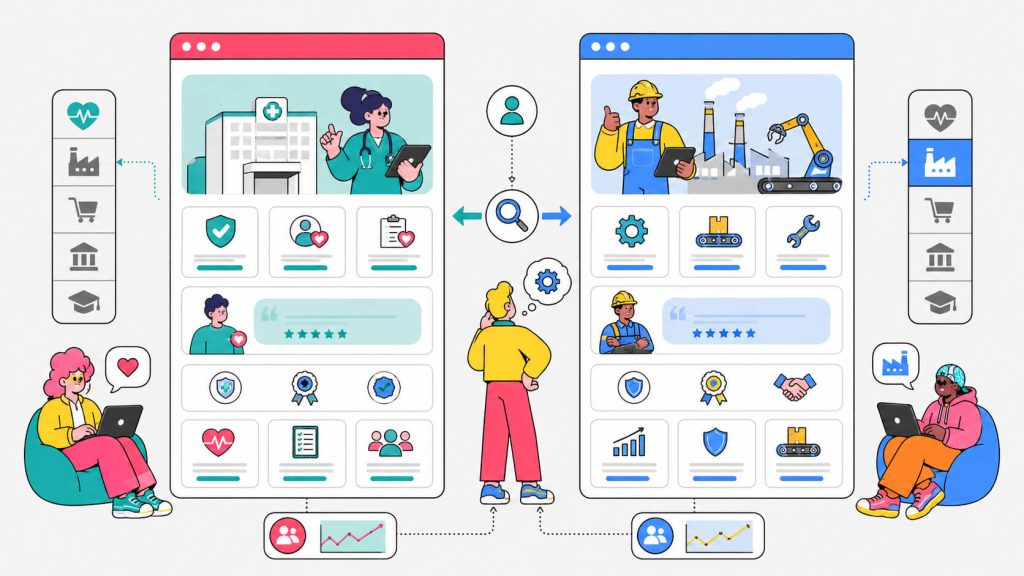
Automox, an endpoint management platform, ran a straightforward experiment on its industry-facing landing pages. Instead of one generic set of customer logos and one generic testimonial block, the page detected the visitor’s industry and displayed matching case studies, matching customer logos, and language built around pain points specific to that vertical.
This meant that healthcare visitors saw healthcare proof points and manufacturing visitors saw manufacturing proof points. The change alone produced a 185% increase in conversion rate.
Why it works:
Social proof only works when the visitor recognizes themselves in it. If you have a logo wall full of unfamiliar brands from unrelated industries, it just reads as noise to the visitor. On the other hand, the same logo wall filtered to the visitor’s own sector reads as evidence to them.
3. MarketerHire stacks three layers of personalization on one page
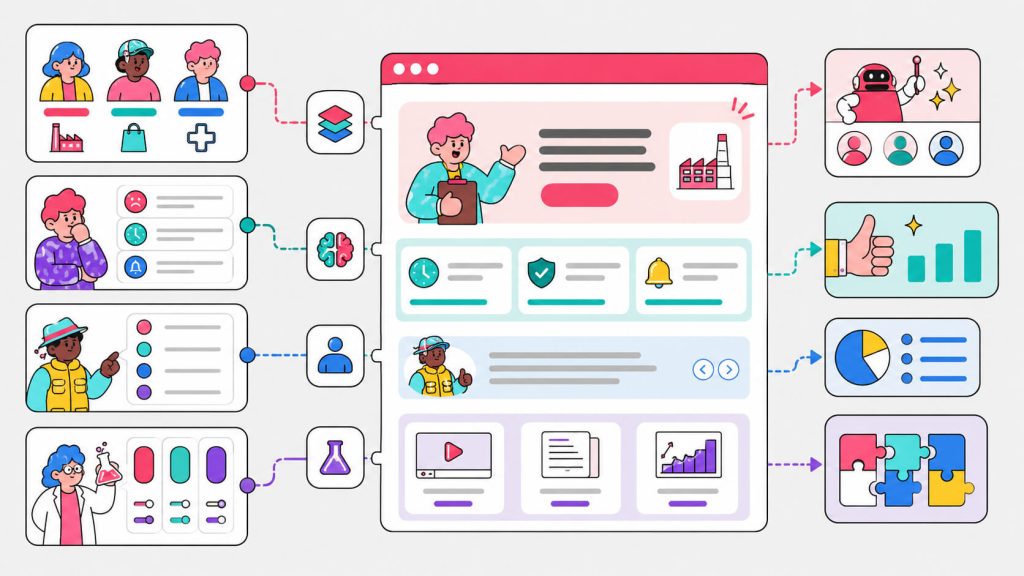
Most companies focus on personalizing one variable and stopping there, but MarketerHire’s growth lead, Karim Hachimi, built a personalization system with three layers running at once. It included industry-specific messaging, pain-point-specific copy tied to a visitor’s likely hiring need, and behavioral personalization based on what a visitor had already done on the site.
He treated every layer as its own experiment, tracked the results, and killed anything that underperformed within days. Now, we’ll note that this isn’t exactly recommended when running experiments, it’s best practice to wait longer (i.e weeks) for statistical certainty regardless of the success (or lack thereof) of the idea.
But this worked out well for him, because individual copy and design tweaks delivered a 12 to 15% lift over baseline on their own. Stacked together across hundreds of segments, the combined effect was a 5x increase in conversion rate.
Why it works:
Simply put, personalization compounds. One relevant detail is already highly effective in nudging a visitor. When you have three relevant details aimed at industry, pain point, and prior behavior at the same time, it starts to feel less like a landing page and more like a conversation that already knows the visitor’s situation.
Turn More Traffic Into Conversions With Personalization
You don’t need to personalize your entire website at once. Start by identifying the segments, traffic sources, and pages with the biggest conversion opportunities.
Cancel anytime.
4. Q-Centrix builds one page for one target account, then repeats it
Account-based marketing takes personalization to its logical extreme. You have one landing page that’s built for one company and references that company’s own language and business context.
Q-Centrix used this approach when expanding into a new vertical. It built account-specific pages that combined public research about each prospect with proprietary customer data, giving every page real depth instead of a swapped logo and a first-name field.
This caused click-through rates on LinkedIn to jump by 50%, campaigns built this way drove over twice the click-through rate of non-personalized versions, and time on page rose 160%. Prospects even started forwarding the pages to their own leadership.
Why it works:
A page built for one specific company signals that a human, or at least a very well-informed system, understands that company’s business. That signal is hard to fake with a generic template, and buyers notice the difference.
5. SecurityScorecard personalizes by funnel stage
Most personalization strategies segment by who the visitor is, SecurityScorecard segmented by where the visitor stood in the buying process instead.
For visitors near the bottom of the funnel, the team built a dedicated banner pulling in ratings and reviews from G2 and Capterra. They aimed this at buyers who already understood the product category and just needed a final push of confidence.
That single change lifted conversion by 85% for that segment.
Why it works:
A visitor doing early research and a visitor about to sign a contract need different things from the same page. For early-stage visitors, they want education, while late-stage visitors want proof that other people like them already made the decision and were happy with it. When you serve both audiences the same static block, you waste the message on at least one of them.
Show Visitors What They Need To Convert
Cancel anytime.
6. Zola builds landing pages for hundreds of narrow audience segments
Zola is a wedding planning and registry platform. Their audience consists of couples who found the site through Pinterest boards, couples researching home decor styles before building a registry, and couples just starting to plan a wedding website.
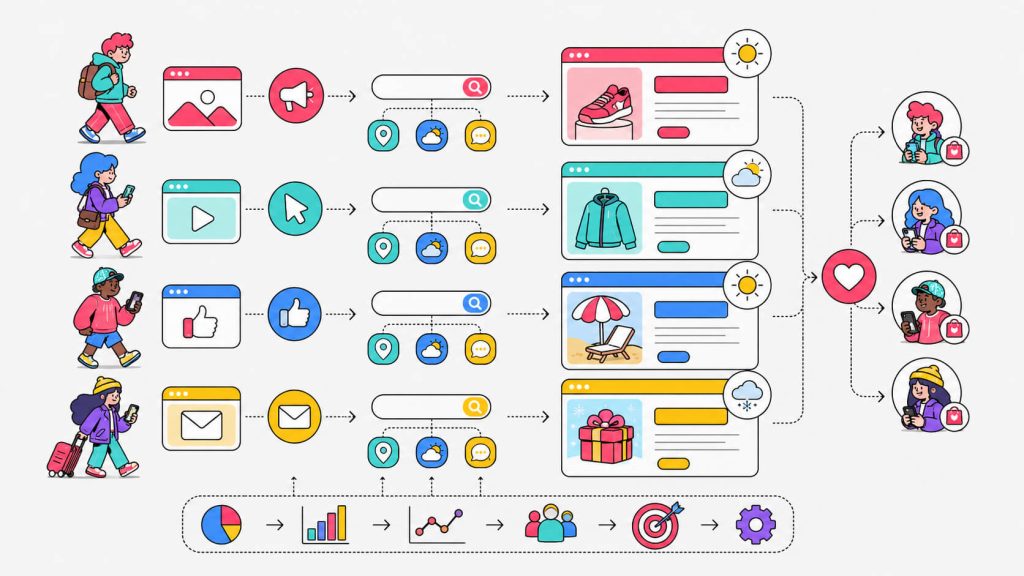
They needed landing pages that spoke to these wildly different visitor types under one brand. Rather than compress all of that into a handful of generic pages, Zola’s team used Unbounce to build over 300 landing pages, each tailored to a specific audience segment and traffic source.
The scale is the notable part here because this wasn’t one clever headline swap. It was a systematic approach to dynamic pages built around audience intent and run across a huge volume of campaigns.
Why it works:
Intent varies enormously even within one brand’s audience. A visitor who clicked a Pinterest pin about minimalist registries wants a completely different opening line than a visitor who searched “wedding website builder” on Google. Matching page content to the specific path a visitor took to get there removes friction before the visitor even starts reading.
7. A UK retailer ties landing pages to real-time weather and location
ASDA’s clothing brand, George, ran a campaign called “Real Summer Days” that changed which products and messaging appeared on its landing pages based on the visitor’s local weather forecast. This adjusted in real time as temperatures shifted across the UK’s notoriously unpredictable summer. When conditions turned colder, the brand could pull forward autumn stock rather than continuing to push swimwear to visitors standing in the rain.
Why it works:
Context shapes purchase intent as much as demographics do. Nobody wants to see a beach cover-up promoted while checking the weather app to see if the rain will let up before their commute. When you match the offer to the visitor’s actual, current environment, you remove an obvious mismatch that a static page simply couldn’t avoid.
8. PPC advertisers match landing page headlines to the exact search term
This one is less a single company’s case study and more a tactic used across thousands of paid search campaigns. It’s known as dynamic text replacement.
An advertiser appends the visitor’s search keyword as a URL parameter on their ad, and the landing page reads that parameter and swaps it directly into the headline.
For example, someone who searched “tax return help” sees a headline about tax return help and someone who searched “small business accounting” sees a headline about small business accounting, but they’re both on the exact same underlying page.
Google factors landing page relevance into Quality Score, which affects both ad rank and cost per click, so tightening that message match tends to lower acquisition costs at the same time it lifts conversion rate.
Why it works:
A visitor who searches for something specific and then lands on a page that echoes their exact words feels an immediate sense of satisfaction because this is what they were looking for. That instant match is one of the cheapest, fastest forms of website personalization available, and it requires no audience data at all beyond the search query itself.
How To Implement Landing Page Personalization with CROLabs
Building your (first) personalized page can be a straightforward endeavour, and you can make it so by eliminating the six-week engineering queue. Here’s a practical path using CROLabs.
a. Start with data, not assumptions
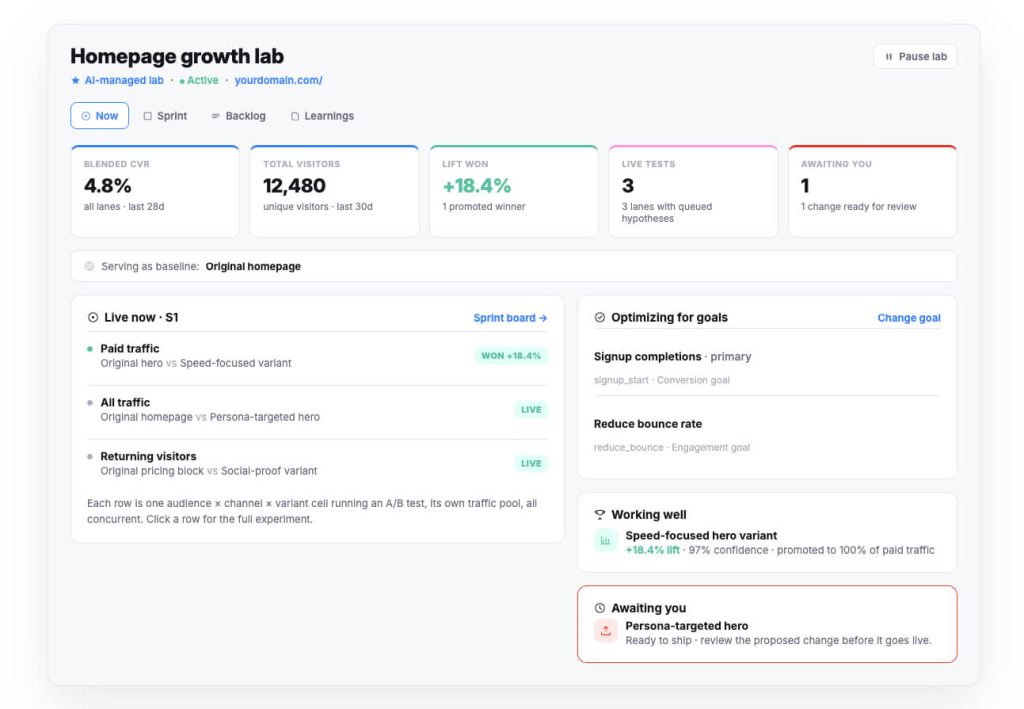
Before building any variant, pull up CROLabs’ Analytics & Heatmaps to see where visitors currently drop off and which segments make up your traffic. If half your paid traffic comes from three industries, that’s your first personalization axis. Guessing which segment to personalize for is how teams end up building variants nobody needed.
b. Let the CRO Advisor prioritize the work
CROLabs’ AI Advisor crawls your site, compares your pages against industry benchmarks, and flags which friction points are actually costing you conversions. You should use it to decide whether your first experiment should target industry, traffic source, device, or funnel stage, instead of picking one arbitrarily.
c. Match the page to the ad with Ad-to-Page Personalization
If you’re running paid search or social campaigns, CROLabs’ Ad-to-Page Personalization does what the PPC example above does manually: it connects the ad a visitor clicked to the landing page content they see, so message match happens automatically instead of requiring a new static page for every campaign.
d. Build audience-specific variants with the visual editor
Audience Personalization lets you swap headlines, images, testimonials, and CTAs for specific segments (industry, location, referral source, return visitor status) without touching code. This is the same mechanism behind the Carta and Automox examples above, just without needing a developer to ship every change.
e. Validate every variant with A/B testing
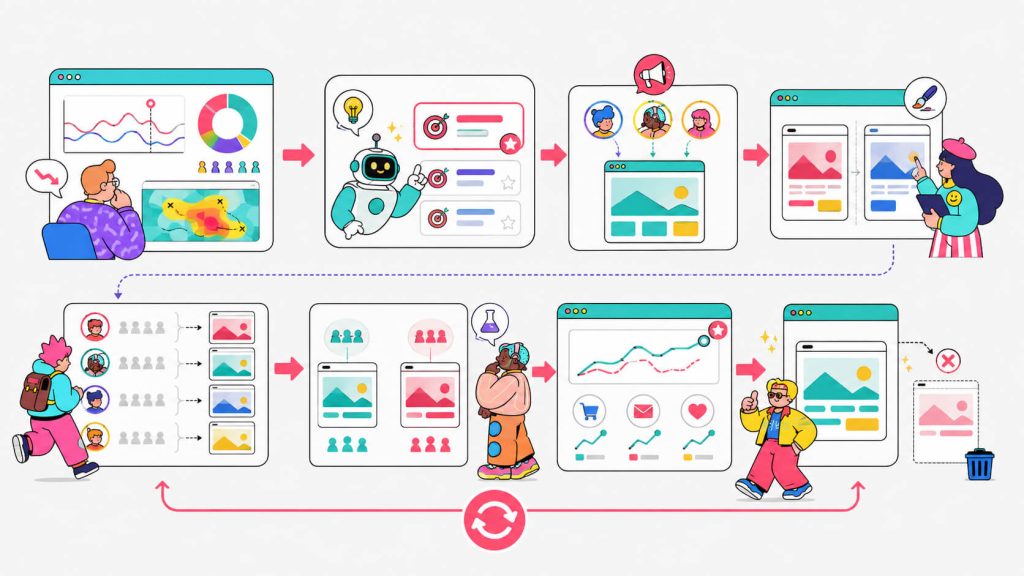
Personalization without measurement is just a guess with extra steps. Every experience you build should run against a control group using CROLabs’ A/B Testing, so you know whether a given piece of dynamic content is actually effective before you roll it out to all traffic.
f. Expand gradually
First, start with one segment and one page. Once that experiment shows a real lift in conversion rate, you can add a second segment, then a third. The businesses in the examples above that saw the biggest gains, like MarketerHire’s 5x lift, got there by stacking multiple validated experiments over time, instead of trying to personalize everything on day one.
Conclusion
As you may have noticed, every example above shares one thing: a business stopped assuming a single page could speak to every visitor and started testing that assumption against real traffic.
Some personalized by industry, some personalized by weather, and some personalized down to a single target account. The common thread for them is measurement. Each of these teams built a control group, ran the experiment, and only rolled out the change once the data backed it up.
It’s in your best interest to start looking at website personalization as a growth lever. If you’re ready to find out which segment of your own traffic is waiting for a page built for them, CROLabs gives you the analytics to spot the opportunity, the AI Advisor to prioritize it, and the testing tools to prove it before you scale it.
FAQ
What is landing page personalization?
Landing page personalization is the practice of changing the content a visitor sees on a landing page (headlines, images, testimonials, CTAs, or entire sections) based on data about that visitor, such as their industry, location, referral source, or past behavior on your site, instead of showing every visitor the same static page.
Is landing page personalization the same as website personalization?
They overlap. Website personalization is the broader term, covering any page on your site, including your homepage, pricing page, or blog. Landing page personalization refers specifically to the pages you drive paid or campaign traffic to. Most of the tactics (dynamic content, audience segmentation, A/B testing) apply to both.
Do I need a lot of traffic before personalization makes sense?
You need enough traffic per segment to reach statistical significance in your A/B tests. This usually means starting with your two or three largest audience segments rather than trying to personalize for every possible visitor type on day one. A page getting a few hundred visits a month per segment will take longer to validate a result than a page getting thousands, but the underlying approach works at both scales.
What elements of a landing page can actually be personalized?
Headlines, subheadlines, hero images, customer logos, testimonials, case study links, form fields, and CTA text or color are the most commonly personalized elements. More advanced setups also personalize entire page sections or redirect visitors to different offers based on the funnel stage.
How do I know if my personalization is actually driving conversions?
Run every personalized variant against a held-out control group and compare conversion rate between the two, the same way you’d run any A/B test. Without a control group, you can’t separate the effect of your personalization from normal traffic fluctuation.
Does landing page personalization hurt SEO?
Personalized landing pages built for paid or campaign traffic typically sit outside your indexed content strategy already, so they don’t compete with your SEO pages. If you’re personalizing pages you also want Google to crawl and rank, keep a stable default version indexable and use dynamic content only for logged-in or parameter-triggered visits, so search engines still see consistent, crawlable content.