Updated Aug 2026
A visitor from a Google ad for “affordable CRM software” and a visitor who typed your brand name straight into the search bar are two different people, even if your homepage treats them the same.
One already trusts you while the other is likely comparing you against three of your competitors. If you show them the identical hero section, headline, and CTA, you’re leaving conversions on the table for one of those competitors.
That gap used to cost a huge budget to close. Initially, website personalization meant a dev team, a data warehouse, and a six-figure enterprise contract with a platform like Adobe or Dynamic Yield. Small and mid-sized businesses watched from the sidelines while bigger competitors served dynamic pages to every visitor segment they could think of.
However, modern tools have changed that now. A wave of these tools (which are lighter and more self-servicing) can let a two-person marketing team set up geo-based offers, returning-visitor messaging, and ad-matched landing pages in an afternoon, and drive conversions the same week they launch.
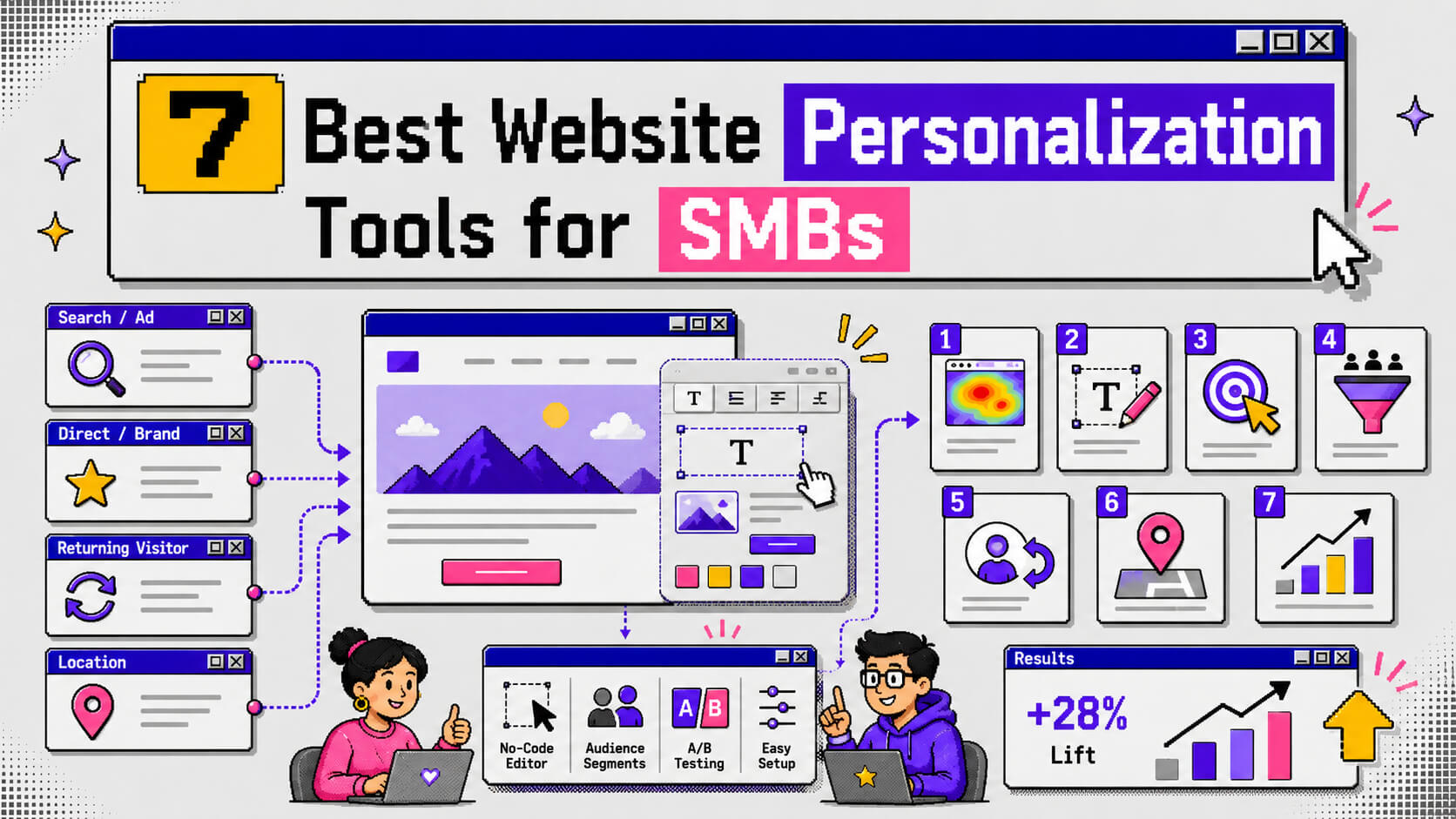
This guide covers the 7 best website personalization tools for SMBs, what each one does well, and how to choose between them.
On This Page
Criteria for Choosing a Website Personalization Tool
Every tool on this list solves a slightly different problem. Here’s what we weighed before ranking them.
Setup time and technical lift
If a tool needs a developer to install a tag manager, wire up an API, and QA every variant, most SMBs will stall out before launch. We favored platforms with a single script install and a visual, no-code editor, since that’s what teams keep using week after week.
Pricing that scales with traffic
SMB budgets shift month to month. Tools that gate core features behind enterprise-only tiers, or charge per seat regardless of how much traffic you’re actually running, punish exactly the businesses this list is for. Because of this, we prioritized transparent, traffic-based pricing.
Segmentation depth
Basic personalization swaps a headline by device, but strong personalization targets by traffic source, geography, cart value, returning-visitor status, UTM parameters, and on-page behavior. The tools here vary a lot on how granular that targeting gets.
Built-in experimentation
The stronger platforms let you A/B test which personalized variant lifts conversion. This turns your segmentation logic into something you can verify with data instead of a hunch about how to improve landing page conversion rate.
Native integrations
A personalization tool that can’t connect to Shopify, WooCommerce, Klaviyo, or your CRM creates more manual work than it saves. We checked each tool’s integration list against a typical SMB stack.
Revenue-tied reporting
Vanity metrics like impressions or engagement rate won’t tell you if personalization is working. We looked for tools that report against conversion and revenue outcomes.
1. Unbounce
Unbounce is a personalization tool that built its reputation on landing pages. Its personalization features aim squarely at paid traffic.
If most of your visitors arrive through Google or Meta ads, this is one of the more mature options for matching page content to what brought someone there.
Dynamic Text Replacement
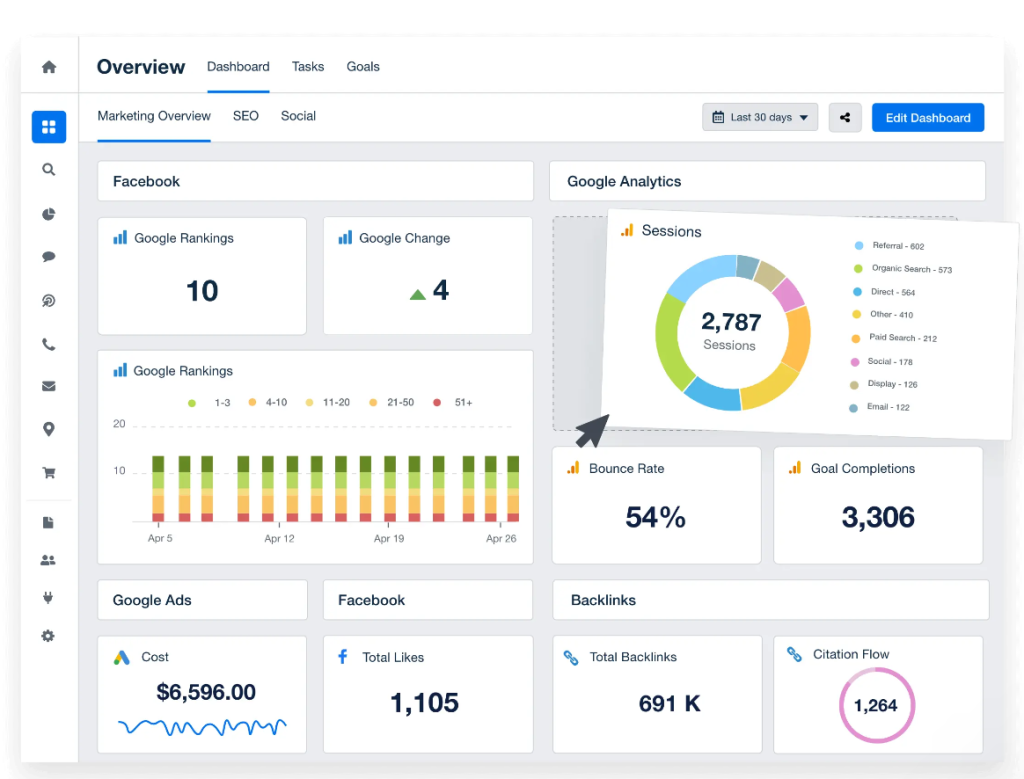
Dynamic Text Replacement (DTR) automatically swaps your headline and body copy to match the exact search term or ad keyword that brought the visitor in. With DTR, someone who searched “enterprise CRM” sees a different copy from someone who searched “CRM for small business” without you building separate pages for each.
Smart Traffic
Unbounce’s AI routing feature learns from visitor data and sends each new visitor to whichever page variant is statistically most likely to convert them. This is based on attributes like device, source, and location. Unbounce says it can outperform standard A/B testing once it has enough data to work with.
Audience-Based Popups and Sticky Bars
Beyond the landing pages themselves, Unbounce triggers different popups and sticky bar messaging based on visitor segment. What this means is that a returning visitor, for example, sees a different offer than someone landing for the first time.
Other features
- 100+ conversion-focused templates by industry
- AI copywriting assistant (Smart Copy) for headlines and CTAs
- Custom CSS and JavaScript access for advanced control
- Independent mobile editing
- Integrations with Salesforce, HubSpot, Mailchimp, and Google Analytics
Pricing
Unbounce offers a free trial with no credit card required.
Paid plans start at $29/month for the Starter tier. A/B testing unlocks at the $149/month Experiment plan, and Smart Traffic requires the $249/month Optimize tier. Annual billing knocks about 25% off.
For SMBs running smaller ad budgets, you should calculate whether traffic volume justifies climbing to that top tier, since Smart Traffic is the feature most reviewers credit for the biggest jump when trying to boost landing page conversion rate on paid campaigns.
2. CROLabs
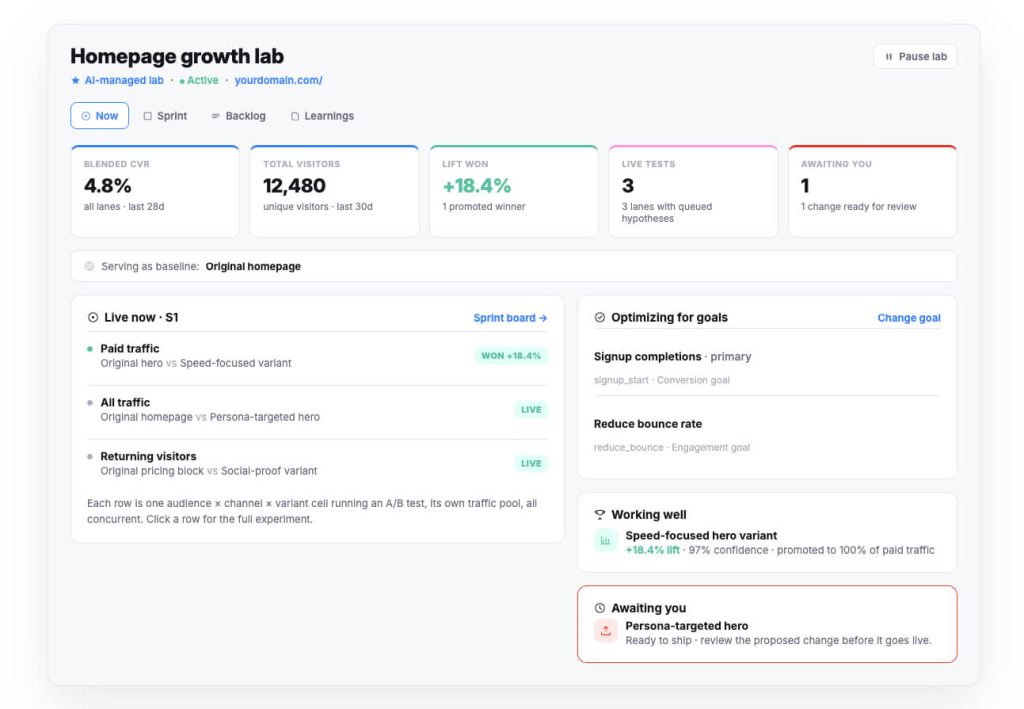
CROLabs is an AI-native conversion rate optimization platform that bundles personalization with A/B testing, conversion tracking, and analytics under one snippet. It’s built for marketers who want experimentation and personalization running side by side in one dashboard, so results from one always inform the other.
Ad-to-Page Matching
With CROLabs, every landing page variant can be tied to a specific ad group, so a visitor who clicked your “free shipping” Facebook ad lands on a page that mentions free shipping front and center. This closes the message-match gap that quietly kills paid traffic conversion rates.
Behavioral and Attribute Segmentation
CROLabs lets you tailor copy, offers, and creative by geography, traffic source, device type, returning-visitor status, UTM parameters, cart value, and logged-in role. That’s enough granularity to build a different experience for a first-time mobile visitor and a returning desktop customer.
AI Advisor-Guided Personalization
The multi-agent AI Advisor crawls your pages and compares them against proven CRO principles. It then surfaces prioritized personalization and testing opportunities, which are ranked by estimated impact. This way, you’re not staring at a blank canvas guessing where to start.
Other features
- No-code visual editor for building variants
- A/B and multivariate testing built into the same platform
- Server-side, first-party conversion tracking with no cookie banner required
- Journey analytics covering scroll depth, drop-off points, and custom events
- Native integrations with GA4, Shopify, and HubSpot
- EU-hosted and GDPR-compliant by default
Pricing
CROLabs offers a free trial with no credit card required.
Paid plans start around $99/month for small teams and scale up to roughly $359/month for teams running a serious testing program, with custom enterprise pricing above that.
3. OptiMonk
OptiMonk started as a popup tool and has grown into a fuller personalization and CRO suite. It’s mostly used by ecommerce SMBs on Shopify or WooCommerce. It’s also one of the more budget-friendly entries on this list, with a free plan you can build a real campaign on.
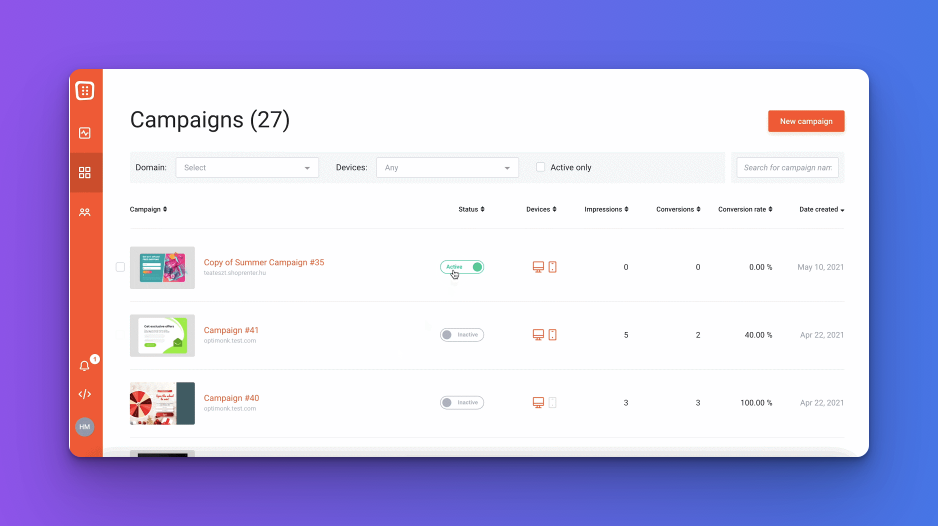
Behavior-Triggered Popups
You can launch campaigns that fire based on exit intent, scroll depth, time on page, or specific click events. This means that the message a visitor sees depends on real behavior in the moment and not a static rule set the whole site follows.
Product Recommendation Personalization
OptiMonk pulls from browsing and purchasing data to surface relevant product recommendations on-site. This is a straightforward way to lift average order value without touching your product pages directly.
Segment-Based On-Site Messaging
OptiMonk has targeting rules that run on traffic source, geography, device, and cart value (aka the segments). So a cart-abandoning mobile visitor will see a different message than a first-time desktop visitor browsing the homepage.
Other features
- Drag-and-drop editor with 20+ template families
- Built-in A/B testing for popup and message variants
- Gamified popups like spin-to-win wheels
- 40+ integrations including Klaviyo, Shopify, and Mailchimp
- Revenue-focused analytics
Pricing
OptiMonk offers an always-free plan for up to 10,000 monthly pageviews with every feature included. Paid plans run from roughly $19 to $29/month for Essential, up to $179 to $249/month for Premium, priced mainly by pageview volume.
4. Adoric
Adoric leans into event and behavior-based targeting and, just like CROLabs, it’s built with designers and marketers in mind. If you want granular targeting without a steep learning curve, it’s worth a look.
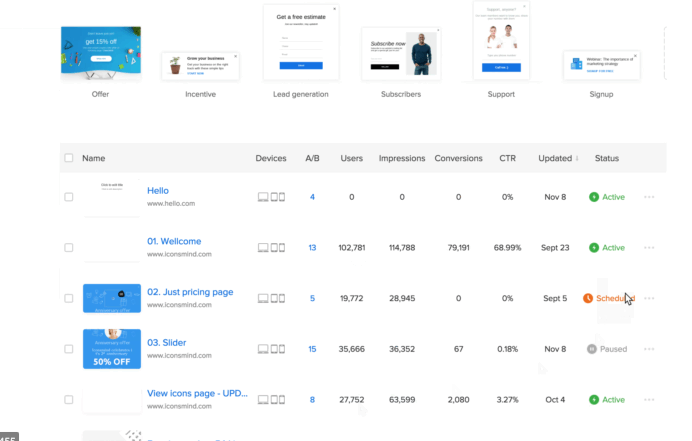
Event and Behavior-Based Targeting
You can trigger content based on specific events, user behavior, geolocation, browsing history, and cookies. That gives you a lot of control over exactly which visitor sees which message and when.
AI Product Recommendations
For ecommerce sites, Adoric generates real-time product recommendations pulled from your store’s own data. It tailors what your visitors see based on what they’ve browsed or bought before.
Multi-Format On-Site Messaging
You can personalize content that appears as banners, sliders, popups, or in-page elements, giving you more flexibility than a tool locked into one popup format.
Other features
- Drag-and-drop editor with pre-built templates and design elements
- A/B testing for personalized campaigns
- Exit-intent triggers for cart abandonment
- Shopify-specific pricing tier tied to order volume
Pricing
Adoric plans start at $100 per month for basic conversion tools and scale up depending on your monthly pageviews.
5. Convertize
Convertize builds its personalization around consumer psychology. Its features run on persuasion tactics like urgency, scarcity, and social proof. These are layered onto visitor behavior data, which sets it apart from tools built purely around segmentation rules.
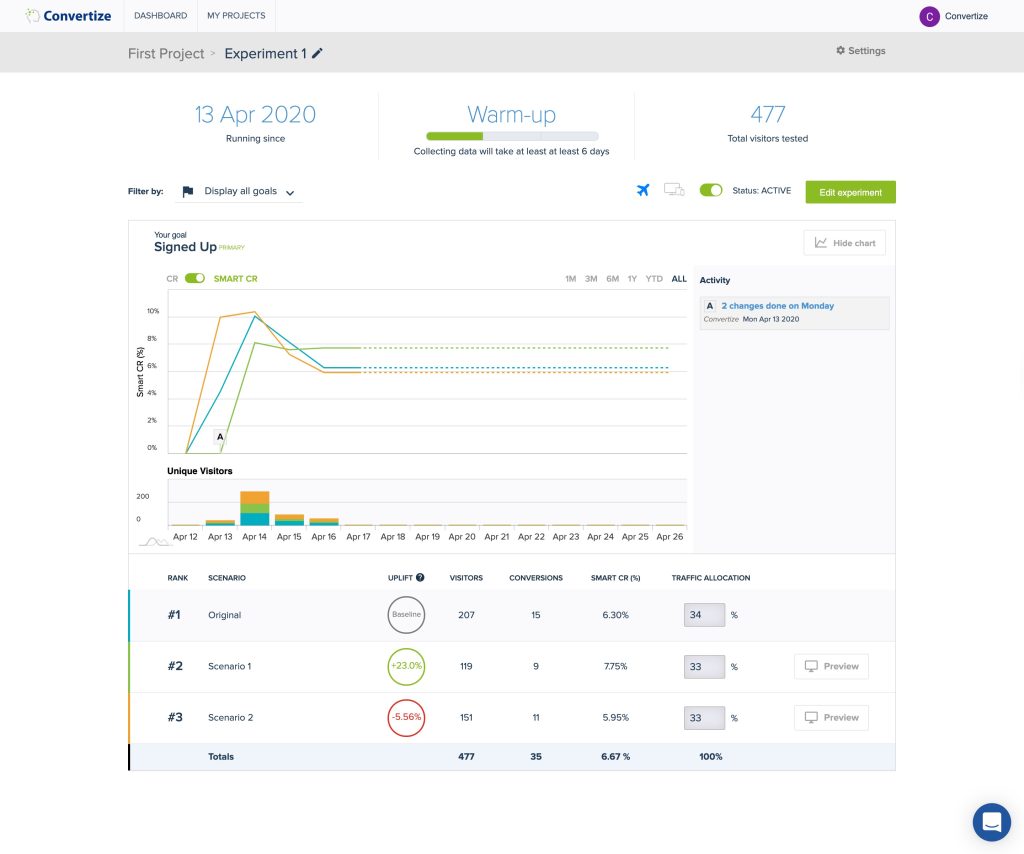
SmartPlugins
These are pre-built personalization widgets rooted in behavioral psychology: urgency messaging, scarcity indicators, and social proof notifications that adapt based on visitor behavior.
PersuasionX Engine
Convertize’s machine learning layer analyzes visitor journeys and behavior patterns to trigger personalized, one-to-one messages at the stage of the buying process it identifies as most relevant.
Geolocation-Based Personalization
Content, offers, and messaging shift automatically based on a visitor’s location. This feature is useful for SMBs running region-specific promotions or pricing.
Other features
- A/B testing library with 150+ documented persuasion tactics
- Hybrid statistical engine with smart test duration estimates
- Targeting by device, language, referral domain, and time of day
- Automatic pre-launch checklist before experiments go live
Pricing
Convertize runs five pricing tiers ranging from $49 to $829/month depending on traffic volume and feature access, with a 14-day free trial and no credit card required to start.
6. Personyze
Personyze is built for teams that already have a CRM or CDP and want personalization that plugs directly into that existing customer data.
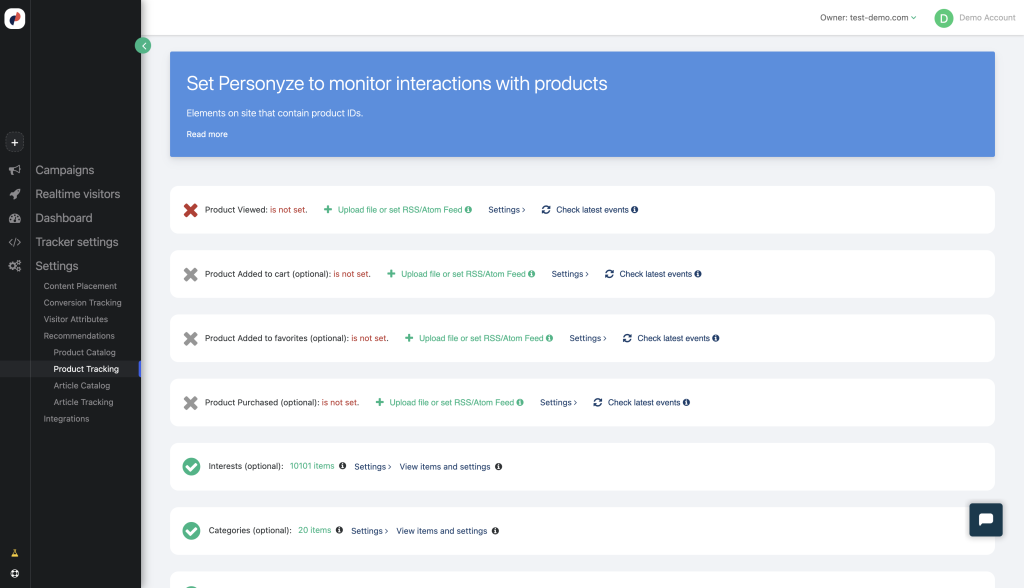
360° User Profiles
Personyze builds a unified profile per visitor by connecting to your CRM or CDP, pulling in data you already have about that person to inform what they see.
Cross-Channel Personalization
This personalization extends past the website into email and product recommendations, so the same visitor data informs what someone sees on-site and what lands in their inbox.
Server-Side and Client-Side APIs
Because it works through both API types, Personyze runs on essentially any CMS or ecommerce platform. This matters if your stack isn’t one of the usual Shopify or WordPress setups.
Other features
- Performance dashboard with custom KPI tracking
- SSO and permission management for team access
- Preview links for QA before campaigns go live
- Plug-and-play CRM and CDP integrations
Pricing
Personyze doesn’t publish self-serve pricing. Plans are quote-based, a heavier lift for a small team to evaluate than the other tools here, but worth a conversation if data integration is your main blocker.
7. Justuno
Justuno is built for ecommerce, with over a decade of deep Shopify integration behind it. If your SMB sells products online and wants personalization tied tightly to order and catalog data, it’s one of the more mature options on this list.
80+ Behavioral Targeting Rules
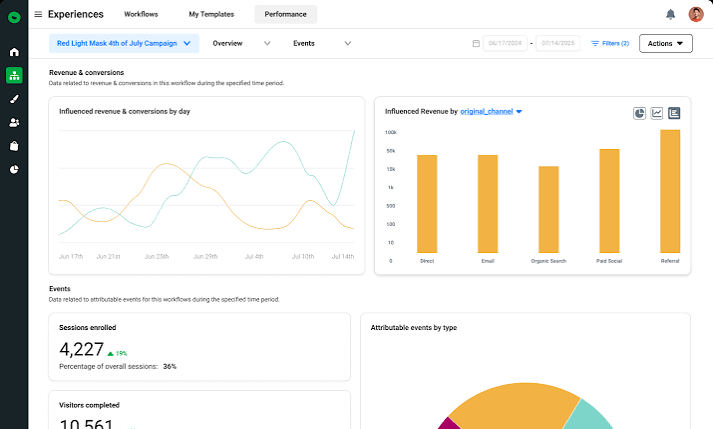
Justuno’s targeting runs on landing page, traffic origin, engagement history, cart value, scroll depth, exit intent, and dozens of other signals. It offers enough granularity to build specific audience segments without custom code.
AI Product Recommendations
Recommendations are generated from your product catalog and customer order history. It gets this information by syncing two-way with platforms like Shopify to build a fuller picture of each shopper.
Automated Personalized Workflows
You can build multi-step journeys triggered by specific customer scenarios. For example, you can guide a visitor from initial engagement through checkout with messaging that adjusts at each stage.
Other features
- Gamified promotions like spin-to-win wheels
- Zero-party data collection through quizzes and surveys
- A/B testing included across all plan tiers
- 100+ integrations including Klaviyo, Attentive, and BigCommerce
Pricing
Justuno offers a 14-day free trial for their Lite plan and 30-day free trial for their Done-For-You plan. These paid plans also scale with traffic, starting around $59 to $299/month, and climb as volume grows.
Conclusion
Website personalization for SMBs stopped being a luxury reserved for enterprise budgets a while back. Every tool on this list can be running on your site within a day, and most come with a free tier or trial that lets you test the waters before committing to a monthly bill.
The right pick depends on what you’re solving for. If you want personalization and A/B testing running from the same dashboard so every personalized experience doubles as a measured experiment, CROLabs is worth starting with, especially given the free plan and published pricing.
Whichever tool you land on, pair personalization with real experimentation. That’s how you confirm the changes you’re making are driving conversions and not just adding new variables to your site.
Want to go beyond basic website personalization?
Learn how CROLabs combines personalization, experimentation, and AI-powered CRO to help you turn more website visitors into customers.
FAQ
What is website personalization?
Website personalization means showing different visitors different content, offers, or layouts based on who they are or how they’re behaving. That could be a different headline based on traffic source, a different offer based on location, or dynamic content based on returning-visitor status.
Is website personalization different from A/B testing?
Yes. A/B testing compares two or more versions of a page to find which one performs better overall. Personalization goes a step further by serving different experiences to different segments at the same time.
Strong CRO programs use both together. They personalize by segment, then A/B test within each segment to confirm the personalized version outperforms the default.
Do I need developer help to set up these tools?
Most of the tools on this list, including CROLabs, OptiMonk, Adoric, and Justuno, are built around a no-code visual editor and a single script install. You’ll need a developer only if you’re customizing beyond what the visual editor supports.
Will personalization slow down my site or hurt SEO?
It can, if the tool loads content client-side after the page renders, which causes flicker and dings Core Web Vitals. Look for tools that mention asynchronous loading or server-side rendering. Those avoid the flash of unpersonalized content that frustrates visitors and shows up poorly in page speed metrics.
How much should an SMB budget for a personalization tool?
Most tools on this list have usable plans between free and roughly $100/month for typical SMB traffic volumes. Unbounce and Convertize climb higher if you need top-tier features like Smart Traffic. Start on the lowest paid tier or free trial, confirm you’re seeing conversion lift, then scale spend from there.