Updated Oct 2026
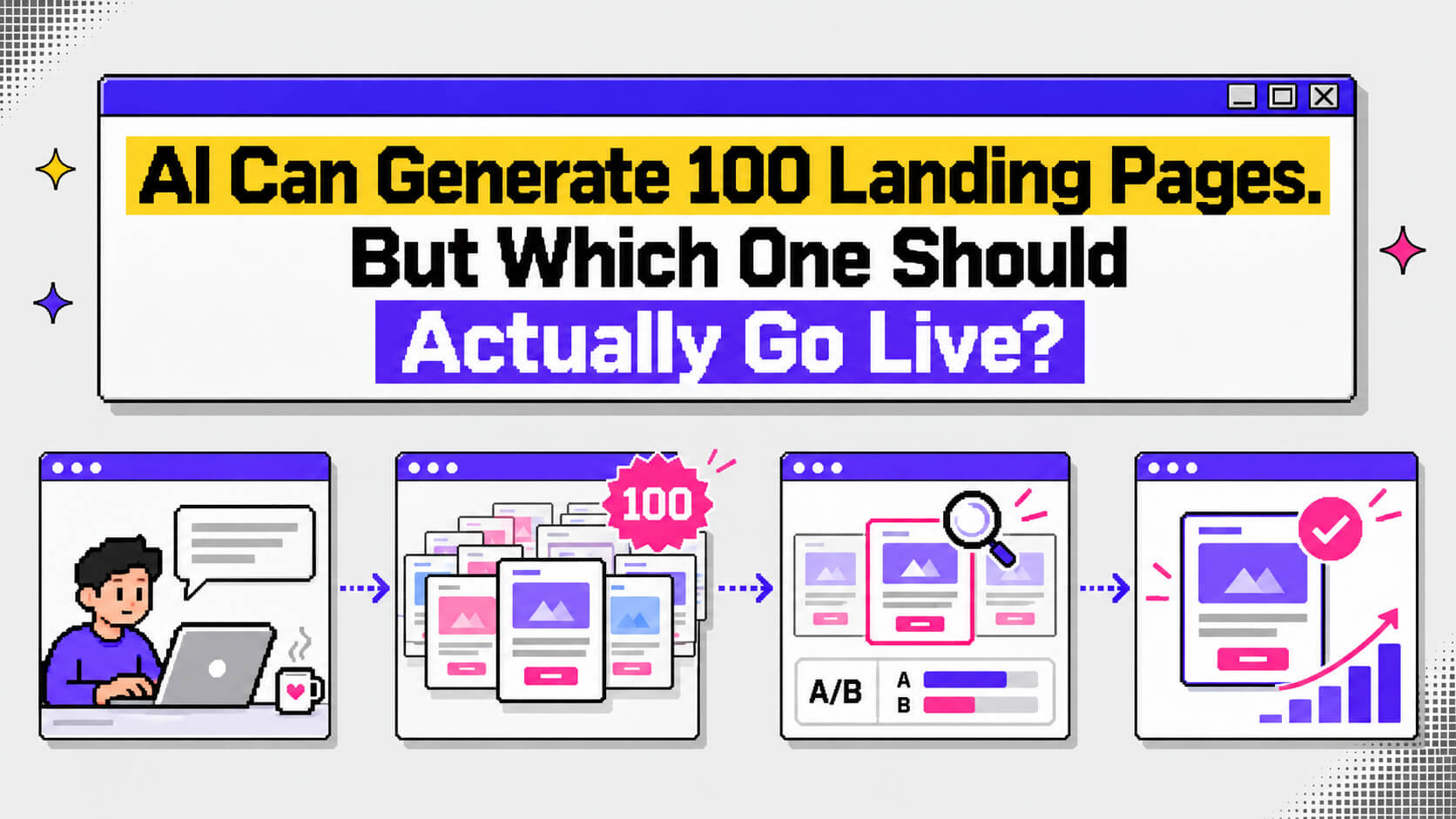
If you’ve ever used AI to generate a landing page, this scene is probably familiar to you. A marketer feeds a product brief into an AI landing page builder and gets dozens of variants back. She gets different headlines, hero images, calls to action, and layouts all before her coffee gets cold. Then, she scrolls through them, picks the one that looks most polished, and publishes it before her next meeting.
Three weeks later, her conversion rate is exactly where it was before.
The problem wasn’t the speed of the page builder. It was everything that happened after the pages were generated.
Tools like Framer AI and Elementor’s Angie have made it possible to build landing pages in minutes. Marketers can now generate variations for different campaigns, audiences, and offers without starting from scratch every time.
That changes how teams approach landing pages. It also creates a new challenge: deciding which versions deserve real traffic, which need more work, and which should never make it past the draft stage.
A folder containing 100 landing pages might look like 100 opportunities to improve conversions. But if those pages repeat the same generic messaging, ignore the visitor’s needs, or send people into a confusing signup process, publishing more of them won’t solve much.
The process that matters is what happens between generation and launch.
Here’s how to turn a batch of AI-generated landing pages into a manageable shortlist, test the strongest candidates, and keep improving the experience once visitors start arriving.
On This Page
Why Marketing Teams Are Generating So Many Landing Pages
A few years ago, launching a new landing page often meant briefing a designer, waiting for development, reviewing the copy, and going through another round of changes before anything went live.
AI page builders have shortened that process considerably. A marketer can describe a product, specify an audience, and get a working page in minutes.
Now imagine doing that for every paid campaign, keyword cluster, product feature, and customer segment.
A team running several campaigns might want a page for visitors searching for a particular solution, another for people comparing alternatives, and another for prospects who already know the product. AI makes producing those variations much more accessible.
There’s a commercial reason behind that push, too. Unbounce’s 2024 Conversion Benchmark Report , based on more than 41,000 landing pages and 57 million conversions, reported a median landing page conversion rate of 6.6% across industries.
That figure gives marketers a benchmark to work toward, although actual conversion rates vary considerably by industry, traffic source, and offer.
The appeal of generating more pages is understandable. Different visitors have different expectations, and a page tailored to their needs may give them a clearer reason to convert.
The challenge begins when a team has more variants than it can reasonably evaluate.
What a batch of 100 AI landing pages usually contains
Generating 100 pages doesn’t necessarily mean creating 100 completely different experiences. Often, a team starts with one offer and changes specific elements across multiple versions.
Those variations might include:
- Headlines and subheadlines: Different ways of communicating the same offer or addressing a customer’s problem.
- Layouts: Changes to the hero section, form placement, section order, or use of video and imagery.
- Social proof: Different testimonials, customer logos, statistics, or case studies.
- Calls to action: Variations in button copy, placement, and the action being offered.
- Forms: Different numbers of fields or different approaches to collecting visitor information.
- Audience-specific messaging: Pages adapted for different industries, customer types, or stages of the buying journey.
Each variation can serve a purpose, but the trouble is knowing which changes are meaningful and which simply produce another version of the same page.
If 50 headlines communicate essentially the same promise, a marketer hasn’t necessarily created 50 distinct testing opportunities. They’ve created a large collection of copy variations that still need to be evaluated against the needs of the audience.
Why AI-Generated Landing Pages Can Look Finished Without Being Ready
AI can produce a page with a headline, feature sections, testimonials, a form, and a polished visual design. The result may look complete enough to publish, but a working page and a persuasive page are two different things.
AI models learn patterns from existing content. When a prompt lacks specific information about a product or its customers, the output can drift toward familiar language and layouts.
The result is often a page that looks like a landing page should look, without giving visitors a compelling reason to choose that particular product.
The team at eesel AI discusses this problem in the context of AI-generated landing page copy: generic messaging can sound appropriate while failing to communicate what makes a product distinct.
You can spot the same pattern in the page structure itself. One variant has a hero section, three feature cards, a logo bar, pricing, and an FAQ. The next has almost exactly the same sequence, with a different headline and image.
Those pages may look different in a folder, but the argument they’re making to the visitor hasn’t changed much.
6 Signs An AI-Generated Landing Page Needs More Work
1. The headline could belong to any company
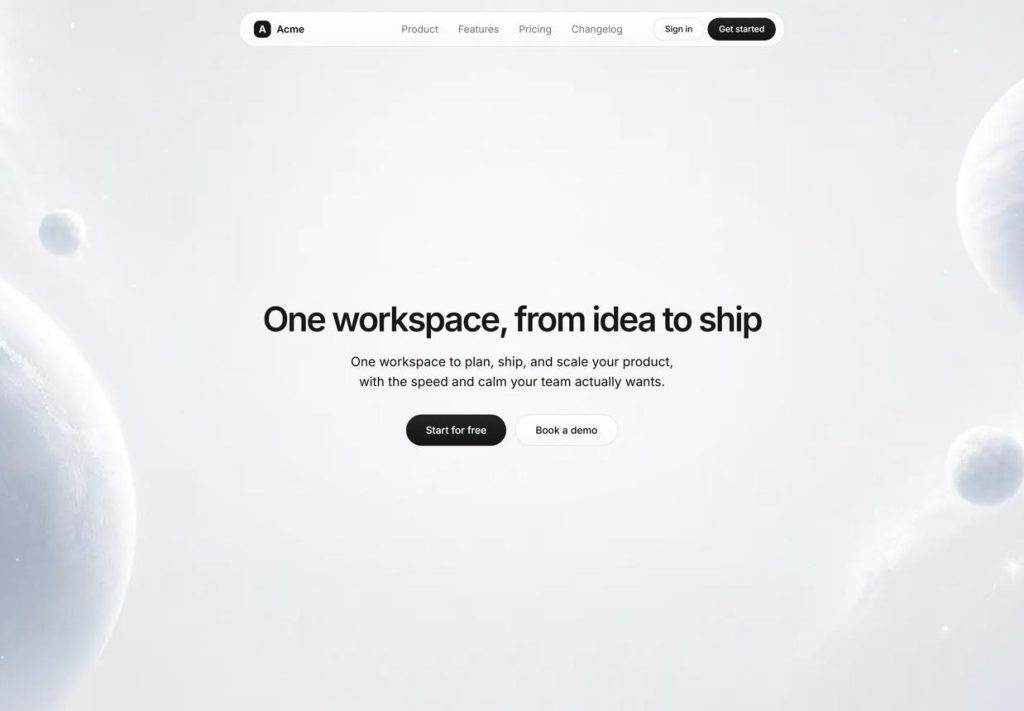
If you can replace the company name with a competitor’s and the headline still makes sense, the message probably needs more specificity. Visitors should quickly understand what the product does and why it matters to them.
2. The value proposition relies on adjectives
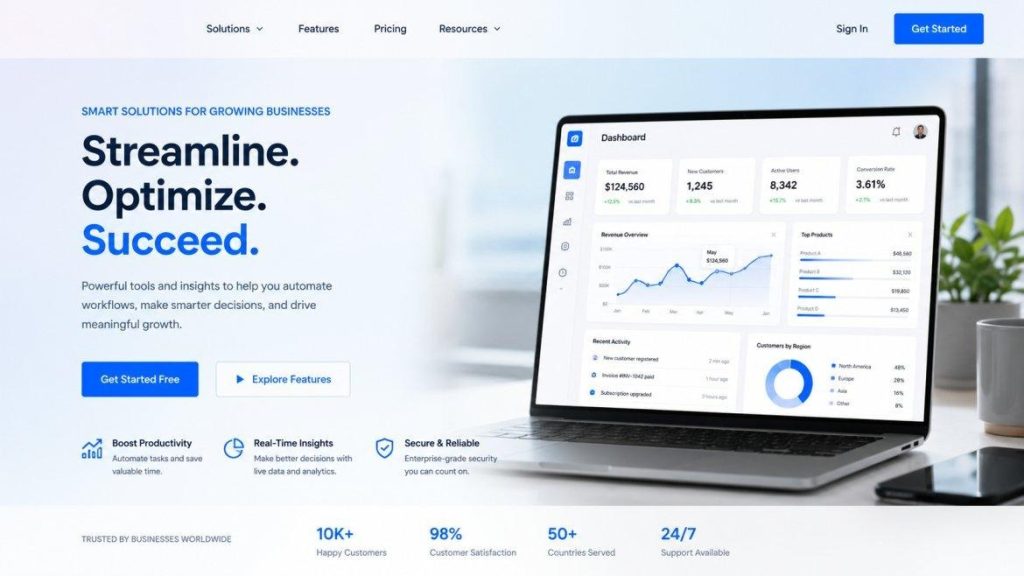
Words like “powerful,” “seamless,” and “intuitive” can describe almost any product. A concrete outcome gives visitors something they can picture. For example, “Find which page is losing signups” communicates a specific job more clearly than “powerful analytics”.
3. The proof doesn’t hold up
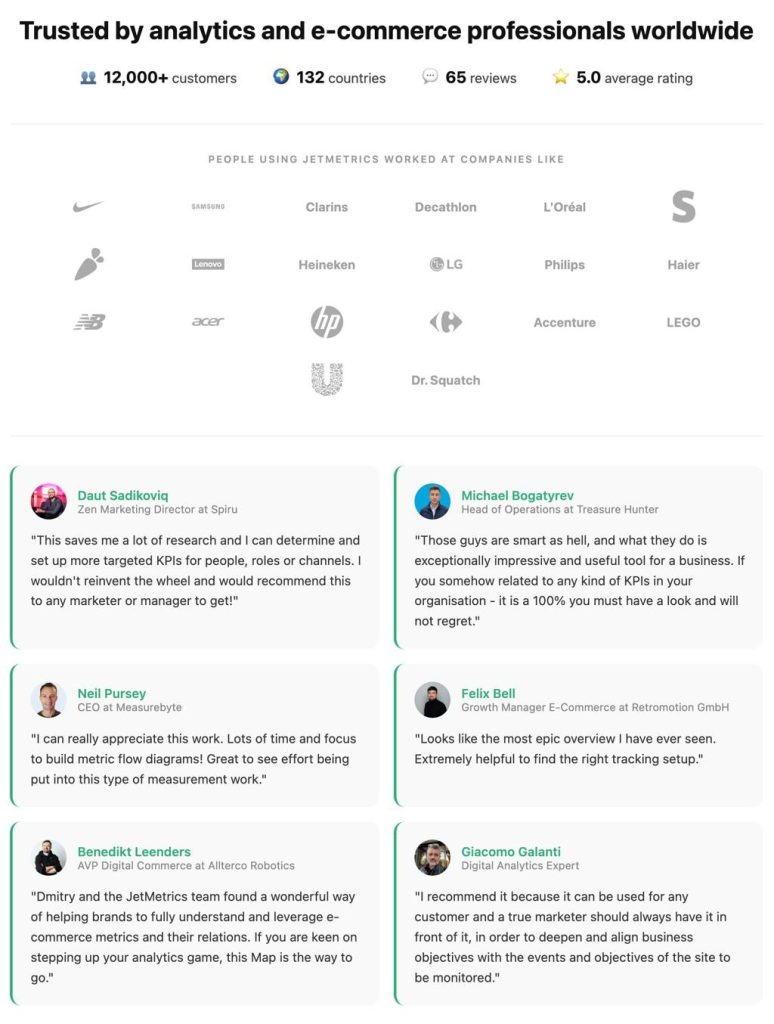
Placeholder logos, invented statistics, and vague testimonials undermine trust. Every customer claim should be traceable to a real source, and the proof should support the message the page is making.
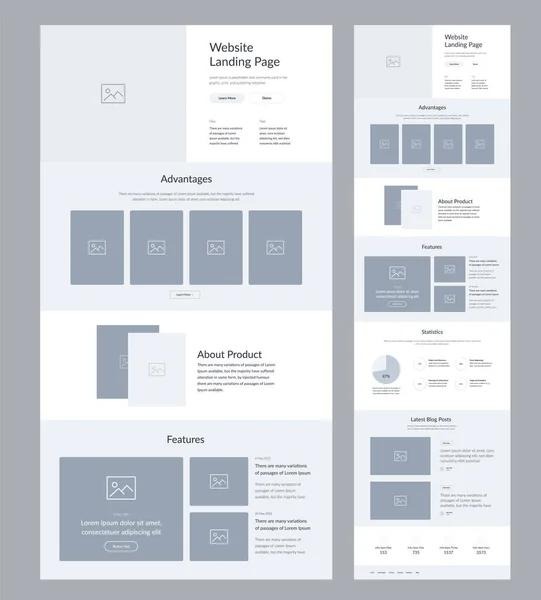
4. The structure follows a template rather than the buyer’s needs
A page can contain all the expected sections and still leave important questions unanswered. The order should reflect what visitors need to understand before they’re ready to act.
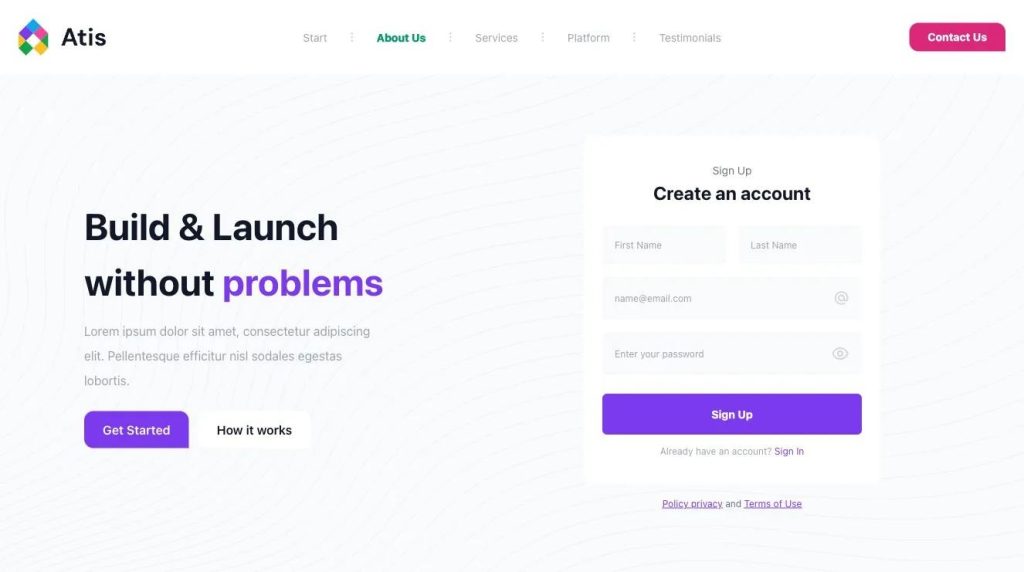
5. The CTA leaves the next step unclear
“Get Started” or “Learn More” may work in some contexts, but visitors should understand what happens after clicking. A lengthy form attached to a vague offer can add unnecessary friction.
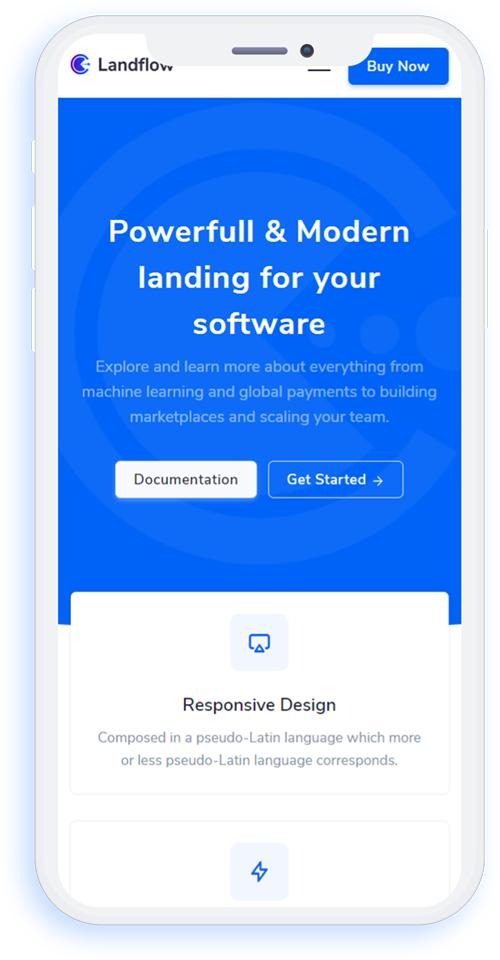
6. The page ignores objections or mobile usability
Visitors may be wondering about pricing, setup time, compatibility, or whether the product suits their situation. A page also needs to load and render properly on the devices people use to visit it.
These issues can exist on a beautifully designed page. They also tend to get repeated when a team generates dozens of variations without changing the information the AI is working from.
Generate more pages and spend less time sorting through them.
CROLabs helps you evaluate landing page ideas, spot conversion issues, and find opportunities worth testing.
Cancel anytime.
Start With Better Inputs Before Generating More Variants
When an AI-generated page feels generic, asking the model for another version may produce different wording without solving the underlying problem.
The quality of the input matters.
AI doesn’t automatically know the exact objections customers raise during sales calls, the language they use in support tickets, or which product capabilities make the biggest difference to a particular audience.
Your team already has access to much of that information. It may be sitting in product documentation, customer interviews, CRM notes, reviews, or support conversations.
Use those sources to ground the page before generating more versions.
For example, a vague prompt might ask an AI tool to create a landing page for a conversion optimization platform.
A more useful brief could include:
- The audience: marketing teams at B2B SaaS companies.
- The problem: teams struggle to understand why visitors abandon important pages.
- The product’s relevant capabilities: page audits, experimentation, and recommendations.
- The desired action: start a free trial.
- The objections customers raise: implementation effort, pricing, and whether the recommendations apply to their website.
- Actual proof: verified customer quotes, product screenshots, or documented results.
That information gives the model something specific to work with.
It also makes it easier to generate meaningful variations. Instead of asking for 40 versions of the same generic headline, you can explore different hypotheses about what matters to the audience.
One version might focus on reducing the time spent analyzing conversion problems. Another might emphasize identifying friction on high-traffic pages. A third might address the needs of teams without dedicated developers.
Those are different approaches worth evaluating because each communicates a distinct reason to consider the product.
How to Decide Which AI-Generated Landing Page Goes Live
Once you’ve generated a batch of pages, resist the temptation to publish the one that looks best.
You need a repeatable way to evaluate the options before exposing visitors to them.
The following process combines a pre-launch quality check with a practical approach to testing.
1. Filter the pages using a landing page scorecard
Start by reviewing the elements that affect whether a visitor understands the offer, trusts the page, and knows what to do next.
A simple scorecard makes the evaluation more consistent across the team.
Score each page from 0 to 2 for six criteria, with a maximum of 12 points.
| Check | What to look for | Score |
| Message match | Does the headline align with the ad, email, or search intent that brought the visitor? | 0–2 |
| Specific outcome | Does the page communicate a concrete result or relevant job-to-be-done? | 0–2 |
| Real proof | Can the testimonials, statistics, and other claims be verified? | 0–2 |
| CTA clarity | Does the visitor understand what happens after clicking? | 0–2 |
| Objection handling | Does the page address an important buyer concern? | 0–2 |
| Mobile experience | Are the main offer and next step easy to find, with usable rendering and performance? | 0–2 |
Use the score as a screening tool rather than a prediction of conversion performance. A page scoring 12 isn’t guaranteed to outperform one scoring 9, the purpose is to identify obvious weaknesses before testing.
You can also set a minimum threshold based on your team’s needs. For example, you might decide that pages scoring below 8 need revisions before they’re considered for a live experiment.
There’s one quick test that’s worth doing before scoring anything, and that’s reading the hero section aloud to someone unfamiliar with the product.
Give them five seconds to look at it. In those seconds, can they explain what the product does, who it’s for, and what action they should take?
If they can’t, start by fixing the message. A polished layout won’t compensate for an unclear offer.
2. Match each shortlisted page to its audience
A page that works for one traffic source may perform differently for another.
Someone arriving from a search query about a specific product feature may need a different explanation from someone clicking a broad display ad. In the same vein, a visitor who has already read a comparison article may also have different questions from someone encountering your brand for the first time.
Before testing, identify:
- Which audience the page is intended for.
- What message or offer brought that audience to the page.
- What the visitor likely knows about the product.
- What question or concern the page should address.
- What conversion action you want that visitor to complete.
This is where a large batch of AI-generated pages can become useful. You can match distinct variants to the audiences and campaigns they were built for instead of treating every page as a competing version of the same experience.
Zola, for example, used more than 300 custom landing pages for different audience segments rather than directing everyone to a single homepage. In a case study published by Unbounce , the company reported conversion rate improvements of 5% to 20% on paid traffic compared with its homepage.
The example illustrates why audience relevance matters. A page built around the visitor’s needs has a different job from a general homepage.
3. Reduce the batch to a manageable shortlist
You don’t need to put every generated variant in front of real visitors.
After the initial quality check, group similar versions together and remove those that don’t offer a meaningful difference.
Suppose your AI tool generates 100 pages. Your review might reveal:
- 40 pages with essentially the same headline and value proposition.
- 25 pages with different layouts but similar messaging.
- 20 pages that target audiences or objections you haven’t validated.
- 15 pages with distinct angles and enough quality to merit further consideration.
The numbers will vary, but the principle is the same: reduce the batch to a set of candidates you can reasonably evaluate.
For some teams, that might mean two to four pages. Others may have the traffic and resources to test more.
The right shortlist depends on how much traffic you receive, how different the variants are, and how quickly you need an answer.
4. Test the strongest candidates with real visitors
A scorecard helps identify pages worth testing, it doesn’t tell you which page will convert best.
To know which one actually does convert best, that requires evidence from actual visitors.
Traditional A/B testing compares variations under a defined experiment, often by splitting traffic between them and measuring a chosen conversion goal. The team then evaluates whether the observed difference is reliable enough to inform a decision.
The practical challenge is traffic.
If you have dozens of variants and limited visitors, testing every combination can take a long time. Adding more versions doesn’t automatically produce a faster or more reliable answer.
This is where you’ll need an a/b testing tool.
Find out which variations work
Run A/B tests, compare performance, and use AI-powered insights to understand what’s happening on your landing pages.
Cancel anytime.
5. Check the entire conversion journey
A landing page can generate form submissions and still create problems for the business.
For example, a page might ask visitors to complete a long form, then fail to send the information to the CRM. Another might promise a demo but direct people to a confusing booking process. A free trial signup could work, while the onboarding email never arrives.
These issues can make conversion numbers difficult to interpret.
Before launch, test the full journey:
- Click every CTA and confirm it leads to the expected destination.
- Submit each form using realistic test information.
- Check that submissions reach the correct CRM or marketing automation system.
- Verify confirmation messages and follow-up emails.
- Test the experience on mobile devices.
- Check page load speed and how the layout behaves on different screen sizes.
- Confirm that analytics and conversion tracking are recording the intended actions.
The page should work as part of the broader customer journey, from the initial click through the next step.
6. Review the results before choosing what to keep
Once the experiment is running, give it enough time and traffic to produce useful evidence.
A variant leading after 50 visitors may be worth watching, but that early difference doesn’t automatically establish a reliable winner.
How much data you need depends on factors such as the existing conversion rate, the improvement you’re trying to detect, and the amount of traffic reaching each variant.
Some CRO tools use sample size or statistical confidence thresholds to help teams evaluate experiments. AI routing systems may begin adjusting traffic earlier, but that doesn’t mean every early performance difference is conclusive.
Look at the primary conversion goal alongside relevant supporting metrics. Depending on the page, those might include form completion, qualified leads, trial activation, or revenue.
If a page attracts more signups but produces fewer qualified leads, the business needs to understand that trade-off before making it the default experience.
Tools That Help With Landing Page Generation, Testing, and Optimization
Different platforms support different parts of this workflow. Some focus on building pages, while others help teams experiment with existing experiences or identify conversion issues.
Tool | What it handles | Where it fits |
| Unbounce | Landing page creation and Smart Traffic routing | Teams running campaigns that want to test and route visitors across page variants |
| Instapage | Landing page creation, experimentation, and heatmaps | Agencies and marketing teams managing campaign pages across accounts |
| CROLabs | CRO audits, AI Advisor recommendations, and experimentation | Teams that already have pages and want to evaluate or improve their conversion performance |
The important distinction is that page generation and page optimization are separate jobs.
A builder can help you create a page quickly. An experimentation tool helps you learn how visitors respond to different versions. An audit tool can help you identify problems that deserve attention before or during testing.
You may need one platform to handle several of those jobs, or a combination of tools that fits your workflow.
Running your shortlist inside CROLabs
Once you’ve narrowed the candidates down, CROLabs can support the evaluation and testing stages.
Its AI Advisor helps identify potential conversion issues and compare pages against industry benchmarks. Its A/B testing feature lets teams compare page variations with real visitors.
For teams evaluating more than two shortlisted pages, multivariate testing can also help explore combinations of page elements.
These features fit into the process after you’ve established what you’re testing and why. An audit can flag potential problems, while an experiment helps you assess how changes perform with your audience.
What Happens After a Page Wins?
Choosing a winning variant is an important milestone. It doesn’t mean the page should remain unchanged forever.
Conversion performance depends on the audience, offer, traffic source, and context in which the page appears. A page that performs well for paid search visitors may need a different approach for an email campaign or a returning customer.
The next step is to keep learning from those differences.
Personalize the experience using real customer information
A visitor’s company, industry, or stage in the buying process can affect what they need to see.
A large enterprise evaluating a product may care about integrations, security, and implementation. A small business owner might be more interested in setup time, price, and how quickly they can get started.
Showing both visitors the same generic page may leave important questions unanswered.
Mutiny offers an example of how using customer information can change the process of building personalized experiences. According to Mutiny’s customer engagement case study , the company reworked its approach to customer-specific pages, cutting production time by 93% and reporting a 50% increase in conversion on those pages.
The key part of the story is the use of actual account information to make the experience more relevant.
Personalization doesn’t require generating another 100 pages. It can involve adapting specific elements of a page to a visitor’s context, provided the changes are based on useful information and tested appropriately.
Keep testing when the audience or offer changes
A winning page gives you information about what worked under particular conditions.
If your offer changes, a new campaign attracts a different audience, or the product gains a feature that affects the buying decision, the original page may need another review.
For example, a headline that resonates with people searching for a specific problem might not communicate enough value to visitors who arrive from a broad awareness campaign.
Review performance by traffic source and audience where the data supports it. Look for changes in conversion rates, lead quality, and the behavior of visitors who move through the rest of the funnel.
That gives you a basis for deciding whether to keep the page as it is, revise it, or test a new approach.
How to Build a Repeatable Workflow for AI Landing Pages
The teams that get the most from AI-generated pages need a process they can repeat, rather than a one-time exercise in choosing the nicest design.
Here’s a practical workflow to use when launching a new campaign or revisiting an existing page.
- Define the goal and audience
Decide who the page is for, what brought them there, and which conversion action matters. - Gather real customer and product information
Use product documentation, customer feedback, support questions, and verified proof to ground the brief. - Generate meaningful variations
Explore distinct messaging, layouts, offers, or audience-specific approaches rather than producing endless cosmetic changes. - Evaluate and score the pages
Check message match, specificity, proof, CTA clarity, objection handling, and mobile experience. - Shortlist and test
Choose candidates that offer meaningful differences and use an experiment suited to your traffic and goals. - Validate the conversion journey
Check forms, analytics, CRM integrations, follow-up, and mobile usability. - Review performance and iterate
Evaluate results, adapt the page when the audience or offer changes, and use what you’ve learned in the next round.
This process keeps AI involved where it can save time, while giving the team a clear way to evaluate what it produces.
Final Thoughts
AI has made landing page generation faster and more accessible. Marketers can now explore ideas and build campaign-specific experiences without waiting for every page to be created from scratch.
The challenge is deciding which of those pages deserves to reach real visitors.
If you already have landing pages live and want to identify potential conversion issues, CROLabs’ AI Advisor can help audit your pages and flag areas to investigate.
Generating 100 landing pages gives you plenty of material to work with, but a consistent process for evaluating and improving them is what turns that material into useful experiments.
Turn AI-generated ideas into landing pages that convert.
Use CROLabs to test, analyze, and improve your pages without stitching together a dozen different CRO tools.
Cancel anytime.
FAQs
How many AI-generated landing pages should I create before testing?
Generate enough variations to explore meaningful differences in messaging, layout, or audience needs. You can generate dozens for inspiration, but the number worth testing depends on your traffic and resources.
For many teams, starting with two to four distinct candidates is more manageable than testing dozens of similar pages at once.
Can AI choose the winning landing page on its own?
AI-powered traffic routing tools can use visitor behavior and other signals to direct people toward variants that are performing well for similar visitors.
That is different from reliably judging a page before anyone has seen it. Pre-launch evaluation still requires checking the quality of the message, proof, offer, and user experience. The results of live experiments then help inform the next decision.
Do AI-generated landing pages hurt SEO or AI search visibility?
AI-generated content isn’t automatically a problem for search visibility. The more important questions are whether the page is useful, specific, accurate, and relevant to the searcher’s intent.
Generic or interchangeable content may struggle to provide a compelling reason for people or search systems to distinguish one page from another. Make sure each landing page serves a clear purpose and provides information that supports its intended audience.
How long should I test a landing page variant?
There isn’t a universal number of days that makes an experiment reliable.
The amount of time depends on how much traffic and how many conversions the page receives, the size of the improvement you’re trying to detect, and the testing method you’re using.
Use an appropriate sample-size or experiment evaluation method rather than treating an early lead as a confirmed result.
What’s the difference between A/B testing and AI traffic routing?
A traditional A/B test commonly splits visitors between variants so the team can compare their performance under the experiment’s conditions.
AI traffic routing uses information about visitors and observed performance to direct traffic toward variants that appear more suitable for particular visitor groups. Some systems continue adjusting their routing as more data arrives.
Both approaches can help teams learn from live traffic, but they answer slightly different operational needs. The choice depends on the experiment, the available data, and whether the team needs to compare variants under a defined split or adapt traffic allocation as it learns.
Should I use AI for both landing page generation and testing?
AI can support both stages, but each requires a different kind of input and evaluation.
During generation, it can help explore copy, layouts, and audience-specific approaches. During testing, AI-powered tools can help analyze performance or route visitors across variants.
You’ll still need a clear conversion goal, meaningful differences between candidates, and a way to evaluate whether the results support the next decision.