Updated Oct 2026
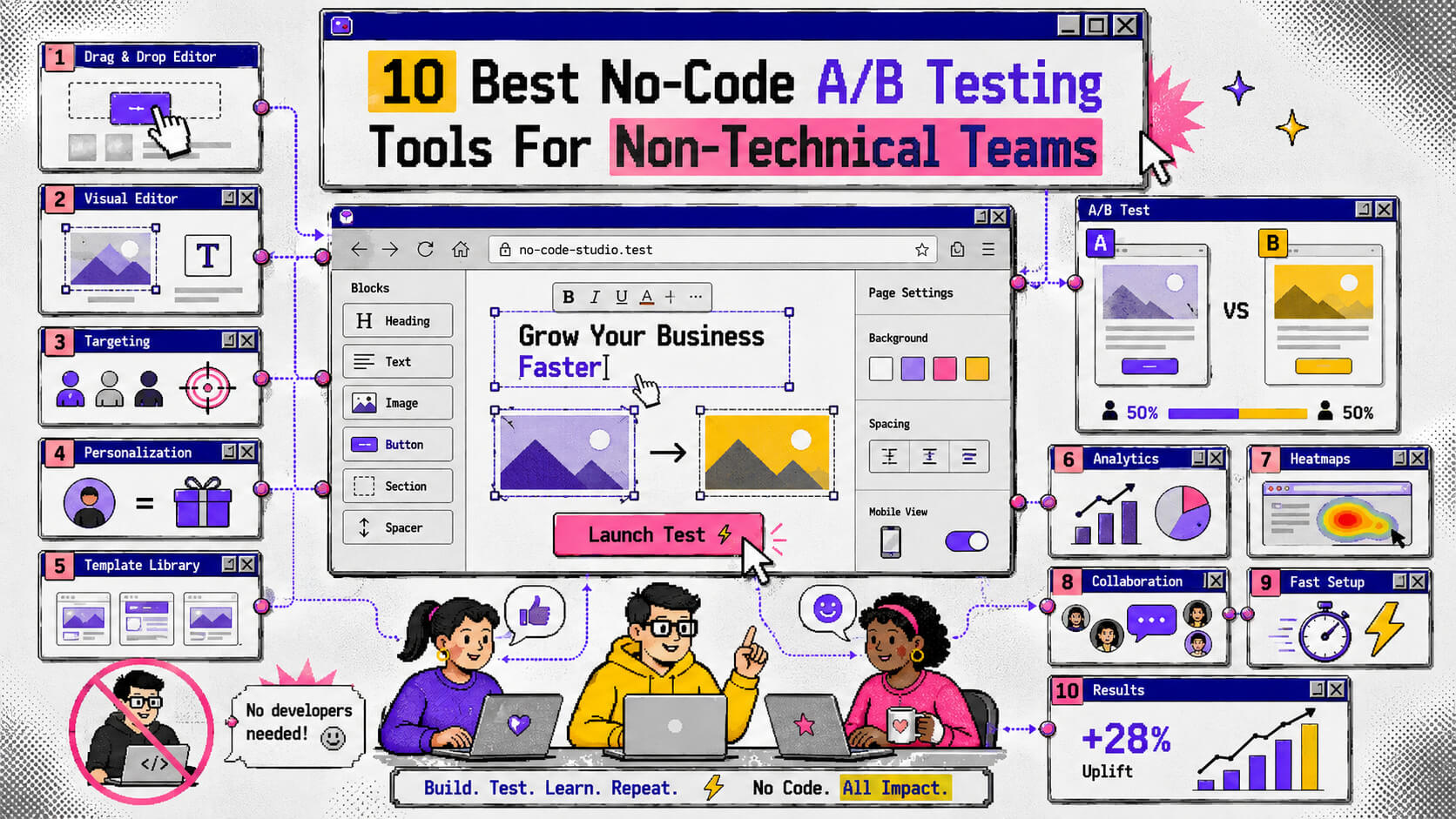
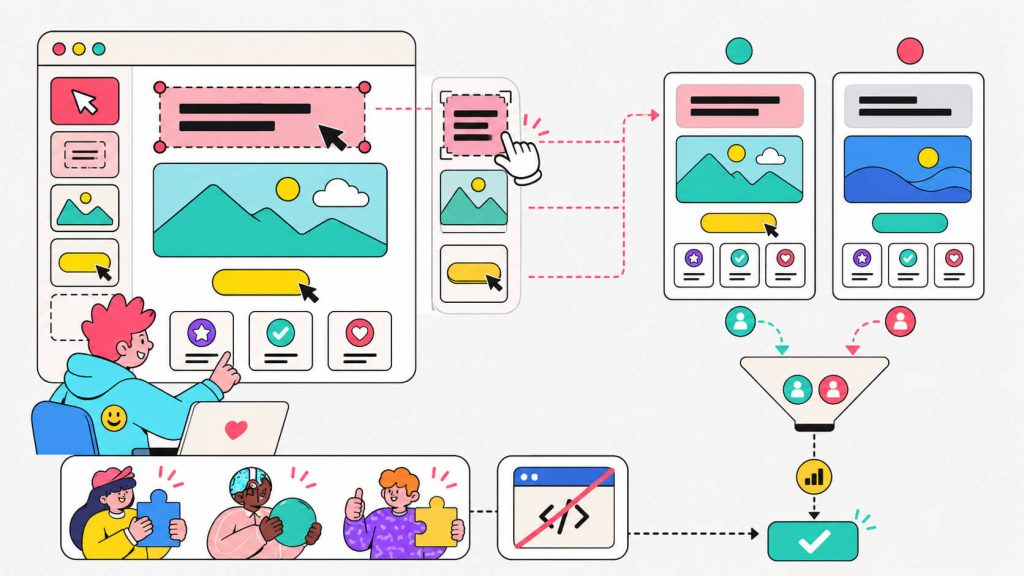
No-code A/B testing tools mainly exist to remove the long waiting period that comes with launching A/B tests that are dependent on developers. You can point, you can click, you can change a headline or swap a hero image or build a dynamic landing page variant for a specific ad campaign, and you’re live in minutes instead of sprints.
But “no-code” gets slapped on a lot of software these days, and not all of it actually holds up once you’re the one dragging elements around a real page.
We tested, read reviews on, and dug through forums for a long list of these tools to figure out which ones actually deliver on the no-code promise.
Here are the 10 that came out on top.
On This Page
How We Chose These Tools
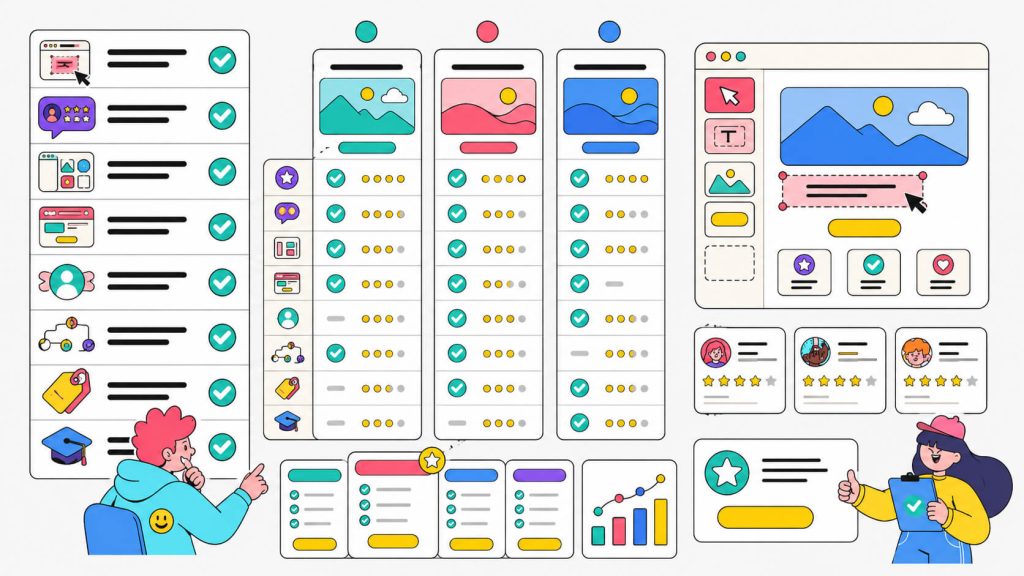
Before it landed on this list, every tool here had to clear a few bars:
The visual editor actually works without code:
Many so-called no-code A/B testing tools are actually mostly no-code with the important stuff gated behind a developer. We looked at whether a marketer with zero HTML experience could realistically launch and edit a test alone.
Real users back it up:
We pulled from G2, Capterra, and Reddit threads where marketers talk about tools without a vendor watching.
It supports more than button colors:
Dynamic landing pages, personalization by audience or referral source, and multivariate testing were all weighed in, since most teams eventually want more than a red-vs-green CTA button test.
Pricing is findable:
If we had to email sales three times just to get a number, that’s a mark against a tool meant for non-technical teams trying to move fast.
The learning curve is genuinely short:
We looked for tools you could be running a live test in within a day.
You’ll notice that some big enterprise names got left off on this list. That’s not because they’re bad, but because they’re built for teams with a dedicated CRO department and a developer on standby, which is the opposite of who this list is for.
On to the tools.
1. CROLabs
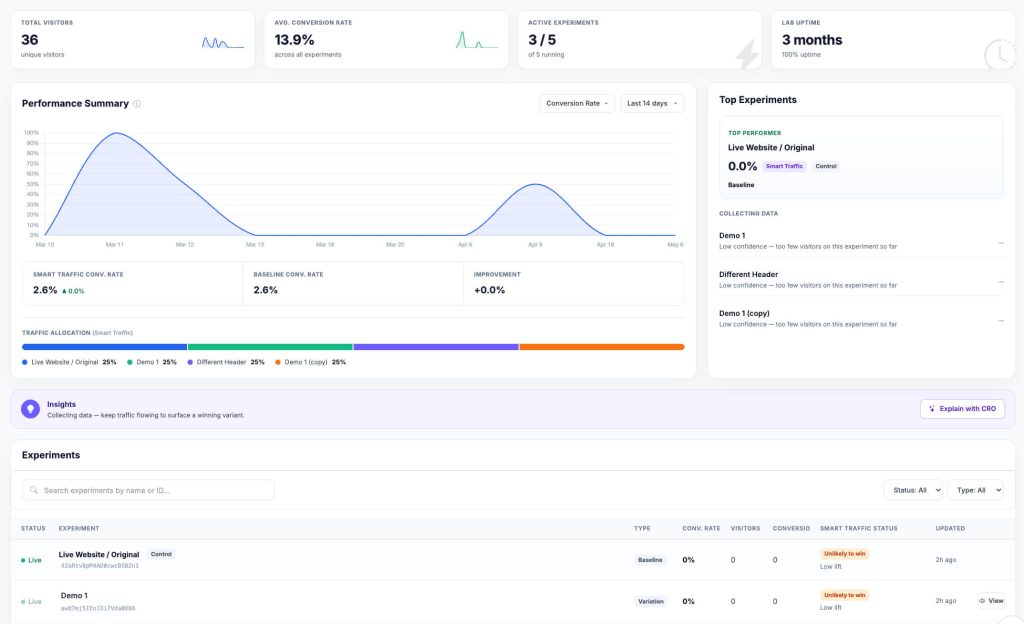
CROLabs is an AI-powered CRO platform built specifically so marketing teams don’t need a developer in the loop for testing. Just by installing the JavaScript snippet, you get the visual editor, A/B testing, multivariate testing, and personalization all working out of the box with no code editing required.
What sets it apart from a lot of the platforms on this list is the AI Advisor. It crawls your pages, benchmarks them against CRO best practices, and hands you a list of what’s actually costing you conversions. The list is a prioritized one and is ranked by estimated impact.
You can turn a lot of those recommendations directly into a test without building the hypothesis from scratch yourself, and this matters especially if you’re a small team without a dedicated CRO strategist. Reviewers switching over from pricier platforms have specifically called out that combination of AI-flagged fixes plus straightforward testing as the reason they stuck around after the trial.
Features:
- Visual, no-code editor for building A/B and multivariate tests
- AI Advisor that audits pages and suggests prioritized, test-ready fixes
- Conversion tracking (clicks, form submissions, scroll depth, time on page)
- Personalization by device, screen size, and referrer
- Asynchronous script, so no flicker and no Core Web Vitals hit
- GA4 integration via automatic experiment URL tagging
Pricing:
Free trial available.
- Basic: €99/month, 3 domains, 30k tested users, 200 AI Advisor credits
- Scale: €219/month, 5 domains, 80k tested users, 500 AI Advisor credits, adds auto-stop rules
- Pro: €359/month, 10 domains, 150k tested users, 1,000 AI Advisor credits, video call support
- Enterprise: custom pricing, dedicated infrastructure and account management
2. VWO
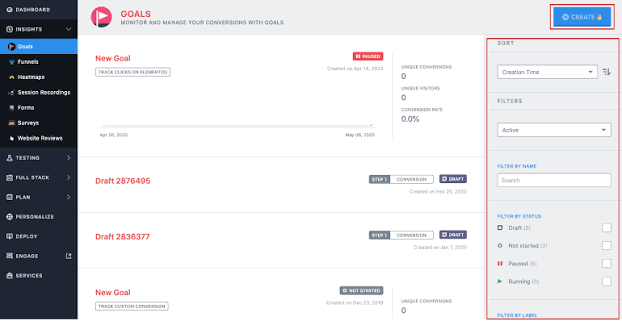
VWO has been around since 2010. It launched as Visual Website Optimizer, which tells you exactly what it was built to be. It’s probably also the name that comes up most often when marketers ask each other for recommendations.
The visual editor is consistently the thing praised first, usually before they even mention what the tool actually tests. Users describe setting up a test in minutes, not hours, and specifically call out that they didn’t need to loop in a developer to do it.
From our testing, we can verify that all of this is true. But the tradeoff, and one of the reasons it’s not number one on this list, is price.
Once you’re past the free tier, VWO gets expensive fast. We can tell you (and more than one reviewer has flagged) that the cost climbs quicker than the value does once you’re running server-side tests or want deeper personalization.
Features:
- No-code WYSIWYG editor for building test variants
- A/B, multivariate, and split URL testing
- Built-in heatmaps, session recordings, and funnel analysis
- SmartStats (Bayesian statistics), so results are easier to read without a stats background
- FullStack option for server-side and mobile testing when you outgrow the visual editor
- Broad integration library (HubSpot, GA4, Shopify, and others)
Pricing:
Free trial available.
- Paid plans: start around $299/month and scale with traffic and feature depth
- Enterprise: custom pricing for FullStack, advanced personalization, and dedicated support
3. AB Tasty
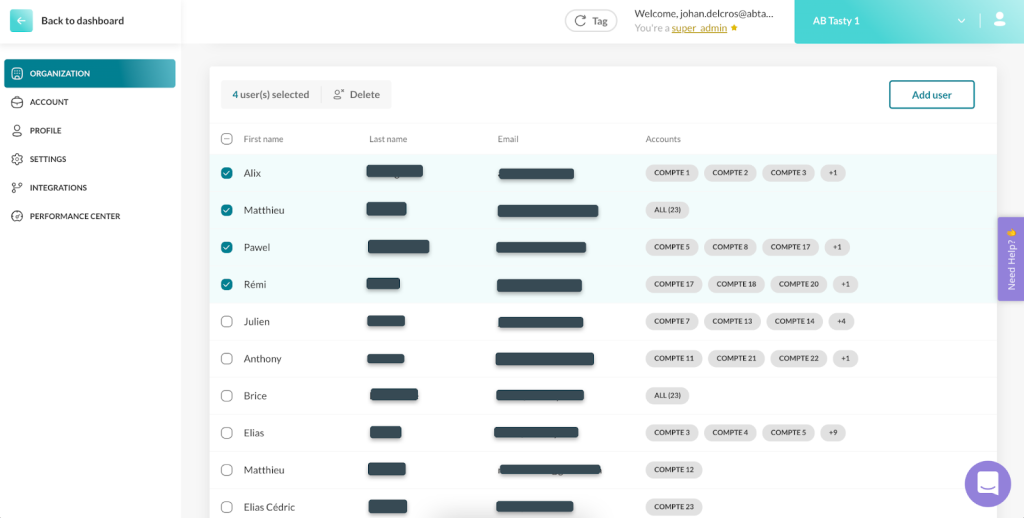
AB Tasty leans harder into personalization than most tools on this list, which makes sense given it started life as a French CRO platform focused on emotion-driven segmentation.
We found that the visual editor lets you build and modify tests without writing anything, and reviewers agree because they consistently say the learning curve is manageable for marketers, even if the personalization side takes longer to master than the basic testing does.
Where it gets tricky is the pricing. AB Tasty is quote-only, and depending on where you look, contracts have been reported anywhere from the tens of thousands to well over $100,000 a year. That puts it firmly in mid-market-to-enterprise territory rather than something a five-person marketing team spins up on a Tuesday.
Features:
- Visual editor for no-code A/B and multivariate testing
- AI-powered visitor segmentation based on behavior and inferred intent
- Personalization engine for dynamic landing pages and content
- Audience targeting and reporting dashboards
- Server-side testing available for more technical use cases
Pricing:
- Custom quote only, no published tiers
- Reported annual contracts commonly range from roughly $40,000 to $150,000+, so it’s worth getting multiple quotes before you commit
Looking For An Affordable Personalization Option?
4. Convert Experiences
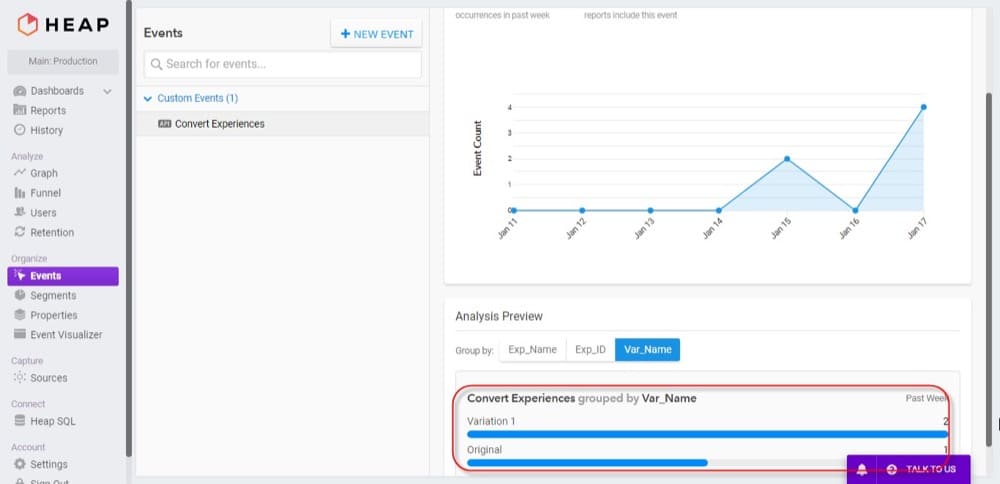
Convert has been in this space for over 15 years, and it shows in a good way. It doesn’t try to be flashy. It tries to be dependable, and CRO agencies running experiments for multiple clients specifically call out how quickly junior team members pick it up.
One agency described the setup process as straightforward enough that new hires could run experiments with minimal ramp-up time.
It’s also one of the few tools on this list that leads with GDPR compliance as a selling point, which matters if you’re serving European traffic and privacy is more than a checkbox for your legal team.
Features:
- Visual editor plus optional code editors for teams that eventually want more control
- A/B, multivariate, and split URL testing
- Advanced audience targeting (device, geography, behavior, UTM parameters, custom JS)
- Revenue and goal tracking with GA4, Shopify, and WooCommerce support
- Built on Akamai’s CDN, so page load impact from tests is minimal
- 90+ integrations plus an open API
Pricing:
- Convert publishes flat-rate, all-features-included pricing rather than gating testing behind higher tiers, which is rarer in this category than it should be. Current rates are best confirmed on their pricing page since traffic-based tiers shift, but reviewers consistently flag it as one of the more transparent options here.
5. Optimizely
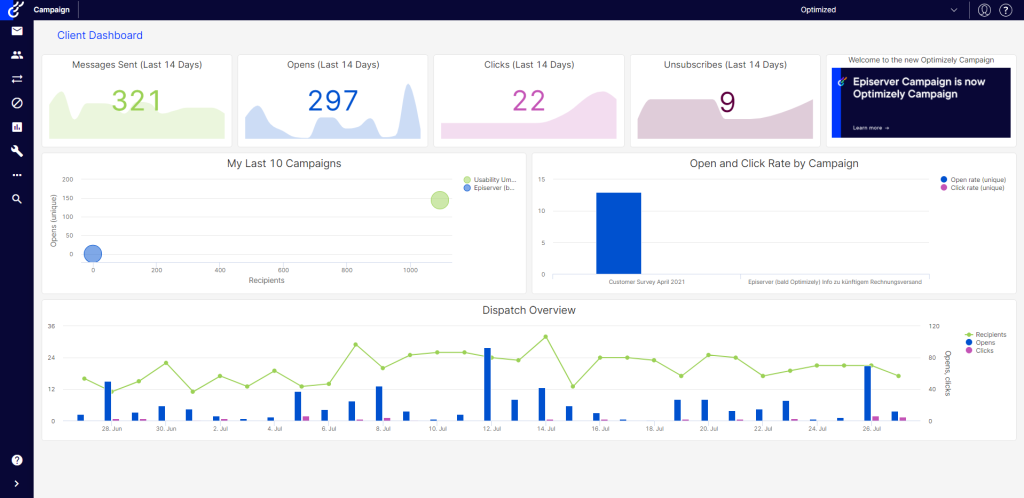
Optimizely is the tool most people have heard of even if they’ve never used it. It’s the enterprise standard, and it earns that reputation with a strong visual editor. The 2025 update moved from an iframe-based editor to a direct overlay, which earned it a strong approval from us, and reviewers say made on-page editing feel far more native.
Another win for Optimizely is it’s sequential testing. It means your team can check in on a live test without inflating the false positive rate, something a lot of classic testing tools in Optimizely’s tier still get wrong.
The catch, and it’s a big one for this list, is that Optimizely is built for teams with real experimentation maturity.
Our verdict is that it’s a strong platform if your organization is set up to extract full value from an expensive pricing model, and underwhelming if it isn’t. For a lean, non-technical team just getting started, it’s usually more tool (and more cost) than needed.
Features:
- No-code visual editor for marketers plus full-stack SDKs for developers
- Multi-armed bandit testing, which shifts traffic to winning variants automatically
- Stats Engine with sequential testing support
- Personalization and feature flagging in the same platform
- CDN-based delivery for fast, flicker-free client-side tests
Pricing:
- Custom quote only. Buyer data sourced from Vendr puts standalone Web Experimentation contracts anywhere from roughly $40,000 to $150,000+ per year, with multi-year terms often discounted 20 to 30%.
Need Enterprise Features Without Enterprise Pricing?
Get visual A/B testing, personalization, multivariate testing, and AI-driven optimization without the high costs or steep learning curve.
6. Crazy Egg
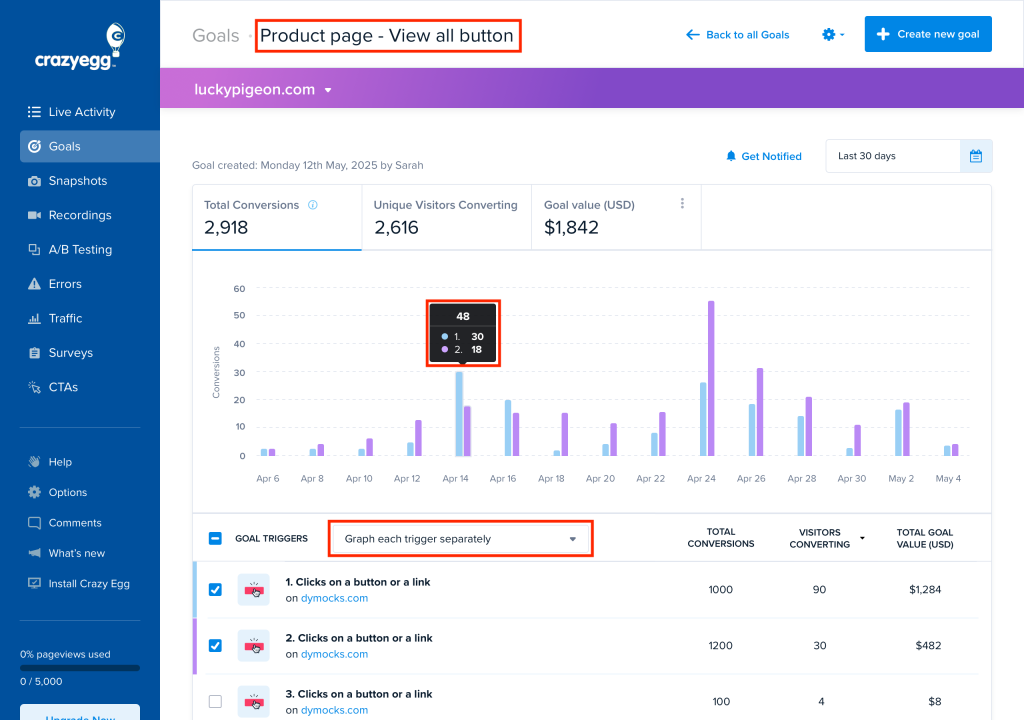
Crazy Egg started as a heatmap tool and A/B testing came later. What we like about this is that you can feel that heritage in how it’s built. It’s less about running a large concurrent testing program and more about giving a small team an affordable, all-in-one way to see what’s happening on a page and test a fix quickly.
It’s also one of the only tools on this list with fully public, no-call-required pricing, which reviewers repeatedly mention as a relief after shopping around tools that hide their numbers behind “Contact Sales”.
The honest limitation is that if you outgrow simple A/B tests and want multivariate testing, deeper statistics, or server-side experiments, you’ll hit a ceiling here faster than with VWO or Convert.
Features:
- Heatmaps, scrollmaps, and confetti reports alongside A/B testing
- No-code test builder for page variants
- Session recordings to pair qualitative insight with test results
- Traffic analysis by source
- Unlimited A/B testing on most plans
Pricing:
- Plans start at $29/month and scale based on tracked pageviews and feature access. Pricing is published openly on their site, no sales call required.
7. Unbounce
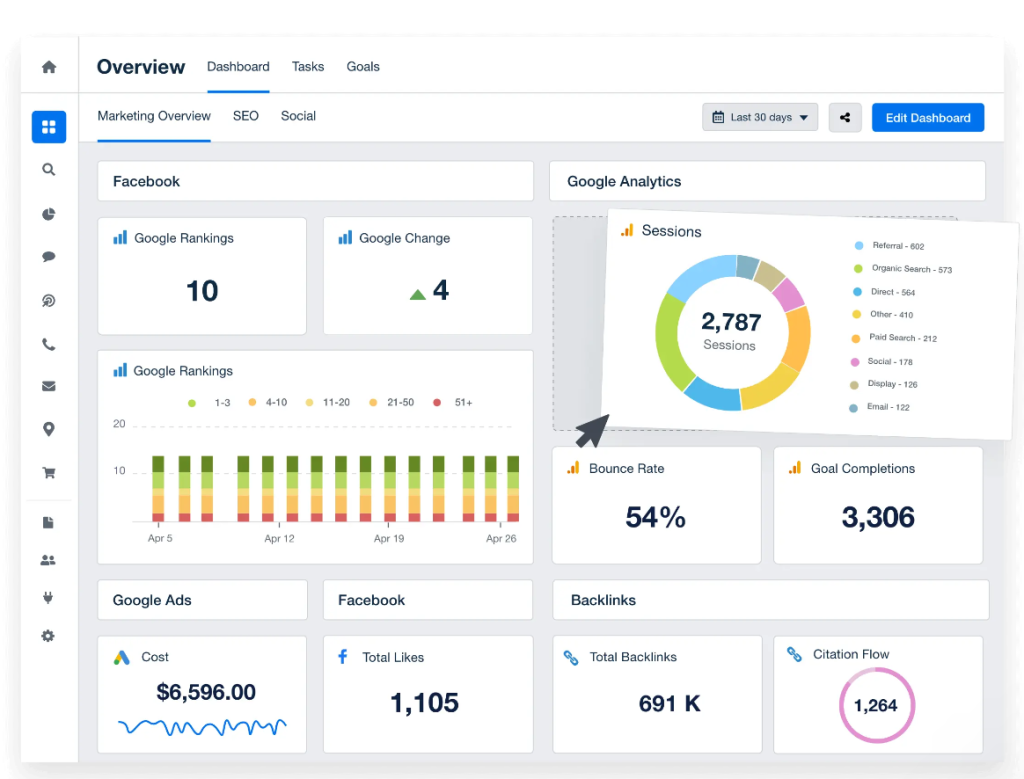
Unbounce is one of the original landing page builders (launched in 2009) and it’s still one of the go-to picks for teams that live and die by paid campaigns.
Reviewers consistently rate the drag-and-drop editor as intuitive, and Dynamic Text Replacement lets you automatically swap headline copy to match whatever keyword a visitor searched before clicking your ad. This is a genuinely useful no-code way to boost landing page conversion rate on PPC traffic specifically.
Smart Traffic, its AI routing feature, should be mentioned here too. It automatically sends visitors to whichever page variant is statistically likely to convert them best, and that helps you if your traffic volume isn’t quite high enough for a clean, traditional A/B test to reach significance quickly.
One con, however, was flagged by one of its users. They mentioned that the page load speed can lag slightly compared to a lean custom-built site, though they noted that’s mostly a non-issue if the pages are built for paid traffic rather than organic SEO.
Features:
- No-code drag-and-drop landing page builder
- Built-in A/B testing and Smart Traffic AI routing
- Dynamic Text Replacement for ad-to-page keyword matching
- Popups and sticky bars included natively
- AI copywriting tools built into the editor
- Unlimited landing pages on paid plans
Pricing:
- Plans start around $99/month, scaling with visitor volume and features like Smart Traffic
8. Instapage
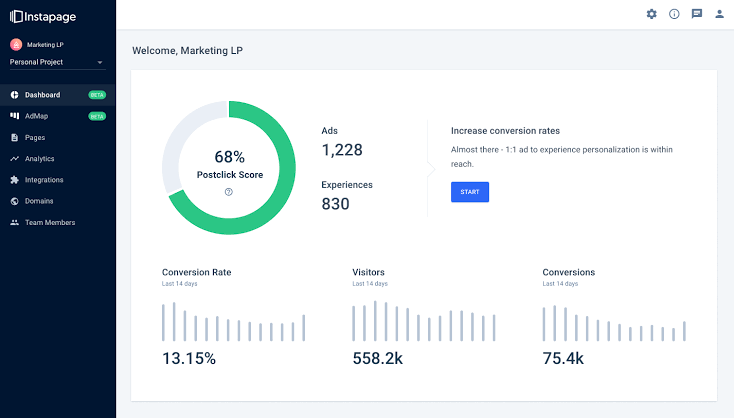
Instapage goes further than Unbounce on personalization. Rather than just testing one page against another, its personalization engine can swap images, copy, and CTAs based on UTM parameters, audience segment, or referral source, all without a developer touching anything.
A supplements brand, for example, could show one hero image to visitors from a fitness ad and a completely different one to visitors from a weight-loss ad. It’s the same URL but different user experiences entirely.
It’s also built for teams managing landing pages at real scale. Global Blocks let you update a shared element, like a footer or testimonial section, across every page at once instead of editing each one individually. The tradeoff is cost: it runs meaningfully higher than Unbounce, and visitor caps on lower tiers can force an upgrade sooner than teams expect.
Pro Tip: If you want a tool that gives you the no-code dynamic pages/personalization capabilities while being affordable, CROLabsis your guy.
Features:
- No-code drag-and-drop builder with Instablocks (reusable, pre-designed sections)
- Global Blocks for updating shared elements across pages at once
- Unlimited A/B testing on higher-tier plans
- Personalization engine based on UTM parameters, audience, and referral source
- Heatmaps and detailed analytics built in
- Collaboration and approval workflows for teams
Pricing:
- Instapage doesn’t publish full pricing tables. Plans are generally quote-based once you’re past the entry tier, and reviewers consistently note it costs more than Unbounce, positioning it as the choice once you need enterprise-level personalization rather than basic testing.
9. Zoho PageSense
If your team already lives inside the Zoho ecosystem, PageSense is the easy default. Even if you don’t, it’s one of the most affordable full-featured options on this list.
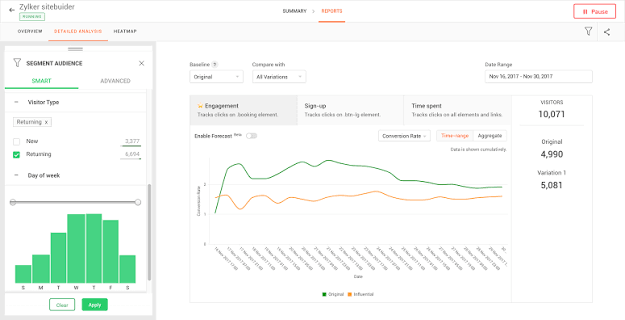
Like CROLabs, it bundles heatmaps, session recordings, funnel analysis, form analytics, and A/B testing into one dashboard, and reviewers specifically like that it doesn’t try to overwhelm a beginner the way some enterprise CRO suites do.
Form analytics is the standout feature that doesn’t get enough credit. It shows you exactly where in a form people abandon, field by field, which a surprising number of CRO tools skip entirely in favor of just tracking whether the form converts or not.
Features:
- No-code A/B testing alongside heatmaps and session recordings
- Form analytics showing field-level abandonment
- Funnel analysis for identifying drop-off points
- Web and mobile analytics
- Segment-based reporting
- Native integration with other Zoho apps
Pricing:
- Starts around $16 to $49/month depending on the source and region, with A/B testing gated to the paid “Optimize” tier rather than available on a free plan
10. Landingi
On this list, Landingi is the budget pick that’s upfront about that positioning. The drag-and-drop editor comes with 400+ templates, and reviewers frequently point out that it saves teams from paying an agency or freelancer just to get a professional-looking landing page live.
It also has a built-in page importer, which is a nice touch. You can drop in a competitor’s or your own old page’s URL, and Landingi rebuilds it as an editable template instead of making you recreate it by hand.
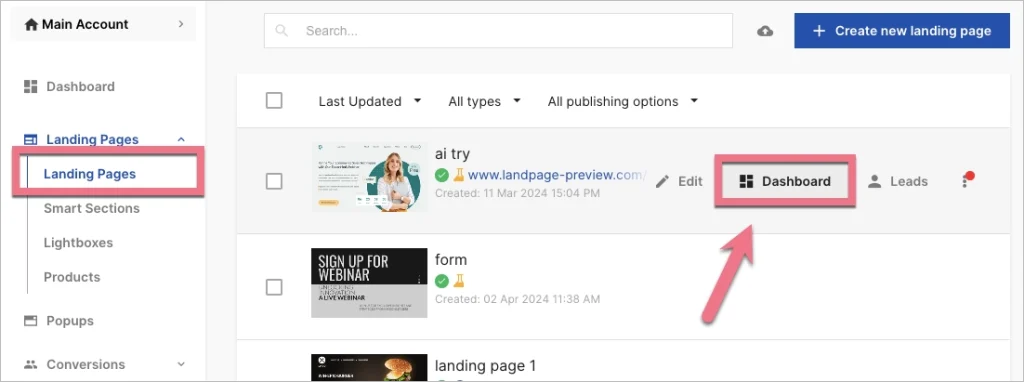
Before you sign up though, you should know that A/B testing isn’t included on the cheapest entry plan. You need to jump to the Optimize tier to unlock it, and depending on how a given comparison prices it out, that can actually land higher than a competitor’s entry-level testing plan. It’s best to check the current tier breakdown before making a decision.
Features:
- No-code drag-and-drop builder with 400+ templates
- A/B testing and Smart Sections (available on mid-tier plans and up)
- EventTracker for micro-interactions like scroll depth and clicks
- Popups and sticky bars with trigger rules
- WordPress plugin for embedding pages without subdomains
- Sub-accounts and white-labeling for agencies
Pricing:
- Entry plan starts around $29/month but does not include A/B testing
- Mid-tier plans that unlock A/B testing, Smart Sections, and higher traffic caps run roughly $119 to $149/month
- Agency and Enterprise tiers scale up to around $299 and $1,199+/month respectively
Conclusion
Sometimes, the right no-code A/B testing pick for your business depends on what you’re actually testing.
If you’re optimizing a homepage or product page and want AI doing some of the strategy work for you, CROLabs or VWO make sense.
If your whole job is landing pages tied to paid campaigns, Unbounce or Instapage will feel more natural than a general-purpose CRO suite.
If budget is the deciding factor before anything else, Crazy Egg and CROLabs‘ affordable pricing are the places to actually start testing this week.
What matters more than the specific tool is that you start. Pick the one that removes the most friction for your team specifically, run the first test on your highest-traffic page, and let the data tell you what to do next.
FAQ
What’s the difference between A/B testing and multivariate testing?
A/B testing compares two versions of a page, changing one element and measuring which version converts better. Multivariate testing changes several elements at once and measures every combination, which is more powerful but needs significantly more traffic to produce a reliable result. If you’re just starting out or have moderate traffic, stick with A/B tests first.
How much traffic do I need before I can trust a test result?
As a rough baseline, aim for at least a few hundred unique visitors per variant before drawing conclusions, and more if the conversion you’re measuring is rare. If a page doesn’t get much traffic, start testing on your highest-traffic pages first so you reach statistical significance faster.
Can no-code tools handle dynamic landing pages and personalization or do I need something custom-built?
Most of the tools here handle this natively now. Instapage and AB Tasty in particular are built around swapping content by audience, referral source, or UTM parameters without any custom development. CROLabs and VWO also support personalization by device, screen size, and referrer on their paid tiers.
Is a free A/B testing tool good enough, or do I need to pay right away?
Free tiers and free trials (CROLabs, VWO, and Crazy Egg’s entry pricing) are genuinely usable for getting your first few tests live and proving the value internally before you ask for a budget. Just know that most free tiers cap your tested users or visits fairly low, so once you’re testing regularly, you’ll likely outgrow them within a few months.
Which tool is easiest for a total beginner to pick up in a day?
Based on user reviews, CROLabs, VWO, Crazy Egg, and Landingi are the ones people most often describe launching a first test with in under a day. Optimizely and AB Tasty have more depth but a longer ramp-up, so they’re better suited to teams that already have some testing experience.