Updated Oct 2026
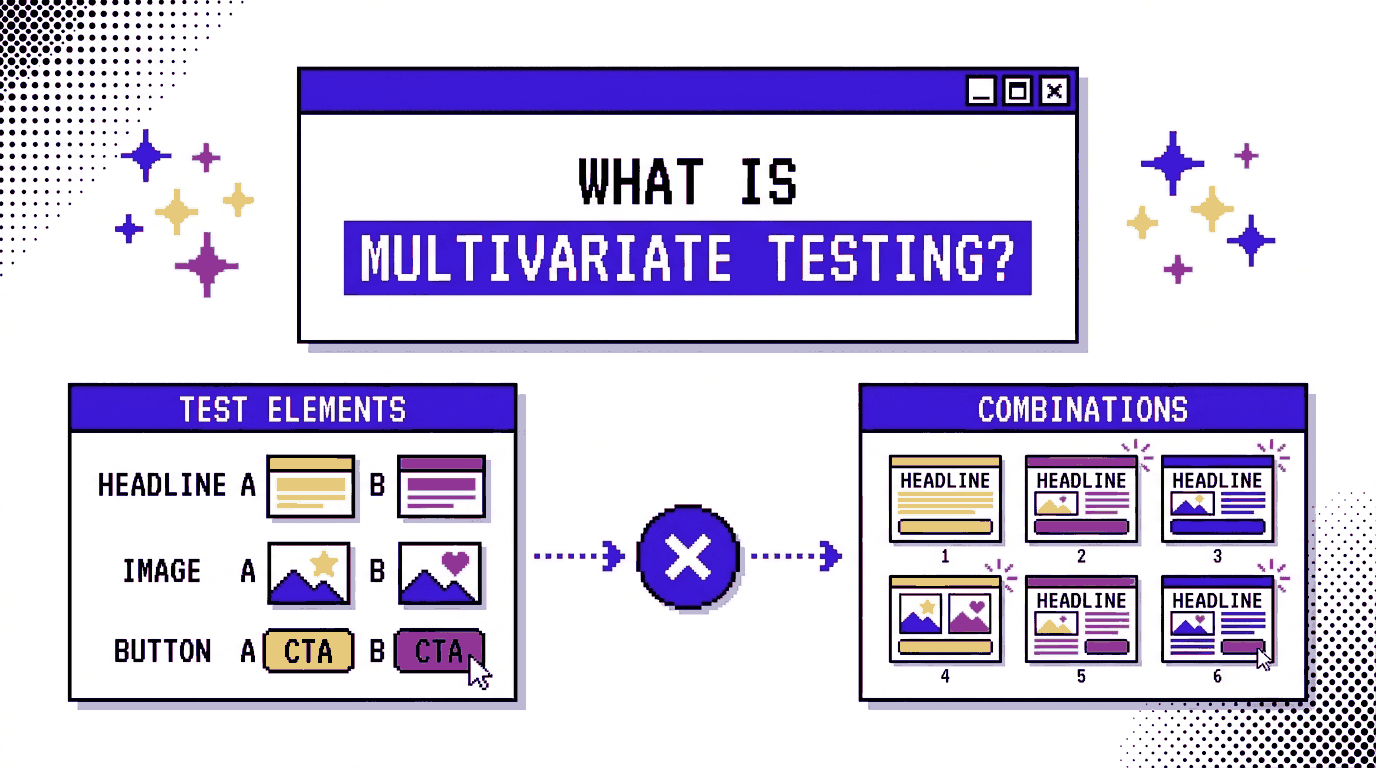
Multivariate testing (MVT), like the name implies, involves testing multiple variables or different versions of several page elements in the same experiment.
You might want to try a new headline, change the hero image, or see whether a different button works better. Each element gets its own set of variations, and visitors see different combinations as they browse the page. By tracking conversions across those combinations, you can find out which version performs best and how the elements affect each other.
For example, imagine testing two headlines alongside two hero images. That gives you four possible page combinations. Adding two button designs doubles the number to eight, and introducing another element with two variations takes the total to sixteen.
The results can tell you more than which combination brought in the most conversions. They also reveal how individual elements perform alongside one another. A headline that focuses on a product’s benefits might get more conversions when paired with a product photo, while the same headline could produce a different result with an illustration. With multivariate testing, you can measure these differences within the same experiment.
On This Page
Key Characteristics of Multivariate Testing
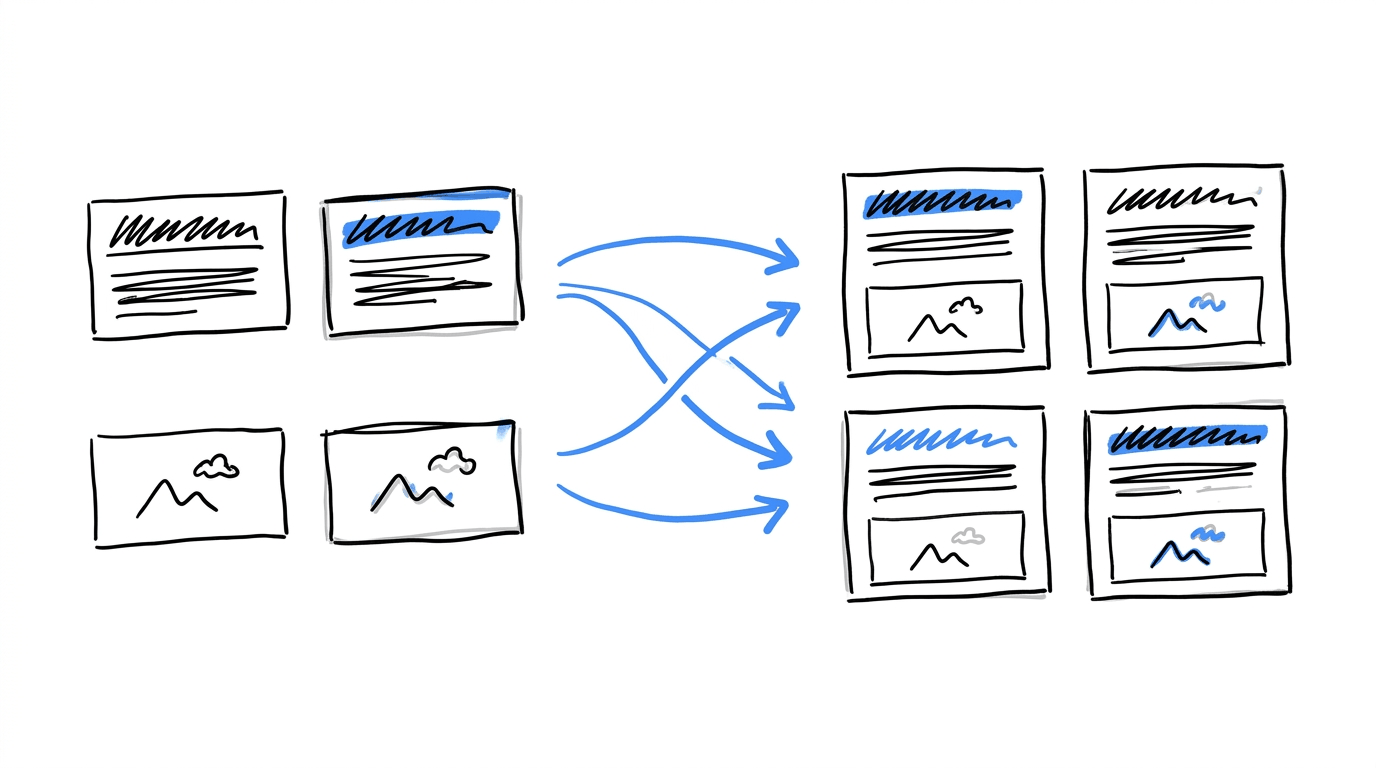
Six features define a multivariate test:
a. Two or more elements per test
The elements can be a headline, a hero image, a button label or a form length, among other parts of the page visitors see.
b. Two or more versions of each element
The original counts as one version, so a headline with one new idea has two versions.
c. Combinations come from multiplication
Two headlines and two button colors produce four variants, and CROLabs builds all four for you.
d. Traffic splits across combinations
Each combination gets its own share of visitors and its own conversion count.
e. Results rank combinations and elements
You see the best-performing combination and how much each element contributed to it.
f. Traffic needs rise with each addition
Every new combination needs a sample of its own, so the visitor requirement grows as the combination count does.
A/B Testing vs Multivariate Testing
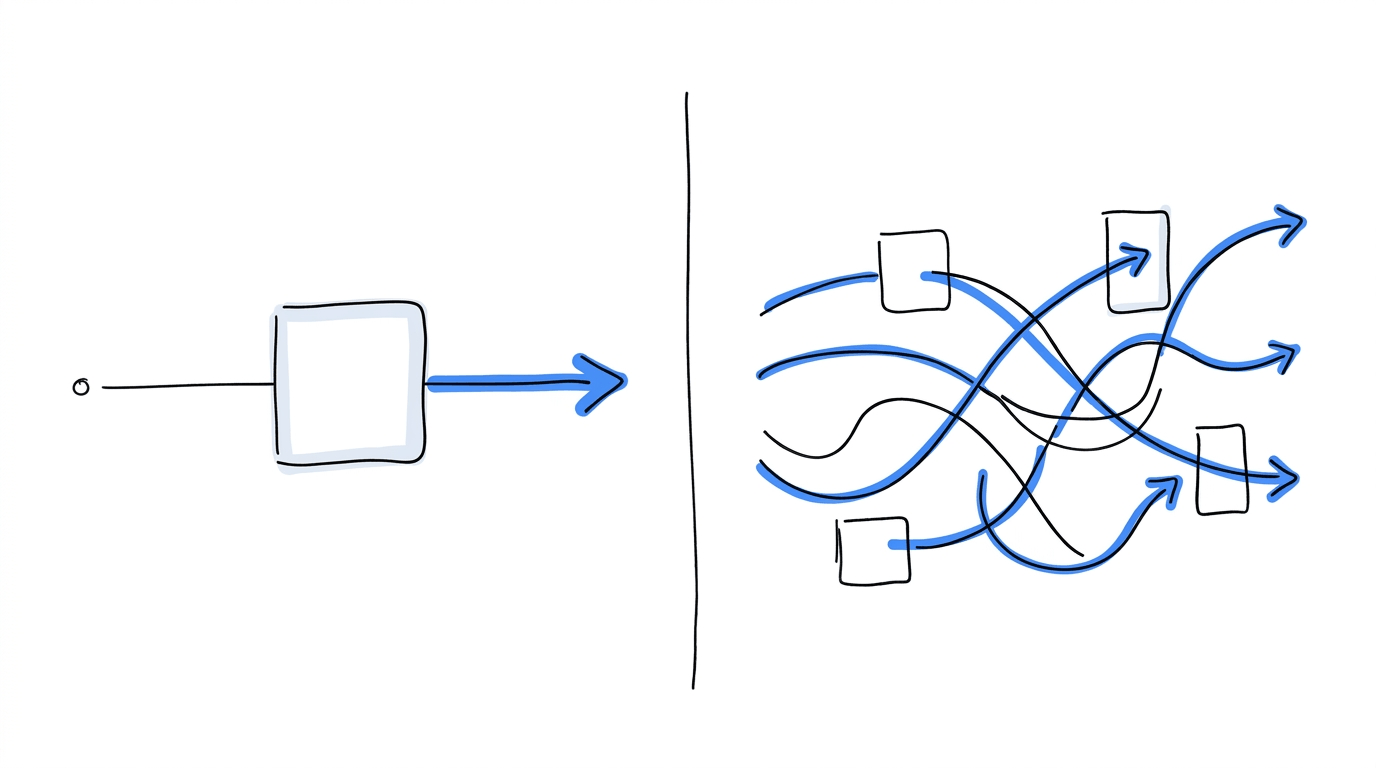
In an A/B test, one change separates the control from the variant, so any gap in conversions points to that change. Multivariate tests alter several elements together. The analysis then divides the gap among the elements and their pairings.
Traffic decides which method fits a page. CXL explains that the larger number of variations in a multivariate test needs significant traffic to produce reliable results, and Optimizely names traffic as the single biggest limitation of the method. Many teams therefore run A/B tests on a page first and bring in MVT once the page has the visitors to support it. The full comparison between A/B testing and multivariate testing goes through traffic, speed and setup in more depth.
| A/B test | Multivariate test | |
|---|---|---|
| Elements changed | One | Two or more |
| Versions built | A control and one or a few variants | Generated from the combinations |
| Question answered | Which version converts better | Which combination converts best, and how the elements interact |
| Visitors needed | 300+ per variant | 300+ per combination |
| Best fit | A clear hypothesis about one element | Several elements that may influence each other |
Ready to test different page combinations?
Use CROLabs to build both a/b and multivariate tests directly on your website. Create variations in the visual editor, let the platform generate the combinations, and track how each one affects conversions.
How to Calculate the Required Number of Versions for a Multivariate Test
Before launching a multivariate test, you need to know how many element combinations you’ll be testing, how much traffic the experiment requires, and how long it will take to collect that traffic.
You can work this out with three calculations:
- 1. Calculate the total number of combinations. Multiply the number of versions for each element together. For example, testing three headlines and two hero images gives you six combinations. The existing version of an element counts as one of its versions.
- 2. Work out how many visitors you need. Multiply the total number of combinations by the minimum number of visitors required for each one. CROLabs uses 300 unique visitors per combination, with 95% statistical confidence as the minimum threshold.
- 3. Estimate how long the test will run. Divide the required number of visitors by the page’s weekly traffic, then round up to the next whole week.
The following examples use hypothetical websites to show how these calculations work in practice.
Example 1: A Tutoring Sign-Up Page
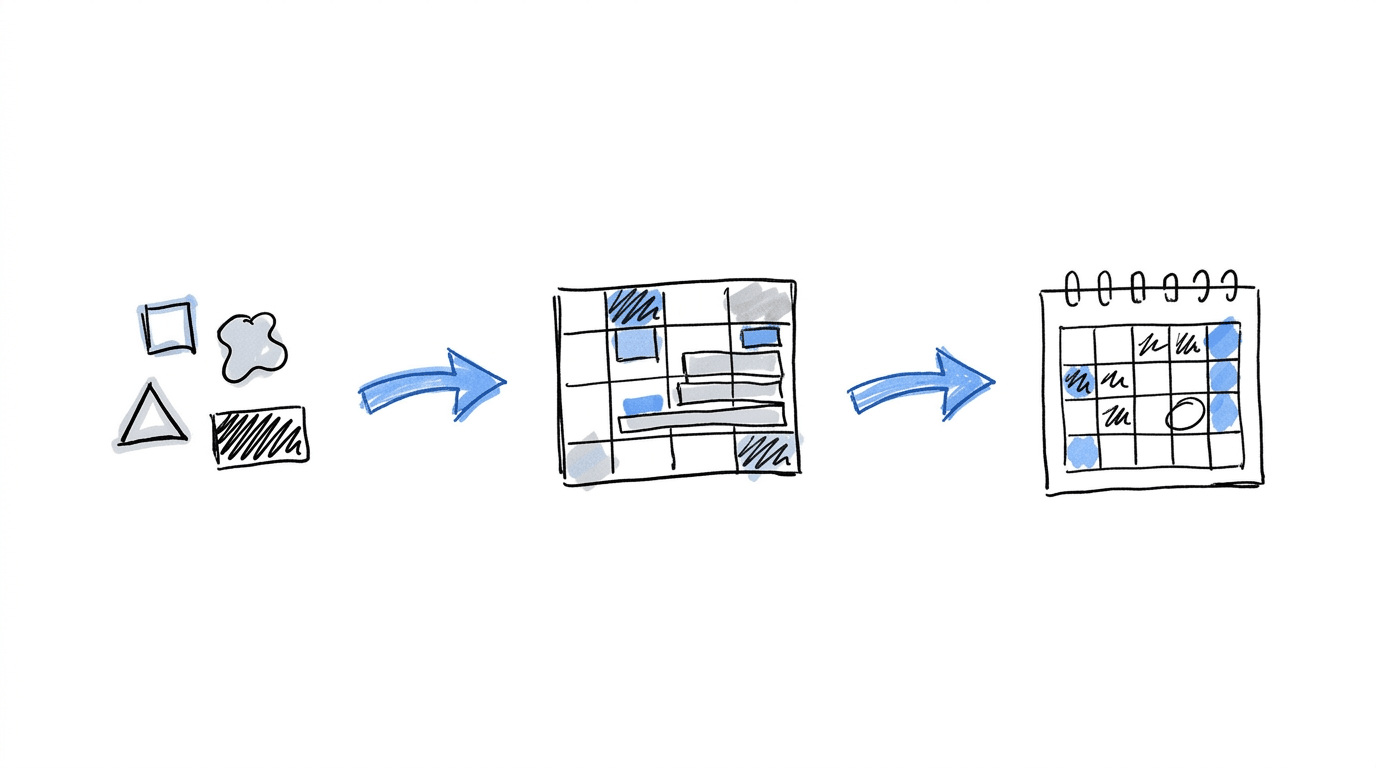
Suppose you’re testing a tutoring website’s sign-up page and want to compare three headlines with two hero images.
That gives you six combinations (3 × 2). With a target of 300 unique visitors per combination, you’ll need 1,800 visitors to complete the test.
If the page attracts 600 visitors each week, you can expect to reach that target in three weeks.
Now, say the page currently converts 5% of its visitors. At that rate, each combination would generate around 15 conversions from its 300 visitors. You’ll have the traffic needed to evaluate the variations, although the number of conversions will also affect how clearly you can identify differences in performance.
Example 2: A Conference Registration Page
For a conference registration page, you decide to test three headlines, two hero images, and two versions of the registration form: one shorter and one longer.
The test now has 12 combinations (3 × 2 × 2), requiring 3,600 unique visitors at 300 per combination. If the page receives 900 visitors a week, you’ll need four weeks to reach the target.
Adding another element with two versions would increase the total to 24 combinations. The visitor requirement would rise to 7,200, extending the estimated test duration to eight weeks at the same traffic level.
As you add elements, the number of combinations grows quickly. That’s why it’s worth calculating your traffic requirements before choosing which parts of a page to test. You’ll have a clearer idea of whether the experiment fits your available traffic and timeline.
| Elements and versions | Combinations | Visitors at 300 each | Weeks at stated traffic | |
|---|---|---|---|---|
| Example 1 | Headline (3) × image (2) | 6 | 1,800 | 3 (600/week) |
| Example 2 | Headline (3) × image (2) × form (2) | 12 | 3,600 | 4 (900/week) |
As you add more elements or introduce extra versions, the number of combinations can grow fast. For instance, testing five elements with three versions each creates 243 combinations. Each one needs enough traffic to produce useful results, so an experiment of this size calls for a page with substantial visitor numbers.
A Practical Ecommerce example shows why the length of a test matters. The experiment split 10,000 monthly sessions across four combinations, giving each one 2,500 sessions. After the first month, one combination appeared to be the strongest performer. When the team included a second month of data, another combination came out ahead. The early results had pointed in a different direction, which shows how the outcome of a test can change as more data comes in.
Reading Results: Main Effects and Interaction Effects
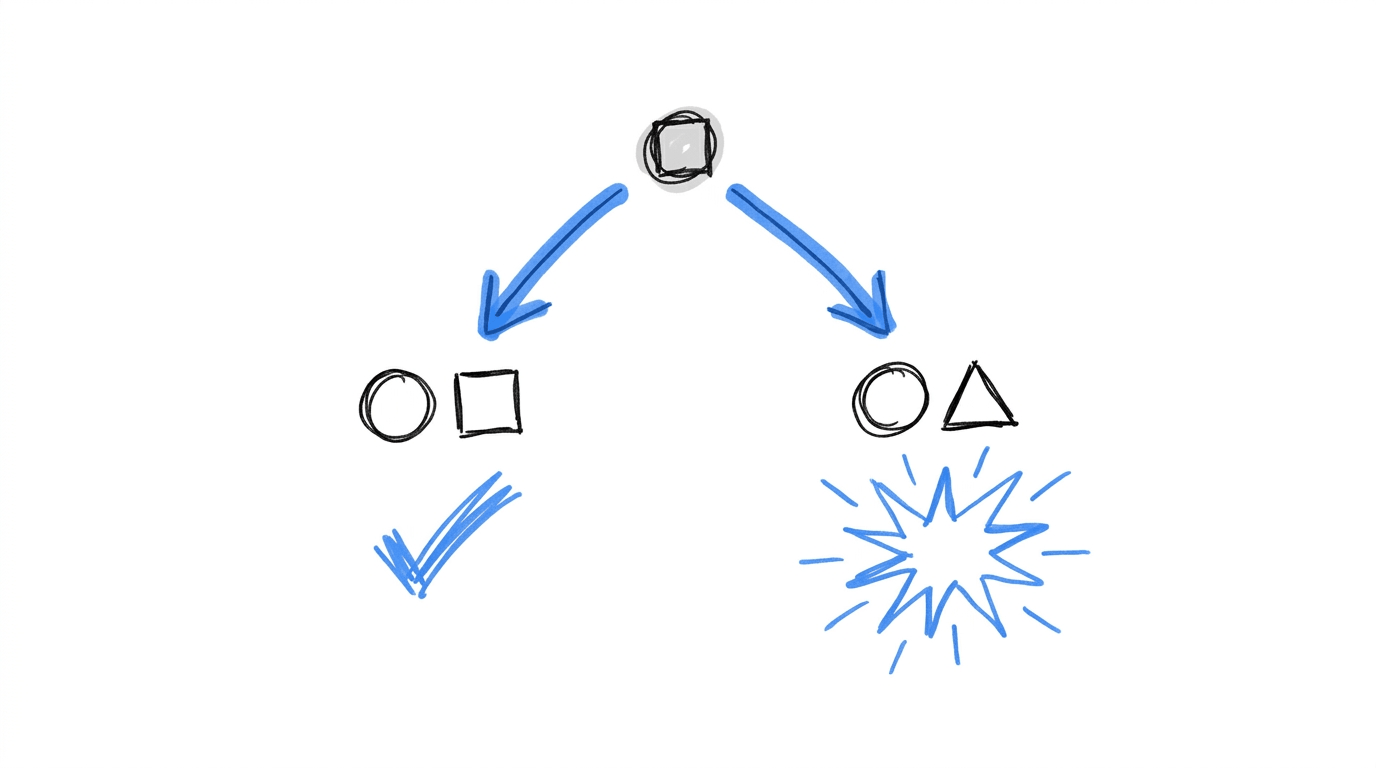
A multivariate test produces two kinds of findings. A main effect is the lift one element’s versions deliver across all the combinations they appear in. An interaction effect appears when a pairing changes the outcome, so the same headline performs differently depending on the image beside it.
Interaction effects are the reason MVT exists. Convert describes a sequence of separate tests, a headline test followed by an image test with the headline winner in place. A headline that lost the first round might have paired better with the winning image, and the sequence never tests that pairing. A glossary entry from Hawky gives a related example, in which a plated-meal image lowered results whichever headline appeared with it. Only the per-element view shows a pattern like that.
To read your own results:
- Confirm that each combination reached its minimum sample. Calling a test early produces unreliable winners, which is covered in when to stop your experiment early.
- Check the ranking of combinations against the control.
- Look at the per-element lift to see which headline, image or button carried the result.
- Compare the two views. A top combination built from elements that rank lower individually points to an interaction.
Plan your next multivariate test with CROLabs
Work out how many combinations your page needs, then use CROLabs to build and run the experiment. The platform handles the combination setup and tracks conversion results for you.
When Should You Run a Multivariate Test?
A multivariate test fits a page when these conditions hold:
- The page has the traffic. Every combination needs its 300 visitors inside a window you can wait out.
- The elements influence each other. A headline and its hero image share one area of the page and shape one message, so they belong in the same test.
- An A/B test has already found a direction. MVT then refines the winner by testing finer variations together.
- A redesign needs priorities. Optimizely points out that multivariate results help target redesign effort at the elements with the most impact.
MarketingSherpa’s case study of BusinessSummaries.com, published in 2007, shows the method at scale. The site tested headlines, banners, pricing and bonus offers on its subscription page, served the test to 110,000 visitors over a few weeks, and recorded a 697% revenue lift. One finding came from an element that failed to help, since adding more testimonials did not raise conversions.
Choosing elements that belong in the same test
Pick two or three elements from the same area of the page, and write two versions of each. Let your analytics and heatmaps point to where visitors drop off, since that tells you which area deserves the test. The CRO Advisor can also rank the issues on a page, which gives you a list of candidates before you commit traffic to any of them.
Low-traffic pages
A page that cannot fill its combinations in a reasonable time suits a sequence of A/B tests better. The types of CRO tests overview covers the other formats available for that situation.
Multivariate Testing with CROLabs
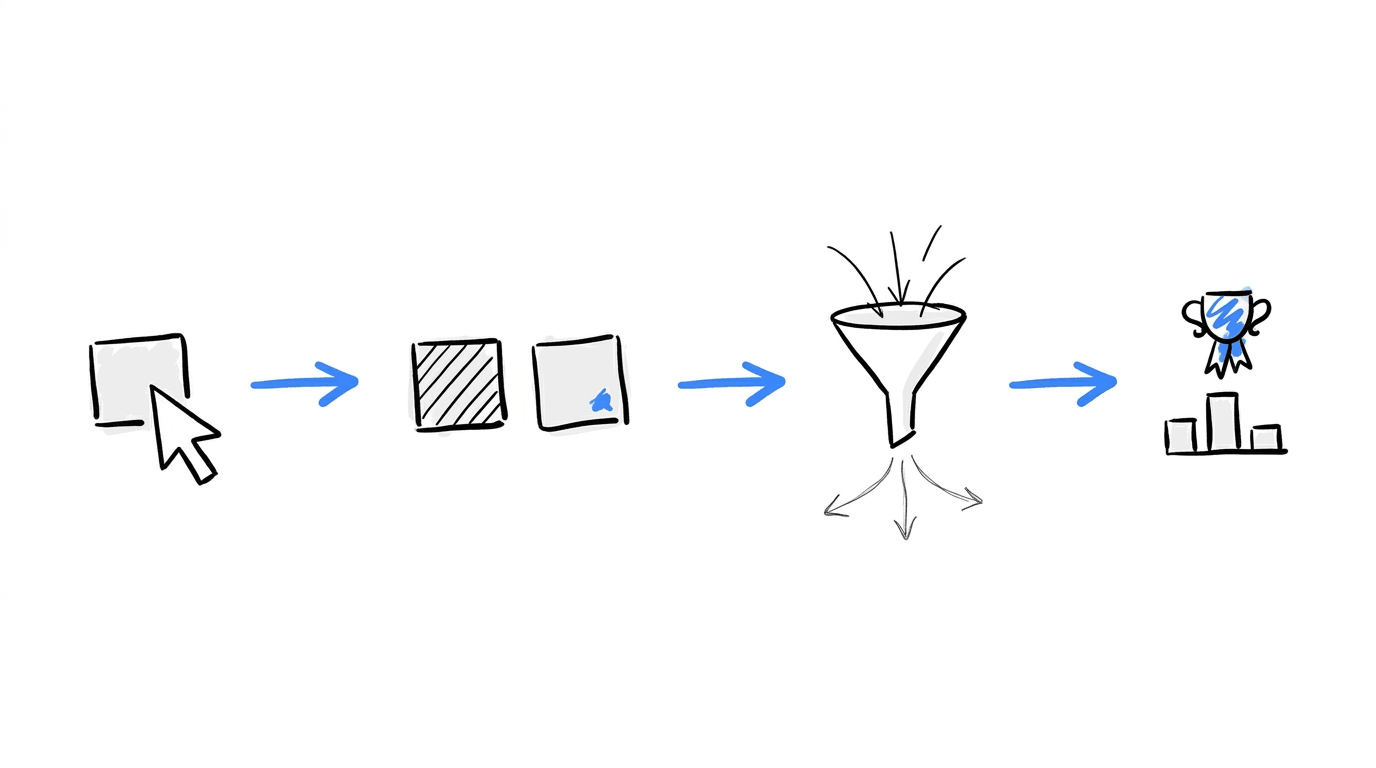
CROLabs handles the combination math inside its multivariate testing feature. The workflow has five steps:
- Pick the elements. Select the parts of the page to test, such as headlines, CTAs, images or full sections.
- Create the versions. Write two or more alternatives for each element in the visual editor, where you click the element on your live page and edit it.
- Let CROLabs build the combinations. Two headlines and two button colors become four variants without manual setup.
- Let traffic split. Each combination receives its own share of visitors, and conversions are tracked per combination.
- Read the ranking. Results show conversion rate, uplift and statistical confidence for each combination in one view.
Three controls protect the test while it runs. Auto-stop rules pause the experiment when it reaches the target sample size or when a combination falls below a performance threshold. Scheduling limits the test to chosen days or hours, which suits promotions with fixed end dates. Traffic control starts the test with a small share of visitors and scales up once the setup is confirmed.
Multivariate testing is included on all plans, the Free plan among them. That plan has a one-time limit of 10,000 tested users, enough to cover Example 2 above with room left over. CROLabs does not collect personally identifiable information and is hosted in the EU, so the tracking itself needs no entry in your cookie banner. You can start a multivariate test for free and have the first one running within minutes.
Conclusion
Multivariate testing multiplies the versions of several elements into combinations, splits visitors across them, and reports both the best combination and what each element contributed. The cost is traffic, since each combination needs its own sample, so the version count deserves a calculation before any build work starts. Pages with enough visitors and elements that influence each other get the most from the method, and the rest of the testing program can run on A/B tests and the broader practice of conversion rate optimization.
Run Multivariate Tests On Your Website Today
FAQs
What is multivariate testing in simple terms?
Multivariate testing changes several parts of a page at once and measures every combination of those changes. The result names the best combination and shows how much each element added to it.
How do I calculate the number of combinations?
Multiply the number of versions of each element, counting the original as one. A headline with three versions and an image with two versions gives six combinations.
How much traffic does a multivariate test need?
CROLabs sets the minimum at 300 unique visitors per combination, with 95% statistical confidence on the leading result. A test with 12 combinations therefore needs at least 3,600 visitors.
How long should a multivariate test run?
Run it until every combination reaches its visitor minimum and the leader reaches 95% confidence. For most pages that takes two to six weeks, depending on traffic.
Can I run a multivariate test and an A/B test on the same page?
Yes, provided the two tests change different elements. Overlapping changes would mix the results of both.
What if no combination beats the original?
That outcome tells you the tested changes do not improve conversions for your audience. Record the result and use it to shape the next hypothesis.
Is multivariate testing available on the CROLabs free plan?
Yes. The Free plan includes it, with a one-time limit of 10,000 tested users.